
Confirm shifts
Employees can see upcoming rostered shifts and confirm when they are available to work.

Dashify Mobile App
Give admins the tools to manage business workflows on the go, while employees can handle shifts, messages, profiles, onboarding, training, and day-to-day updates from their own device.
The Dashify mobile app keeps the team connected with push notifications, workspace messaging, and Face ID support for easier secure login.
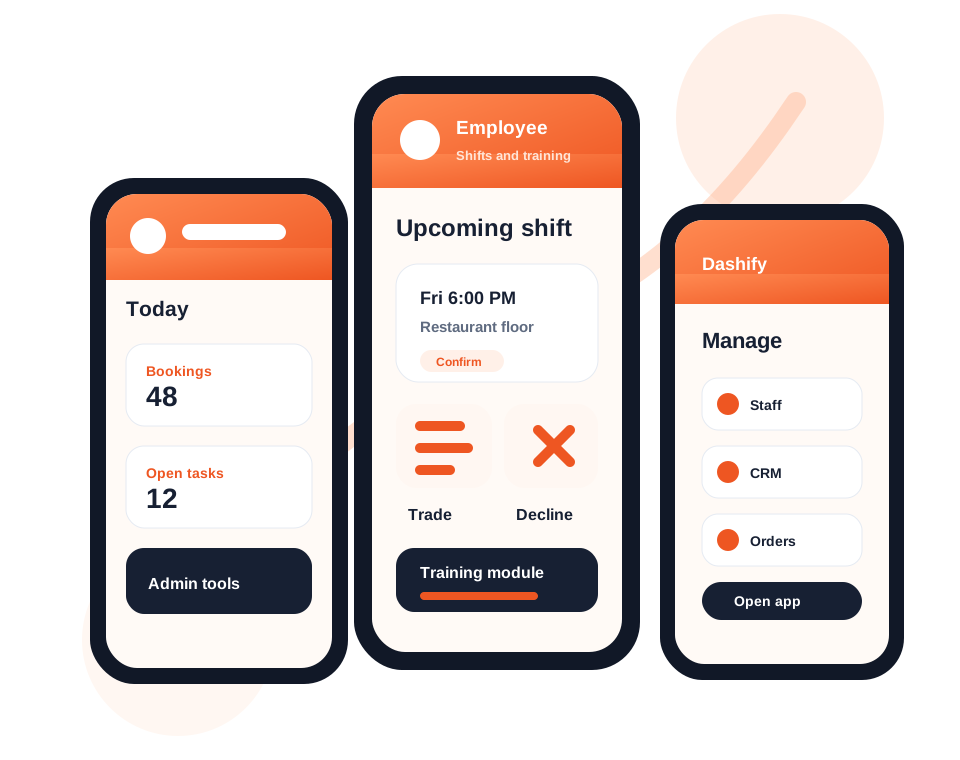
Employees can view shifts, confirm attendance, trade shifts, decline shifts, update profiles, and complete onboarding.
Training modules and multiple-choice quizzes can be completed from mobile or through the kiosk time clock app.
Messaging, push notifications, and Face ID support help teams stay responsive while keeping access simple and secure.
What the app handles
Dashify’s mobile app supports employee self-service and admin visibility across the operational modules that run your business.
Employees can see upcoming rostered shifts and confirm when they are available to work.
Support staff flexibility by allowing shift trade requests from the employee app experience.
Employees can decline shifts when needed, giving managers clearer visibility before the roster becomes a problem.
Deliver employee training and multiple-choice quizzes through mobile or the kiosk time clock app.
Guide new employees through profile setup, required details, documents, and onboarding tasks.
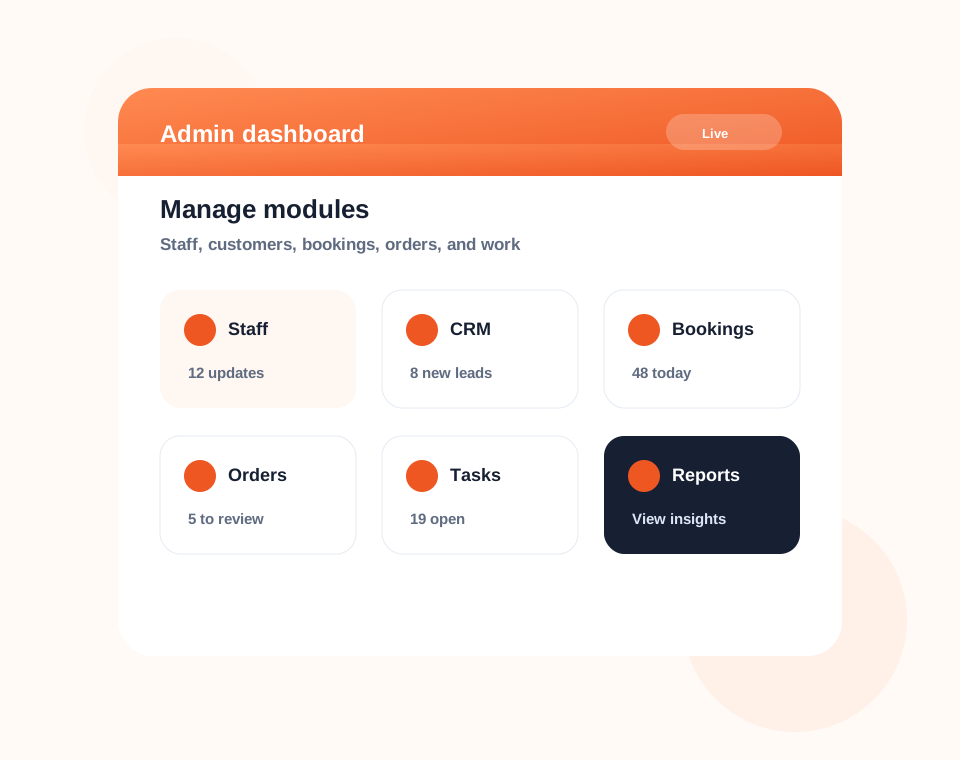
Admins can manage staff, CRM, bookings, purchase orders, tasks, and connected business workflows.
Keep workspace conversations inside Dashify so staff and managers can communicate in context.
Send timely mobile alerts for messages, roster changes, training, approvals, and operational updates.
Make repeat access easier with biometric login support on compatible mobile devices.
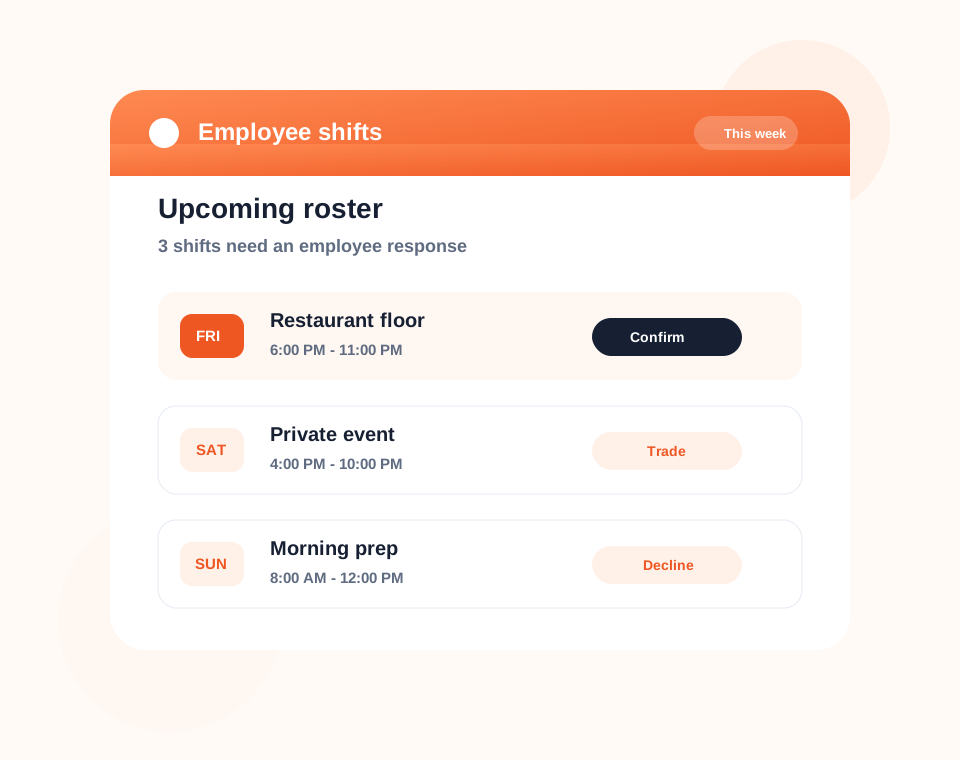
Employee shifts
Employees can view upcoming shifts, confirm they can work, request trades, or decline shifts directly from the mobile app.
This gives managers a clearer view of shift availability and reduces scattered communication across texts, calls, and inboxes.
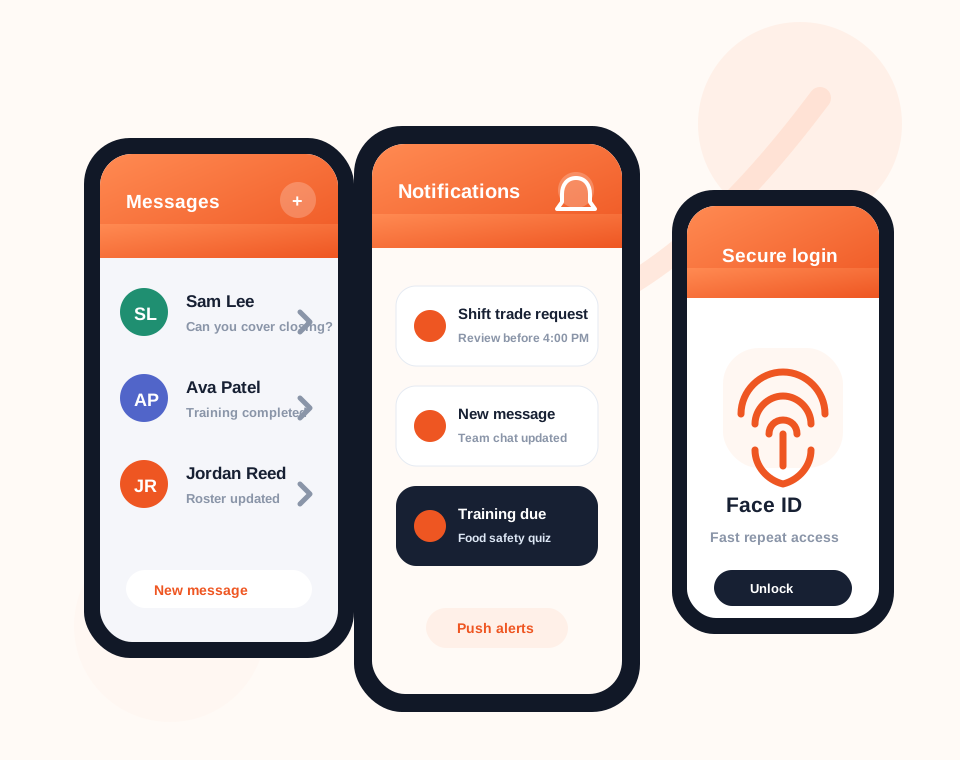
Messaging and alerts
Dashify includes workspace messaging, push notifications, and quick secure access so employees and managers can stay in sync from mobile.
Instead of spreading shift questions, training reminders, and operational updates across separate tools, Dashify keeps communication connected to the workplace app.
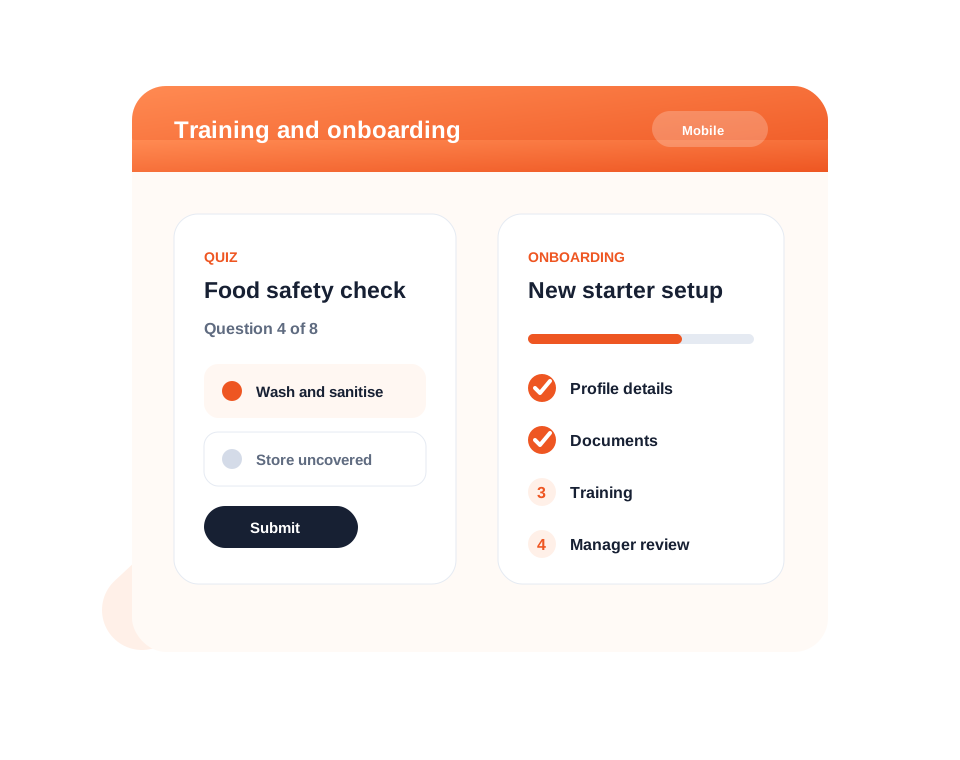
Training and onboarding
New and existing employees can complete onboarding steps, training modules, and multiple-choice quizzes without needing desktop access.
Training can be managed through the Dashify admin website, then completed through the employee mobile app or the kiosk time clock app.
Download the app
Install Dashify on iOS or Android so admins and employees can access the right tools from the device they already use every day.
Admin management
Admin users can keep an eye on Dashify workflows from mobile, including employee activity, customer information, bookings, orders, tasks, messages, and day-to-day operations.
The mobile app works as a practical extension of the Dashify admin website, helping managers stay close to the business while they are on the floor, between venues, or away from the office.
Mobile-first operations
Admins can manage the business while employees can keep their profile, shifts, training, onboarding, messages, and daily work up to date.