
Clock in and out
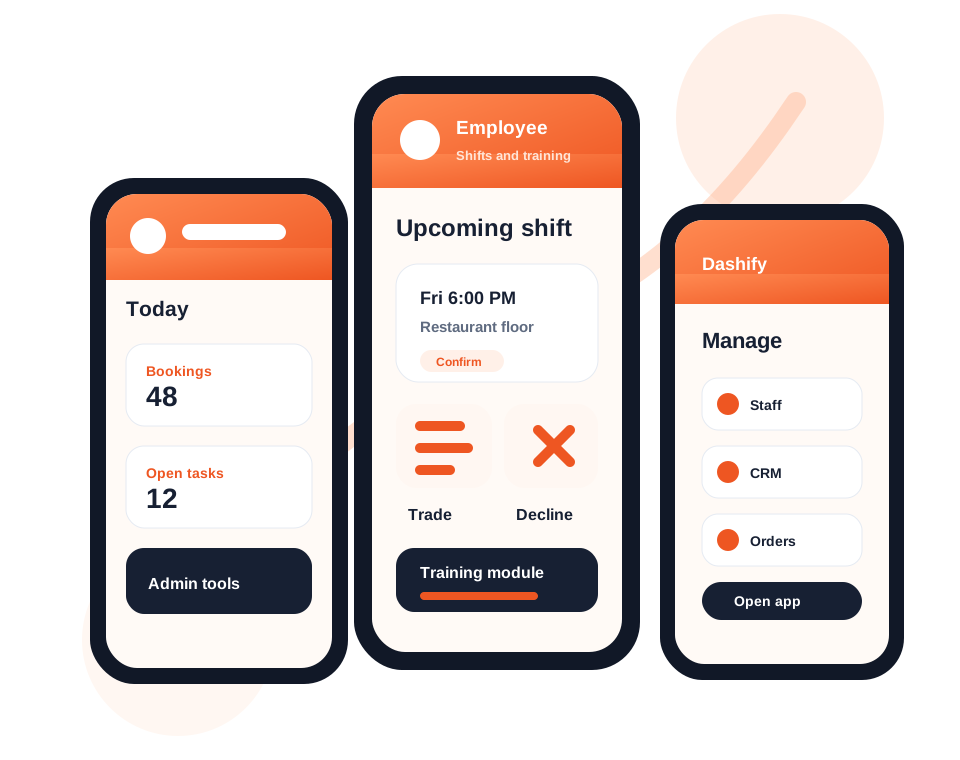
Employees can start shifts, record breaks, and clock out from a shared iPad kiosk.

Dashify Kiosk App
Dashify Kiosk gives staff a shared workplace device for clocking in and out, managing shift activity, completing tasks, validating stock, viewing SOPs, and accessing training.
Set up the kiosk on an iPad, connect it to your Dashify company, and give employees a simple PIN-based workflow for daily operations.

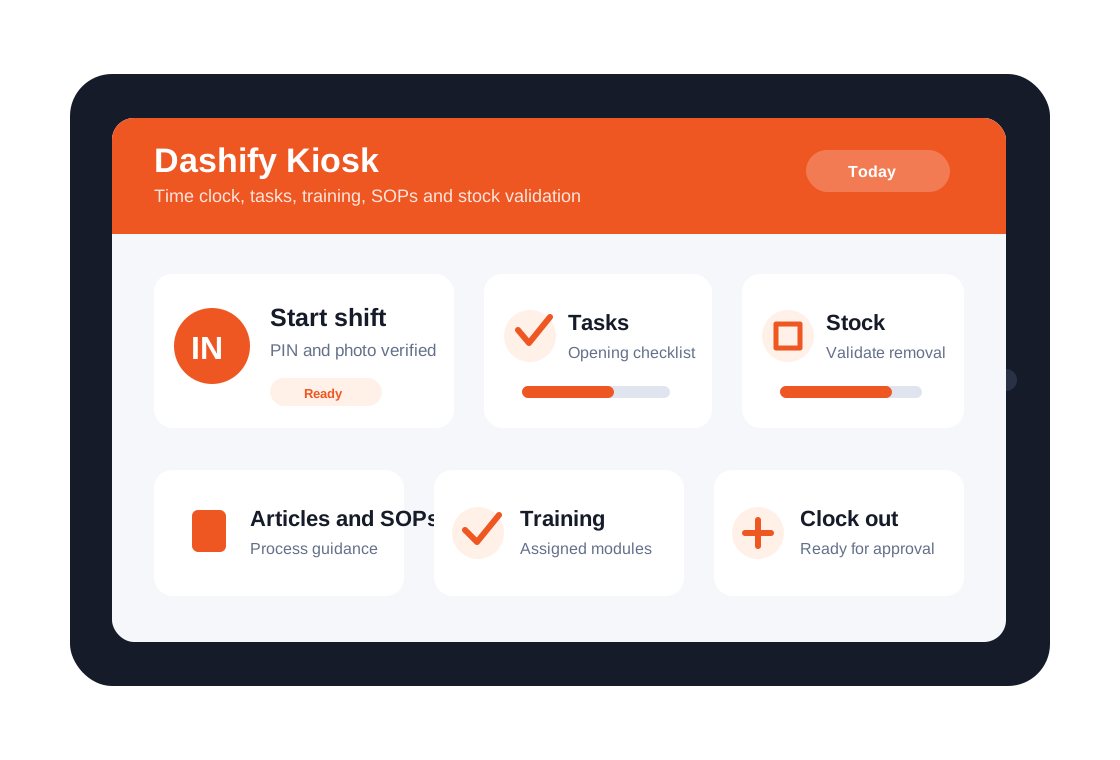
Staff clock in, start breaks, return to work, and clock out through a simple kiosk workflow.
Tasks, articles, SOPs, recipes, and training can be accessed from the same workplace device.
Use the kiosk for stock validation, checklist completion, and records that managers can review.
What it handles
Dashify Kiosk helps employees complete the practical work that happens during a shift, while managers keep records connected to Dashify.
Employees can start shifts, record breaks, and clock out from a shared iPad kiosk.
Staff can use employee PINs for a fast kiosk login flow tied back to their profile.
Support verified attendance records with kiosk activity and photo-based shift events.
Give staff recurring or one-off tasks and let them complete daily work from the kiosk.
Use kiosk workflows to validate stock activity, stock removal, and operational checks.
Make policies, recipes, articles, SOPs, and company information accessible on the workplace device.
Let employees access assigned training modules and knowledge content through the kiosk.
Connect kiosk activity with rosters, live shift status, timesheets, and manager approvals.
Download Dashify Kiosk from the App Store and set up a dedicated workplace iPad.
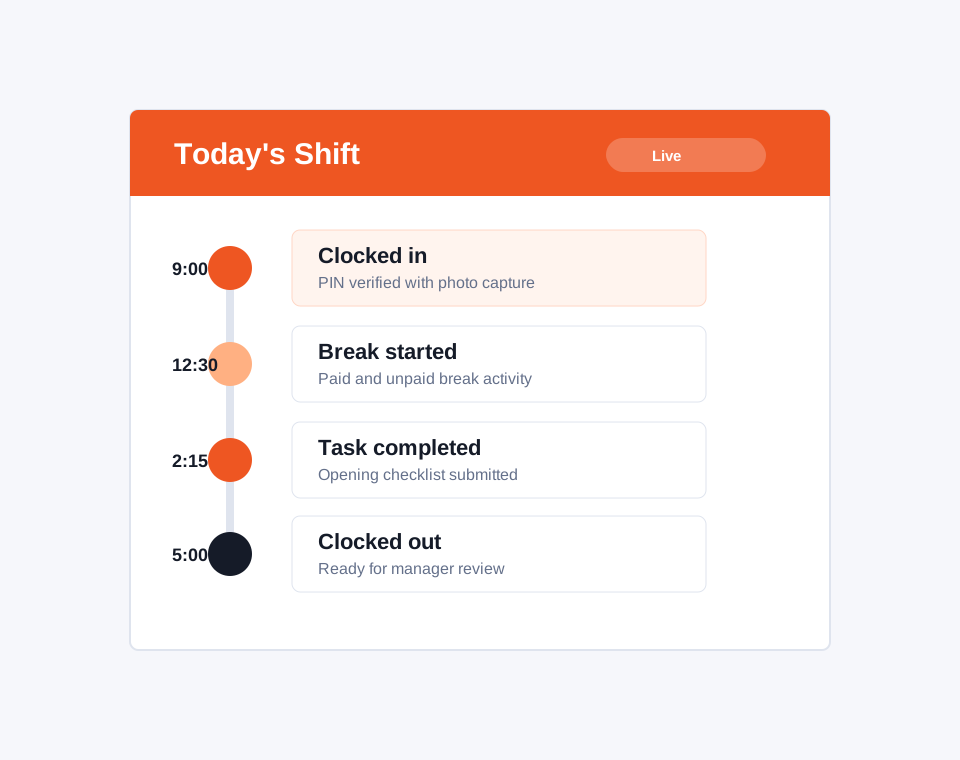
Shift execution
The kiosk gives employees a clear way to record shift activity and gives managers a cleaner view of what happened during the day.
Use the Time Clock App alongside rostering and shift management so scheduled work, actual attendance, break activity, task progress, and approvals stay connected.
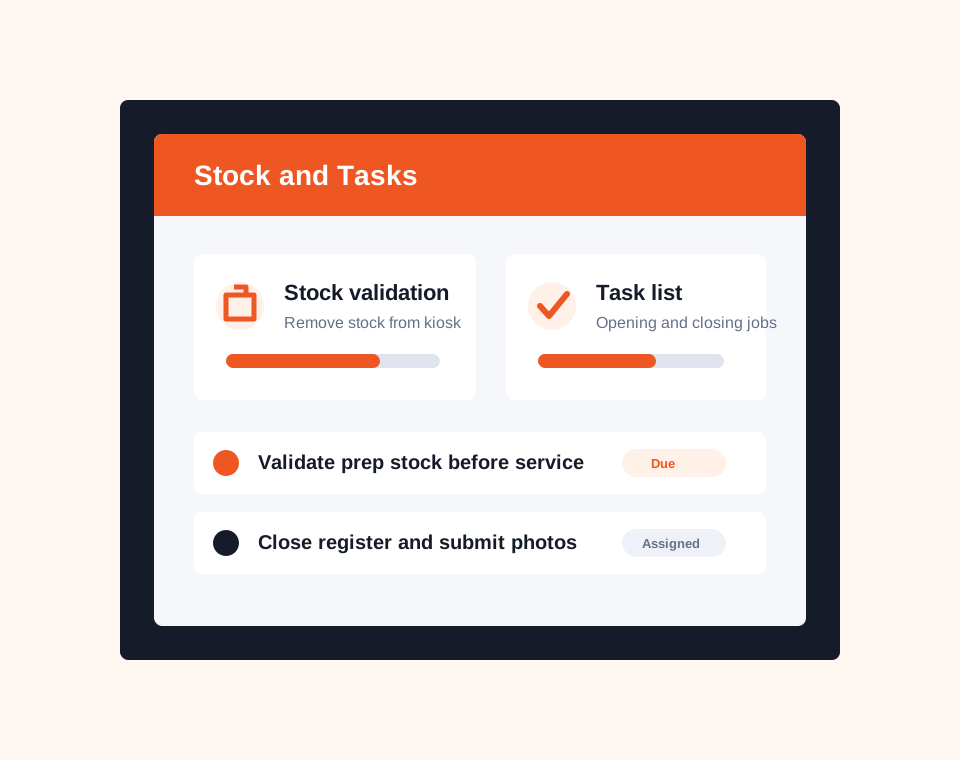
Stock and daily work
Managers can use Dashify tasks and stock workflows to make daily operational work easier to assign, complete, and review.
Staff can work through checklists, validate stock activity, submit task updates, and create a clearer record of what was completed during service.
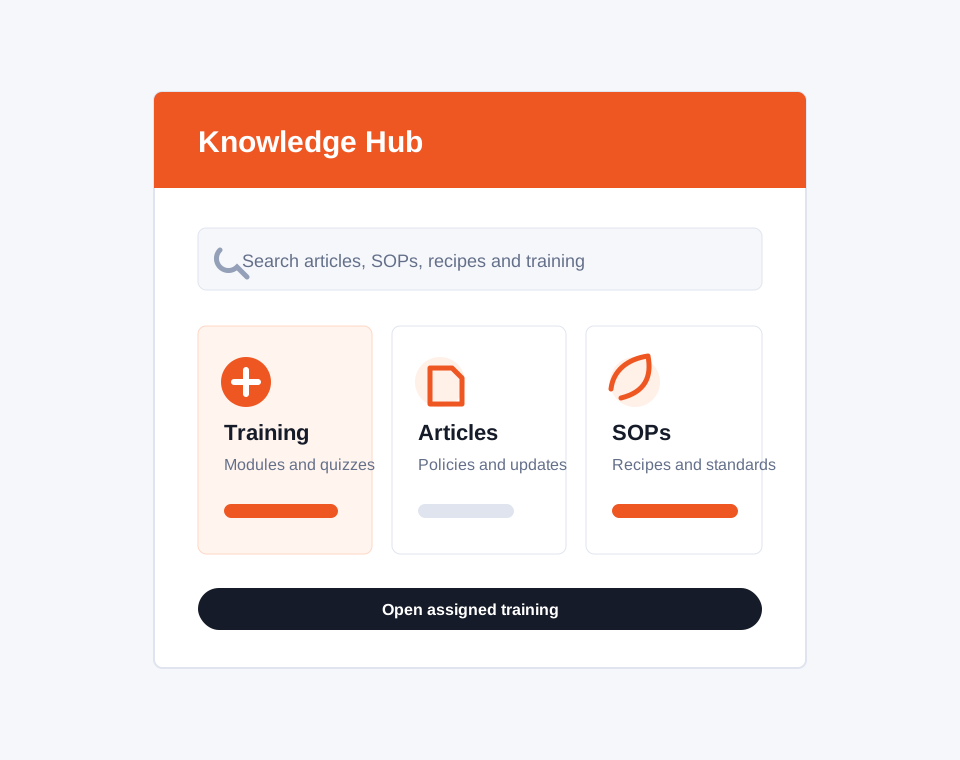
Knowledge and training
The kiosk can support staff during a shift by putting the right knowledge content on the shared workplace device.
Use Dashify to make company articles, SOPs, recipe information, menu procedures, and employee training accessible where staff are already clocking in.
Download the iPad app
Set up Dashify Kiosk on an iPad for your workplace, then connect it with your Dashify company kiosk login details.
Connected workplace kiosk
Dashify Kiosk works with shift management, rostering, HRIS, employee training, inventory workflows, project and task management, and reporting.