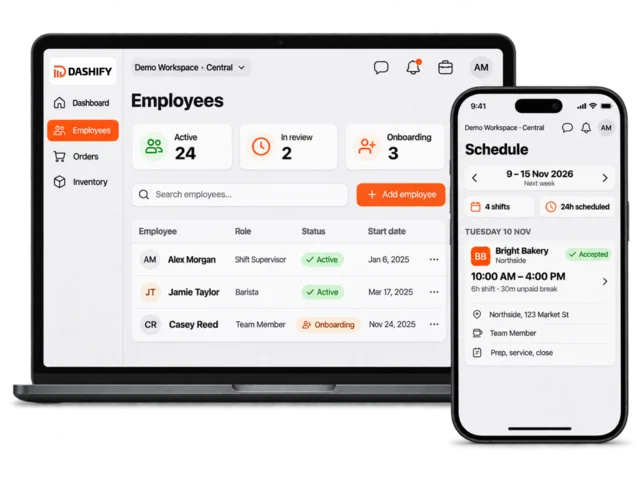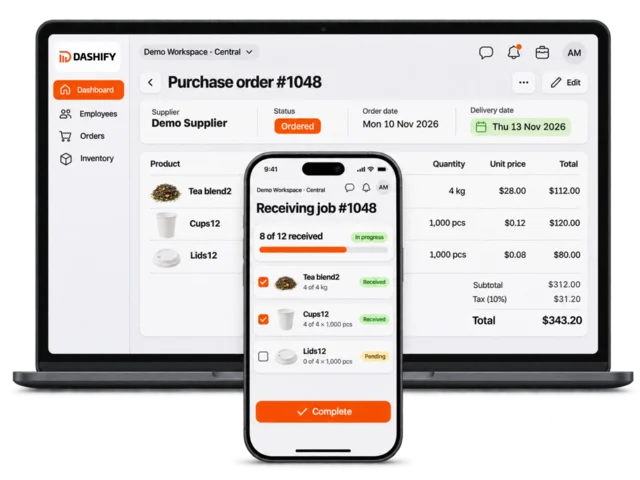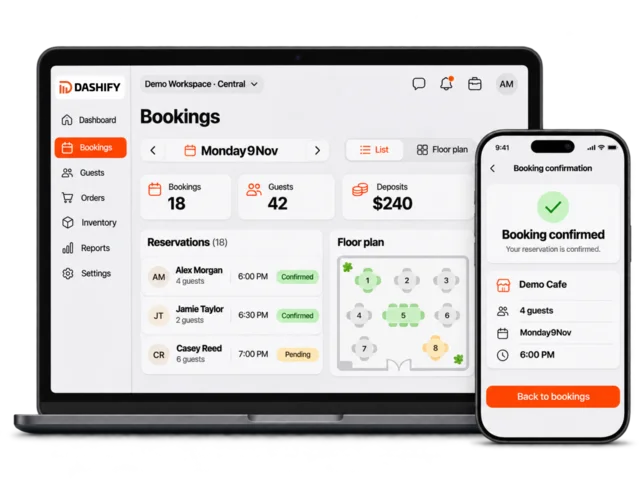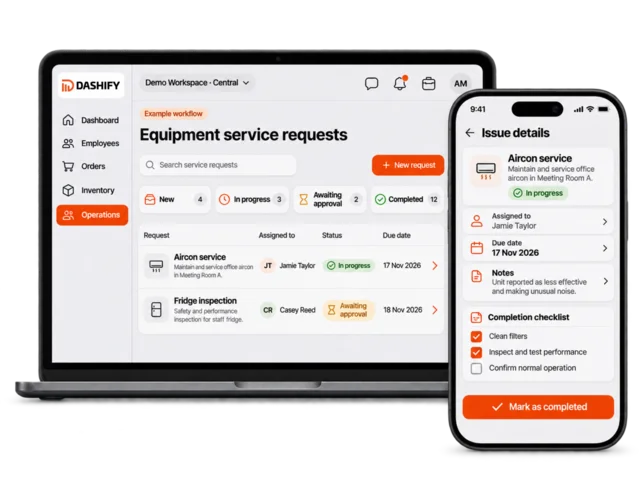

Booking widget
Add a branded reservation widget to your website or create a booking landing page for guests.

Online Reservation & Table Management
Let guests choose their booking details online and give staff a clearer view of the service ahead, from arrival times to customer notes.
Set availability and payment requirements to suit your venue, with confirmations and guest history connected to the reservation workflow.
Let guests reserve tables, services, events, or appointment times through your own branded booking flow.
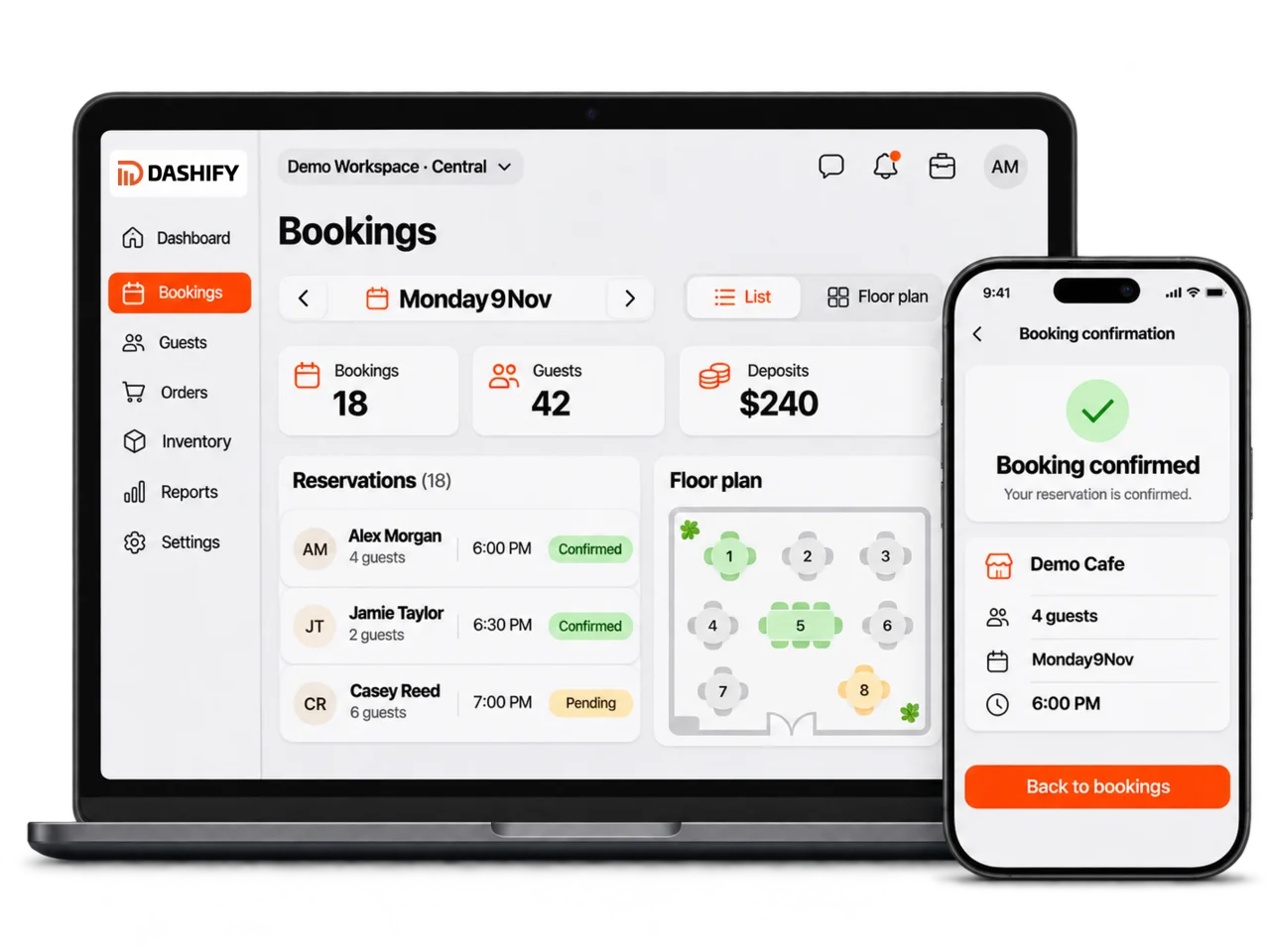
View reservations by timeline, list, archive, table, or operational status so staff know what is happening.
Link booking activity with CRM profiles, guest notes, payments, and reporting for better customer context.
What it handles
Dashify gives you the tools to accept bookings online, manage restaurant or venue flow, take payment, and keep guest data useful after the booking.
Add a branded reservation widget to your website or create a booking landing page for guests.
Manage restaurant reservations, guest counts, booking times, notes, and booking status from one dashboard.
Require deposits, full payment, paid products, or special event payments where commitment is needed.
Connect reservations to guest profiles, customer history, notes, tags, and future follow-up.
Send branded booking confirmations, updates, and guest communication automatically.
Export booking lists, review booking sources, and understand reservation performance over time.
Website bookings
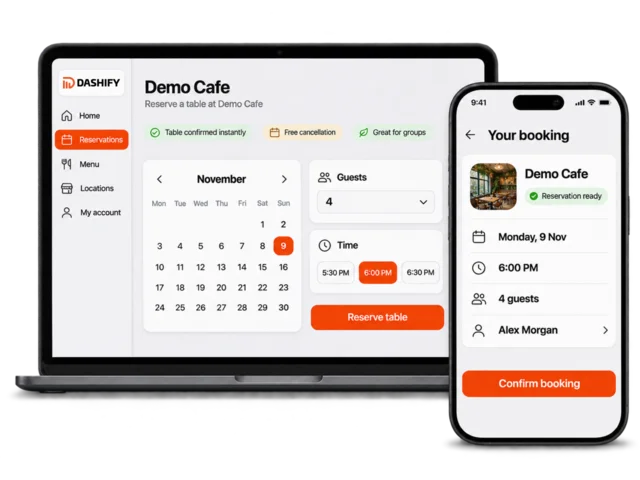
Let guests book directly from your website with a simple flow for date, time, guest count, service, or booking type.
Dashify can support restaurants, cafes, pubs, events, workshops, service businesses, and appointment-style bookings without needing a generic third-party booking page.
Paid reservations
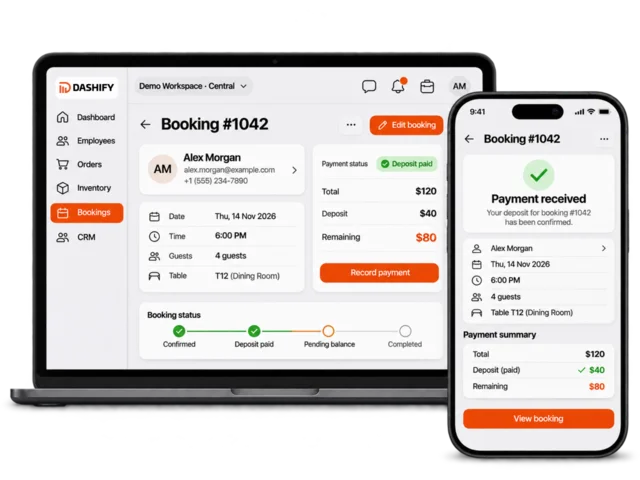
Protect high-demand sessions, ticketed events, prepaid services, and bookings that need payment before confirmation.
Dashify supports flexible booking payment rules, including set fees, per-person charges, extras, and Stripe payments.
Reservation management
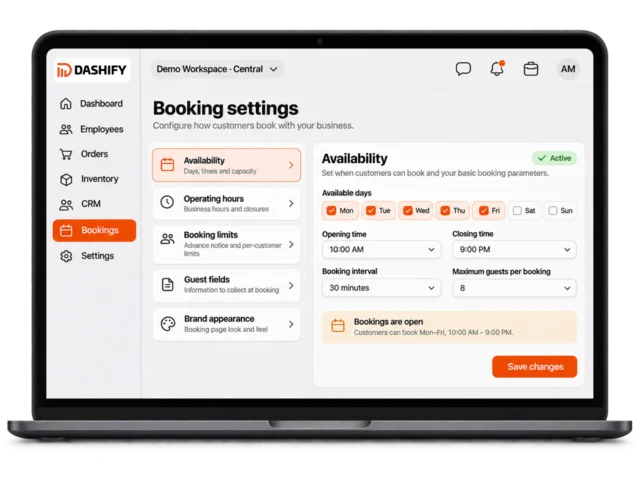
Give your team a cleaner view of who is coming, when they are arriving, what they need, and what has changed.
Managers can search, update, export, and review bookings without relying on disconnected spreadsheets or inbox threads.
Guest CRM
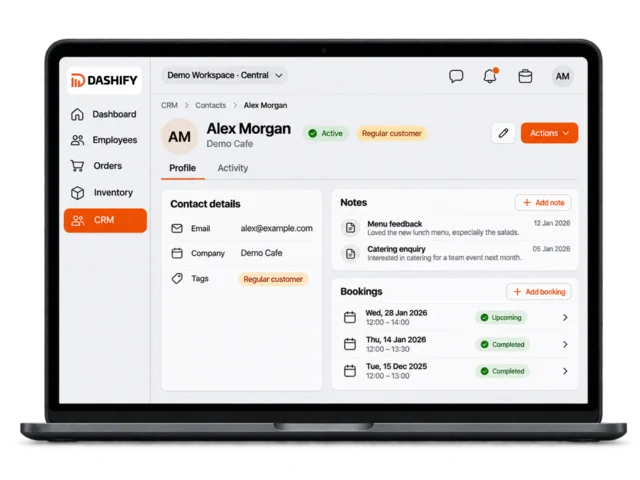
Connect bookings with Dashify CRM so guest profiles, notes, tags, booking history, and future follow-up stay visible.
Instead of treating each reservation as a one-off transaction, Dashify helps your team build better guest relationships over time.
Simple reservation pricing
Compare the booking module inclusions and check payment processing or integration charges as part of the total setup, not just the subscription.
Before you choose
For venues that want a simpler booking experience for guests and a clearer service view for staff.
A workflow to try: Book a table as a guest, review the confirmation and check the arrival details in the team view.
Availability, services and payment rules are configurable. Test your party sizes, busy periods, exceptions and cancellation requirements before launch.
Review the available payment rules for your booking types and services. Confirm Stripe setup, processing charges and the terms guests will see before enabling payments.
Available tools depend on your plan, enabled modules, settings and permissions. Compare plan inclusions or talk through your requirements.
Try the workflow