
Branded invitations
Invite new employees with a branded email that starts their onboarding workflow.

Employee Paperless Onboarding
Send branded onboarding invitations, collect employee details digitally, review submissions, approve records, and keep confidential documents in one secure Dashify profile.
Dashify turns onboarding into a structured workflow that connects employee records, documents, permissions, time clock access, training, and future HR activity.
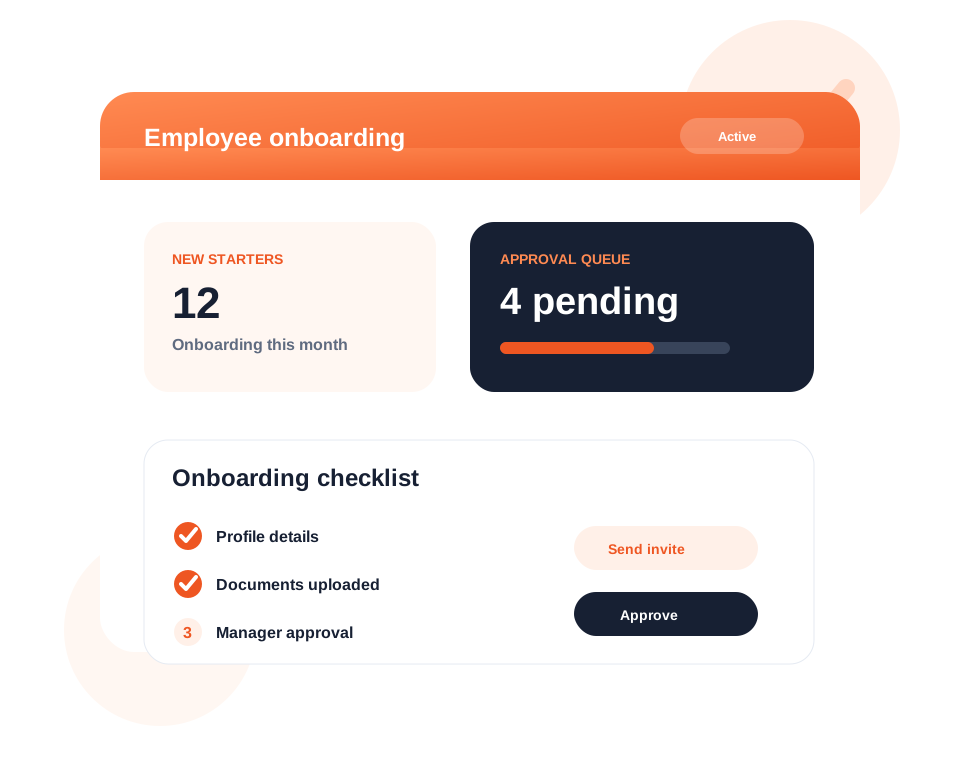
Send new employees a branded invitation so they can start onboarding without paperwork.
Validate submissions, add missing role details, attach documents, and activate the employee profile.
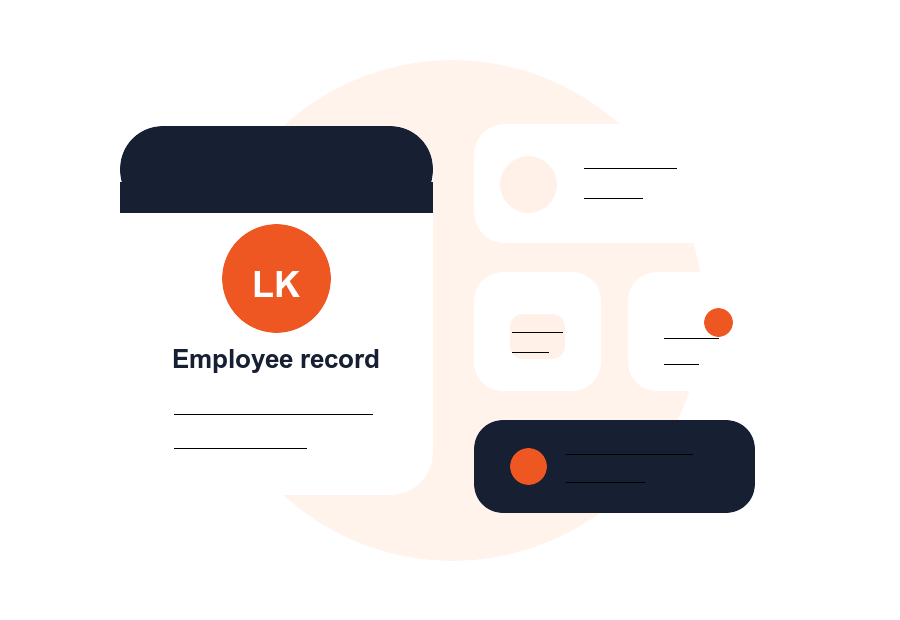
Store personal details, employment information, documents, notes, permissions, and time clock access in one place.
What it handles
Dashify helps managers replace scattered forms, email attachments, and manual checks with one digital onboarding process.
Invite new employees with a branded email that starts their onboarding workflow.
Guide employees through required details, forms, documents, and declarations.
Capture personal, employment, role, salary, tax, super, and working-rights information.
Collect contracts, licences, visas, certifications, and policy acknowledgements digitally.
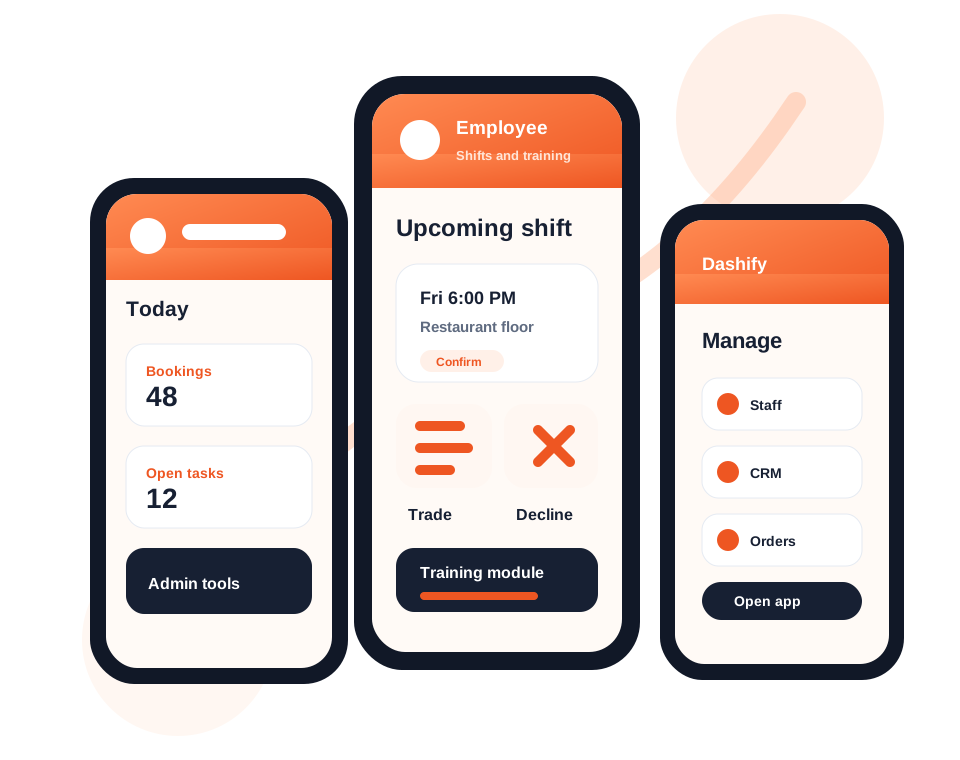
Assign roles and control what employees and managers can see or manage in Dashify.
Approve onboarding, activate the employee, and connect them to rosters, training, and time clock tools.
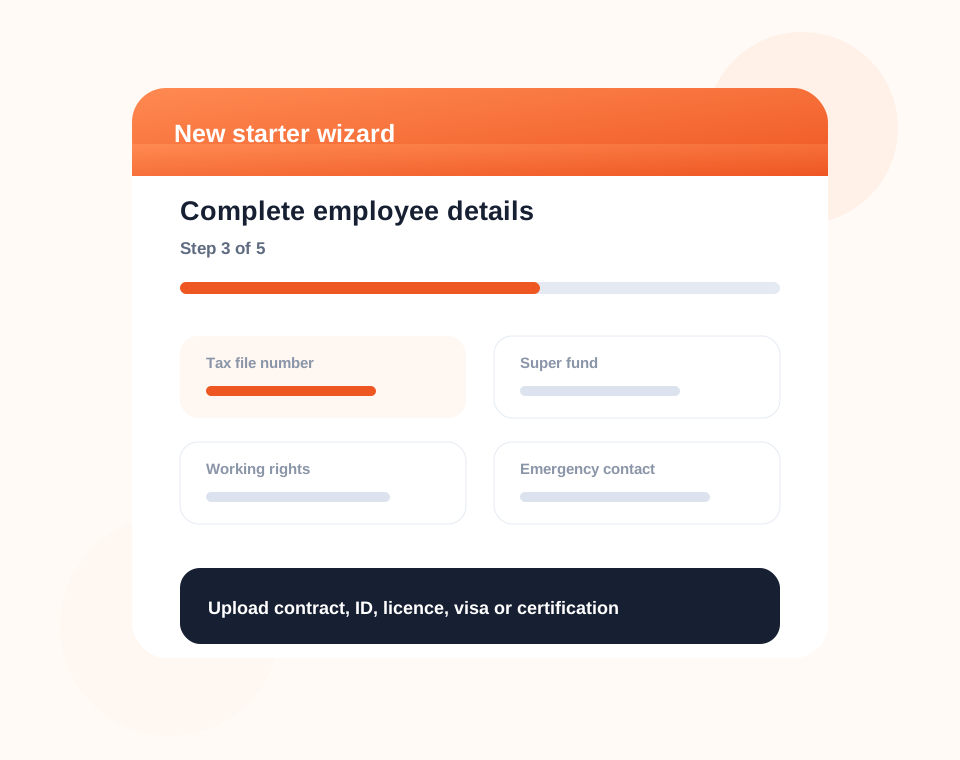
Employee experience
Employees can complete onboarding through a clear step-by-step process instead of printing forms or sending details through email.
Dashify can collect the information your business needs while reducing follow-up and keeping progress visible to managers.
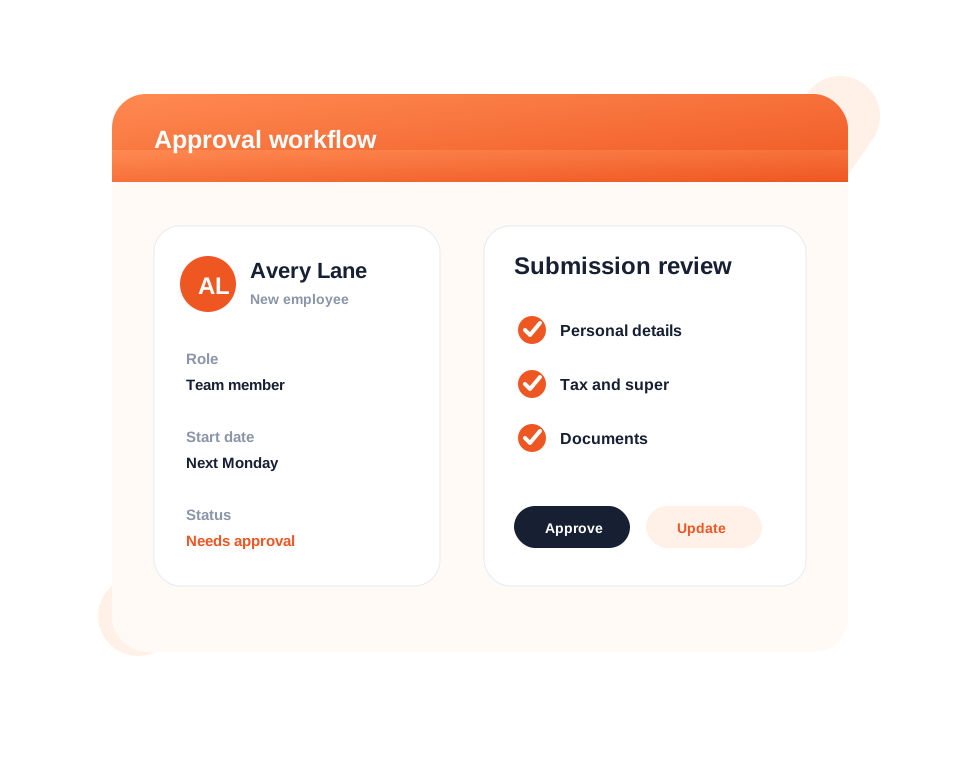
Manager approval
Managers can validate employee submissions, update missing information, attach role documents, and approve the employee before access is granted.
This keeps onboarding controlled while still making the process faster for employees and HR teams.
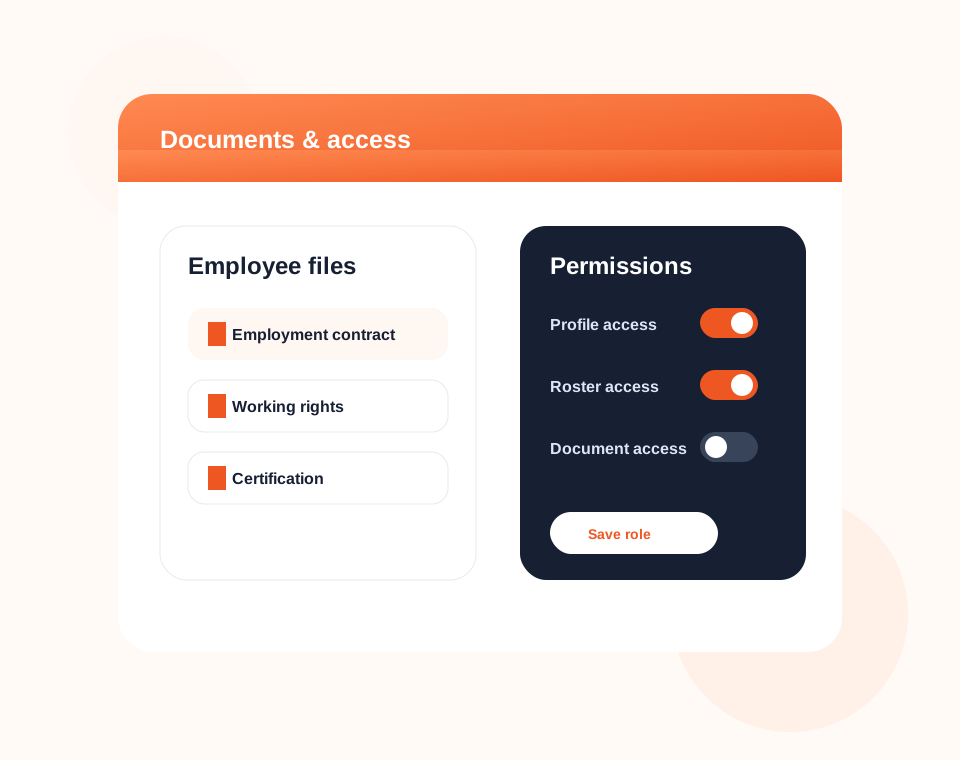
Documents and permissions
Store employee documents, notes, timeline history, permissions, and role details against the employee profile.
Dashify helps managers keep the right information accessible to the right people without relying on paper files or disconnected folders.
Connected HR software
Use onboarding records across employee management, rosters, training, time clock access, permissions, and HR reporting.