

Dashify Kiosk Support
Dashify Kiosk and Time Clock support articles
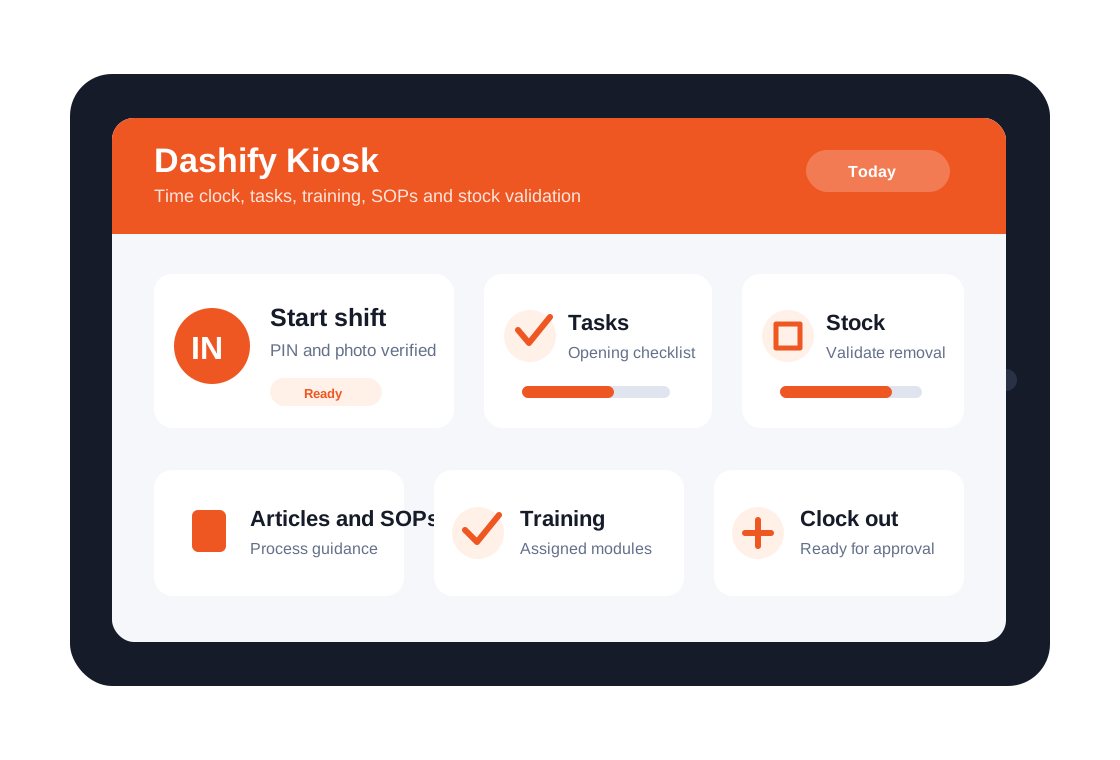
Find setup guides and help articles for the Dashify Time Clock App, including kiosk setup, staff clock in/out, tasks, stock validation, training, SOPs, and shift workflows.
This support category is linked to the Dashify Kiosk solution and helps admins configure the app for daily workplace use.
01
Set up the kiosk
Prepare the device, install the app, connect the company, and make the kiosk ready for employee use.
02
Support shift activity
Help staff clock in, take breaks, complete tasks, and keep shift records connected to Dashify.
03
Guide daily operations
Use articles, SOPs, training, stock validation, and task workflows from the shared workplace app.
What this category covers
Support for the workplace kiosk and time clock workflow
Use these support areas when setting up the kiosk, training staff, or reviewing how the Time Clock App connects with Dashify operations.
Knowledge base
Articles for Dashify Kiosk and Time Clock
Dashify Employee Management software offers a simple to use feature that allows you to easily manage your employees shifts for accurate payroll.
- Record real-time clock-in and out
- Requires staff PIN code verification
- Takes photo of employee when they start and end a shift
- Task management
Viewing Articles on the Kiosk App
Read articleViewing menu recipe on Kiosk App
Read articleRemoving stock using the Kiosk App
Read articleDisplay company announcement on the Kiosk App
Read articleRetrieve my PIN code to login to Kiosk
Read articleUpdating employee PIN code
Read articleHow to get Dashify Kiosk username and password
Read articleEmail an employee Kiosk PIN code
Read articleSetup Dashify kiosk on an Apple iPad
Read articleNeed more help?
Get help setting up Dashify Kiosk for your workplace
If your kiosk setup connects with shifts, training, inventory, tasks, or a custom workflow, contact Dashify and we can help map it properly.