
Guest bookings
Let guests book tables, services, appointments, and other experiences from your website.

Dashify Booking System
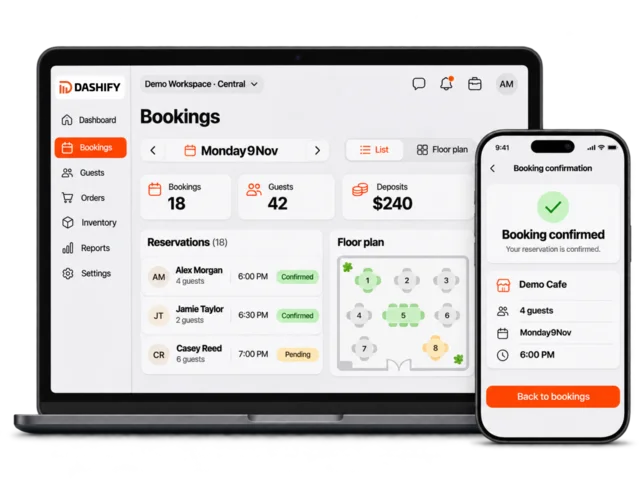
Let guests book online while your team keeps availability, arrival details and payment requirements organised in the same workspace.
Connect reservations with customer history and confirmations, so service preparation does not depend on scattered emails and separate booking notes.
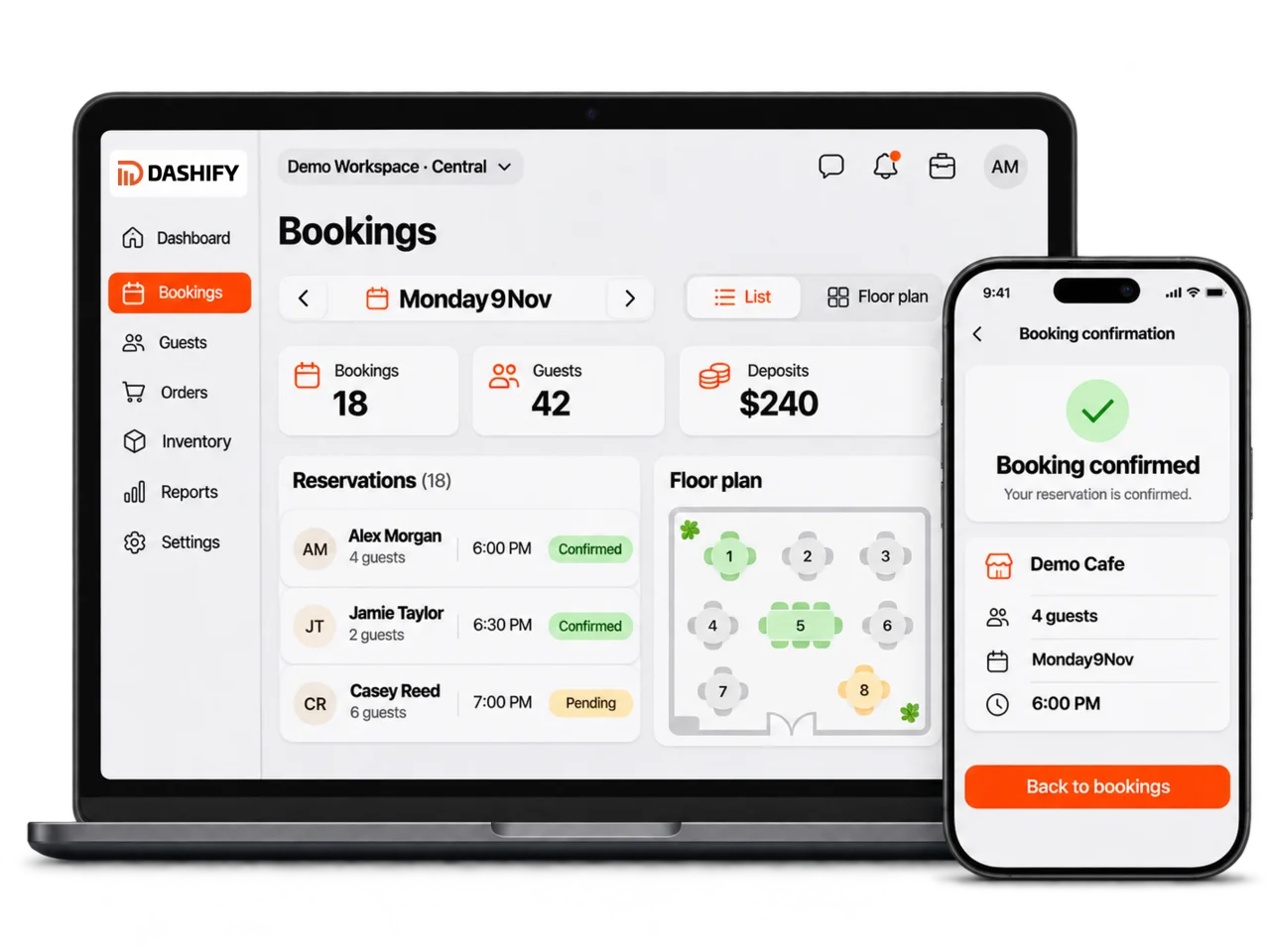
Let guests reserve from your website with a branded, easy-to-use booking flow.
Require a deposit or full payment before the booking is confirmed.
Sync booking activity with CRM for profiles, history, segmentation, and follow-up.
What it handles
Dashify Booking System helps you accept bookings online while keeping payments, guest communication, CRM history, and settings connected.
Let guests book tables, services, appointments, and other experiences from your website.
Require deposits or full payment for selected booking types, services, or special events.
Save guest booking activity, customer details, and booking history into Dashify CRM.
Send branded confirmations, updates, reminders, and customer-facing booking communication.
Control availability, limits, booking types, form fields, branding, and widget display.
Understand source, volume, payment, customer, and reservation trends over time.
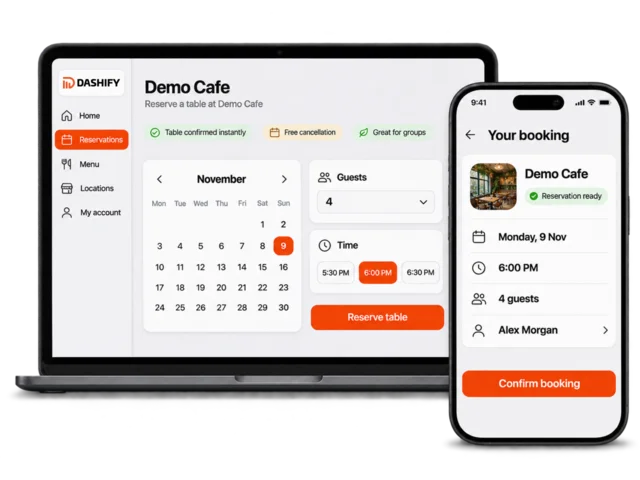
Guest booking flow
Add a branded booking widget or booking page so customers can choose the date, time, party size, service, or booking type that suits them.
Dashify keeps the public booking experience simple while giving your team the admin controls needed behind the scenes.
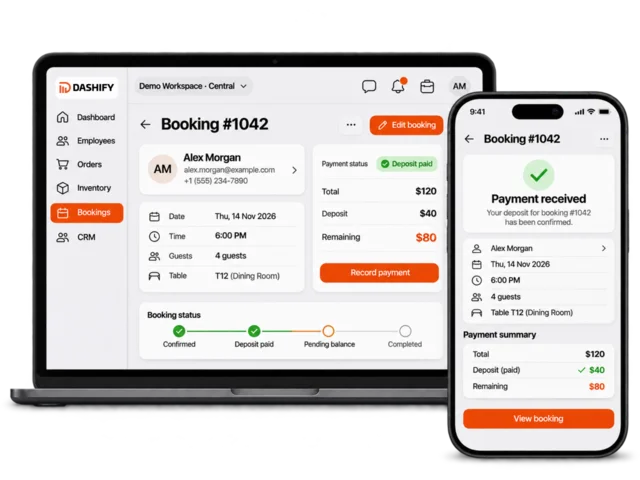
Paid bookings
Use payment requirements to protect high-demand times, ticketed experiences, prepaid services, or bookings that need commitment upfront.
Dashify can support flexible payment rules, including deposits, full payment, paid products, and booking-related payment flows.
Simple booking pricing
Compare subscription inclusions and confirm any payment processing or integration charges before choosing the booking setup for your venue.
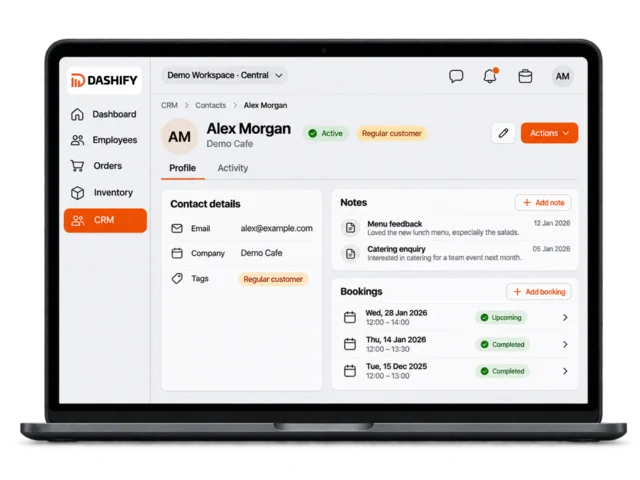
CRM integration
Connect guest bookings to CRM so customer profiles, booking history, notes, and future follow-up stay visible.
Instead of treating each booking as a one-off transaction, Dashify helps you understand who is booking, what they need, and how they engage with your business over time.
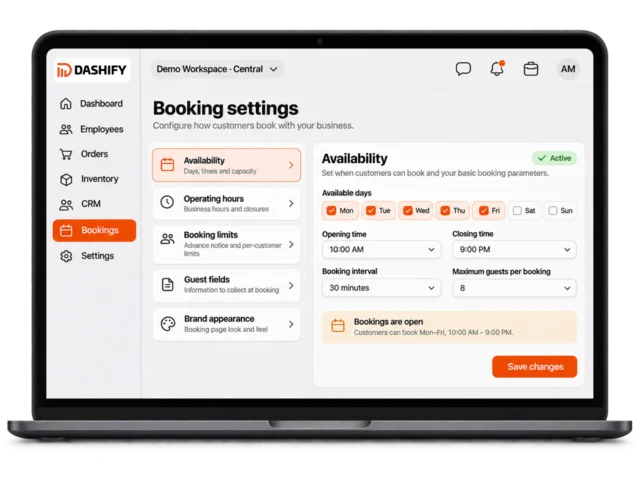
Customisation and settings
Configure the booking experience around the way your business operates without rebuilding your website.
Dashify gives you settings for availability, booking types, limits, areas, form fields, widget display, and brand presentation.
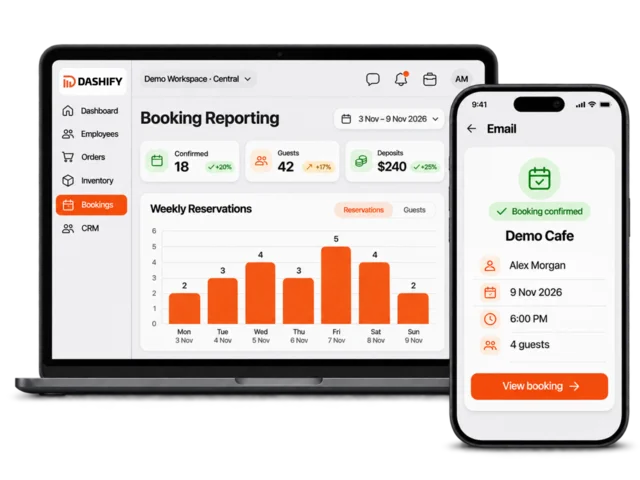
Confirmations and reporting
Send branded confirmations and use booking insights to understand volume, sources, payments, and customer patterns.
Dashify helps your team manage the day while building longer-term visibility across reservation activity and guest engagement.
Before you choose
For venues and service teams that want guests to book online without creating more manual coordination.
A workflow to try: Make a test reservation, apply the booking rules and review the guest details your team receives.
Dashify supports a booking widget or booking page. Check the installation approach and branding requirements for your website before making changes.
Payment requirements depend on your booking configuration. Confirm the supported Stripe setup, payment rules and applicable charges for your use case.
Available tools depend on your plan, enabled modules, settings and permissions. Compare plan inclusions or talk through your requirements.
Try the workflow