
Supplier marketplace
Let suppliers present a B2B catalogue where approved customers can browse and place orders.

Dashify Marketplace
Give suppliers a branded catalogue where approved business customers can browse products, see their pricing, place orders, and manage purchasing through web or mobile.
Dashify Marketplace connects customer self-service with sales orders, inventory, fulfilment, invoices, and account management so B2B ordering does not sit outside your operations.
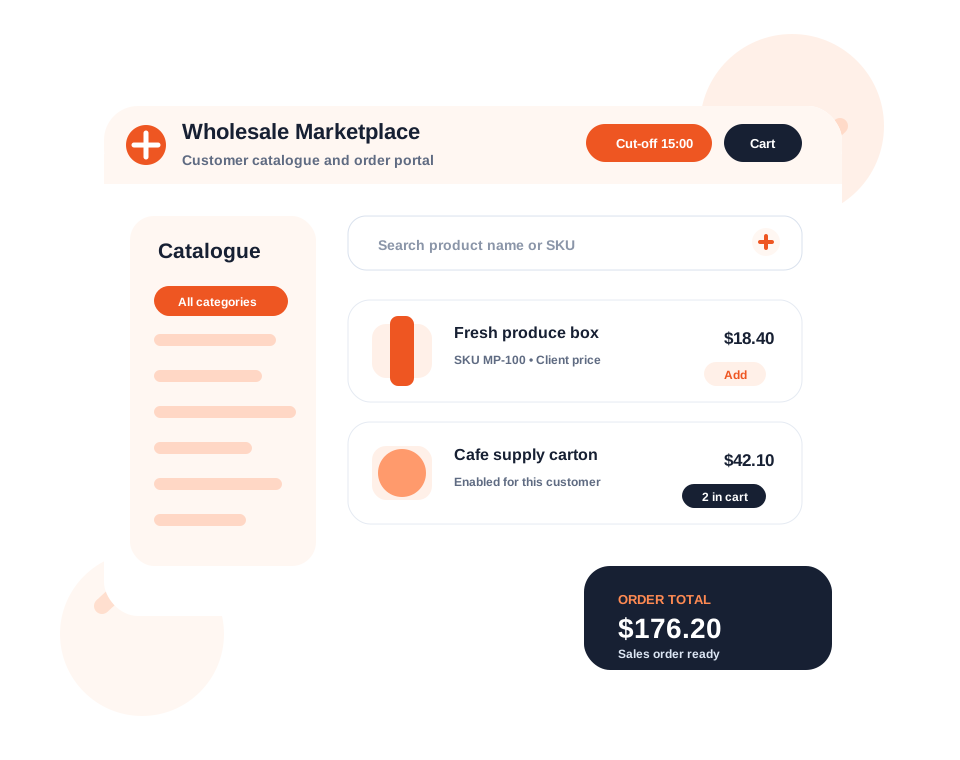
Invite customers, manage access, set limits, apply customer pricing, and choose which products they can purchase.
Customer orders flow into sales order workflows so fulfilment, invoices, and order history stay connected.
Connect marketplace ordering with inventory management, product availability, price lists, and reporting.
What it handles
Dashify Marketplace turns manual B2B ordering into a controlled self-service workflow that still connects back into operations.
Let suppliers present a B2B catalogue where approved customers can browse and place orders.
Set order cut-off times so customers know when orders must be placed for fulfilment.
Use pricing per customer, price list, or product so buyers see the right commercial terms.
Enable or disable which products can be purchased through the marketplace.
Invite customers, manage account access, and apply purchasing limitations when needed.
Customers can order through the website or mobile app without waiting for manual order entry.
Support automated or self-service invoicing with supplier branding and order context.
Sync marketplace activity with inventory management so stock and ordering stay aligned.
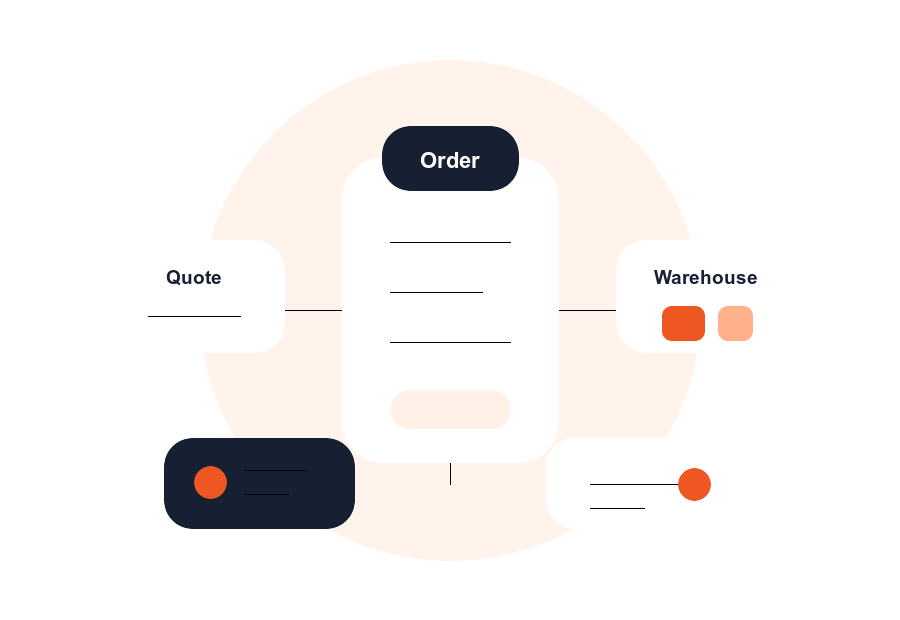
Marketplace orders connect to the sales and order management workflow for fulfilment.
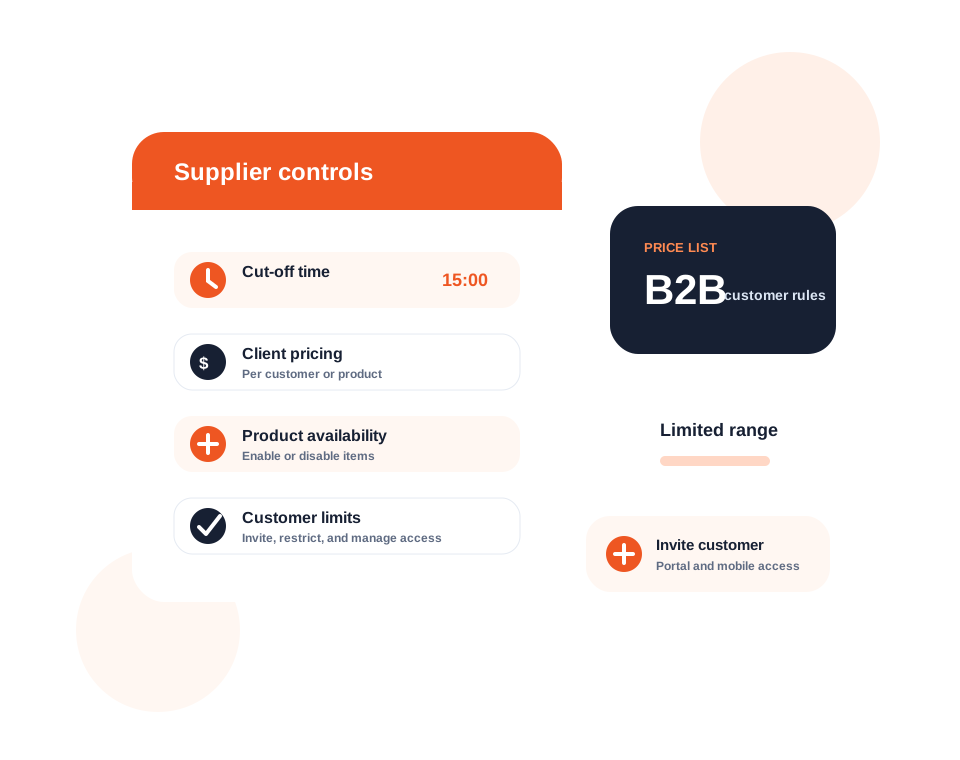
Supplier catalogue controls
Suppliers can manage product availability, customer access, pricing, and cut-off times from the admin side of Dashify.
This gives suppliers a way to sell online without making every customer see the same catalogue, product range, price, or order rules.
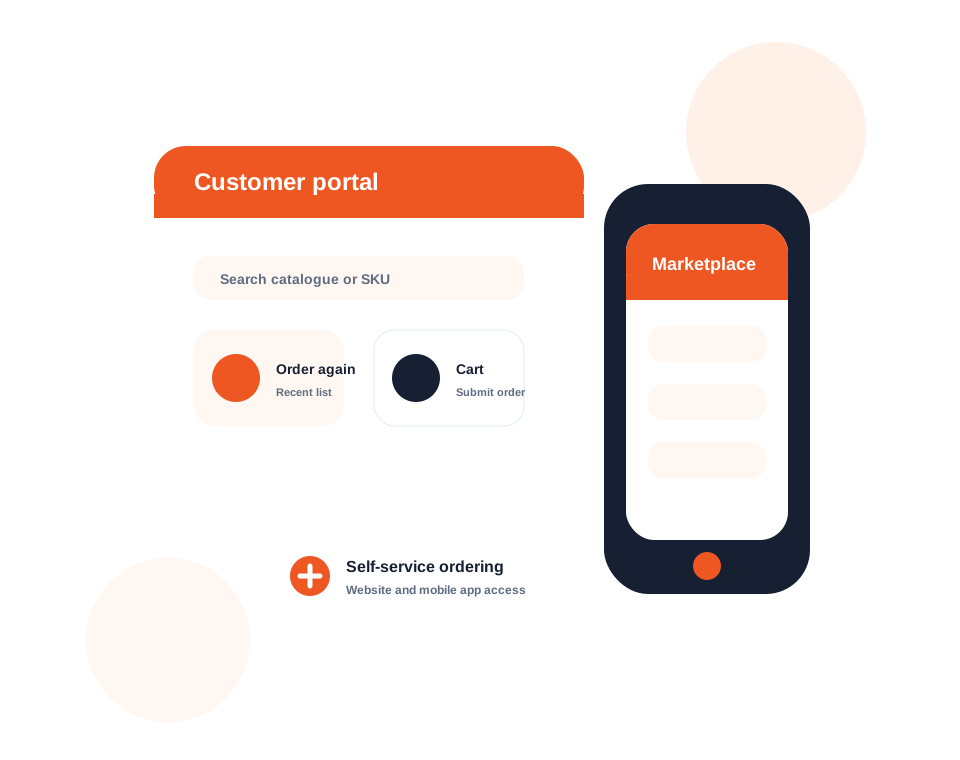
Customer self-service
Approved customers can browse the supplier catalogue, add products to cart, review pricing, and submit orders from the channel that suits them.
Customer self-service reduces repeated manual order entry while giving buyers a clearer way to reorder, check details, and work from approved product lists.
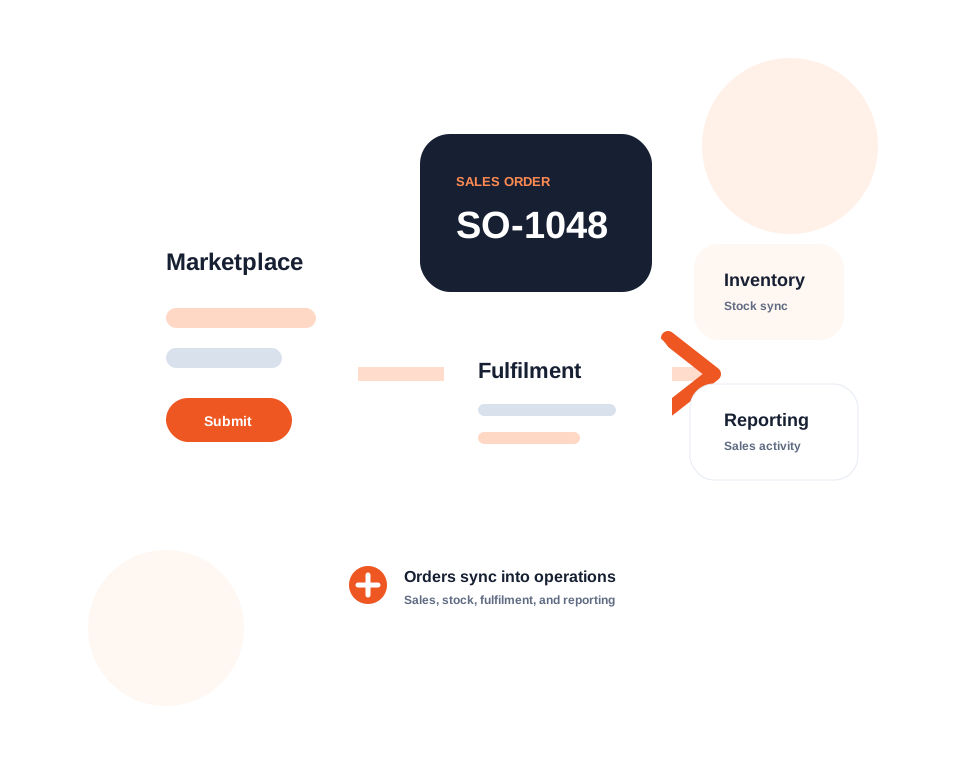
Sales orders and inventory
When customers place orders, Dashify can connect that activity to sales orders, inventory management, fulfilment, and reporting.
Marketplace orders should not become disconnected requests. Dashify keeps the order lifecycle connected to the operational modules your team already uses.
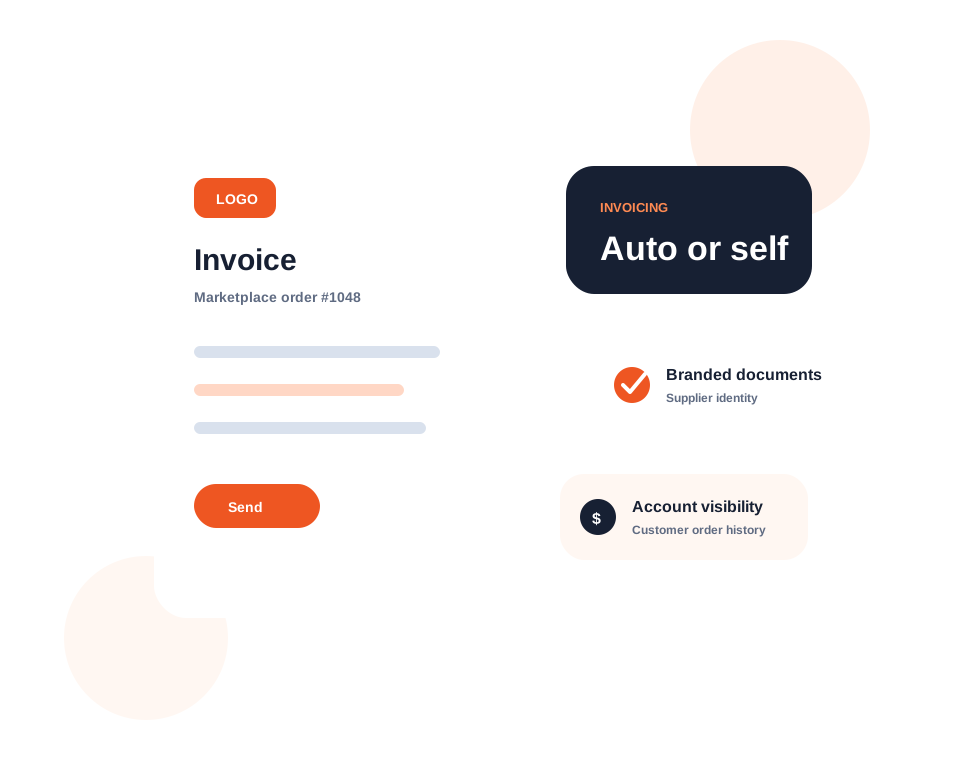
Invoices and branding
Dashify can support automated or self-service invoicing so customers receive clearer order paperwork with the right supplier branding.
Suppliers can present a more professional B2B buying experience while keeping invoice, order, and account context connected.
Connected marketplace workflow
Dashify Marketplace connects supplier catalogues with customer ordering, sales orders, inventory management, invoicing, CRM accounts, mobile access, and reporting.