
Workflow mapping
Translate messy manual processes into clear steps, statuses, ownership, permissions, and outcomes.

Dashify Custom Solutions
When your workflow does not fit neatly into off-the-shelf software, Dashify can be shaped into a bespoke solution for your team, customers, locations, approvals, reporting, and integrations.
We help turn manual admin, spreadsheets, disconnected forms, and business-specific processes into structured workflows inside the Dashify platform.
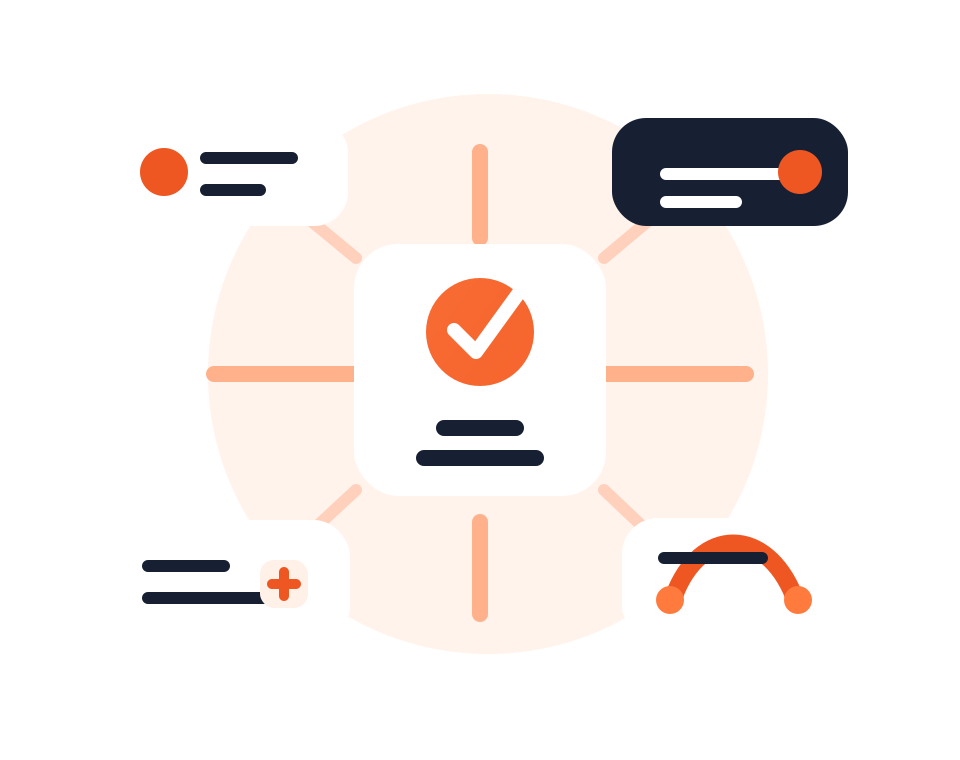
Understand the steps, users, approvals, data, and reporting your business needs.
Create bespoke forms, dashboards, automations, permissions, and module connections.
Integrate with external systems, monitor results, and refine the workflow as the business grows.
What it handles
Custom solutions can extend Dashify modules or create new workflows around your business rules, teams, and operational data.
Translate messy manual processes into clear steps, statuses, ownership, permissions, and outcomes.
Capture the exact data your business needs for customers, staff, jobs, bookings, orders, or approvals.
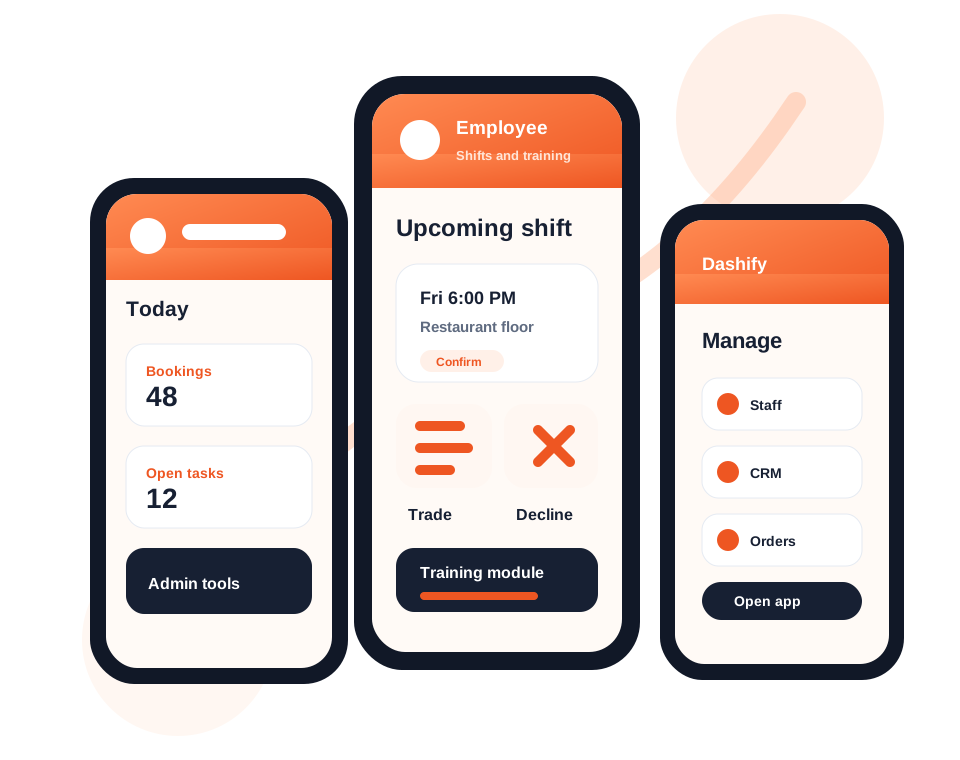
Create admin views and operational screens that match how your team needs to work each day.
Connect Dashify to websites, payments, accounting, email, SMS, webhooks, and other business platforms.
Trigger notifications, assignments, status changes, follow-up, and approvals without repeating admin.
Turn workflow activity into practical reports for performance, bottlenecks, compliance, and decision making.
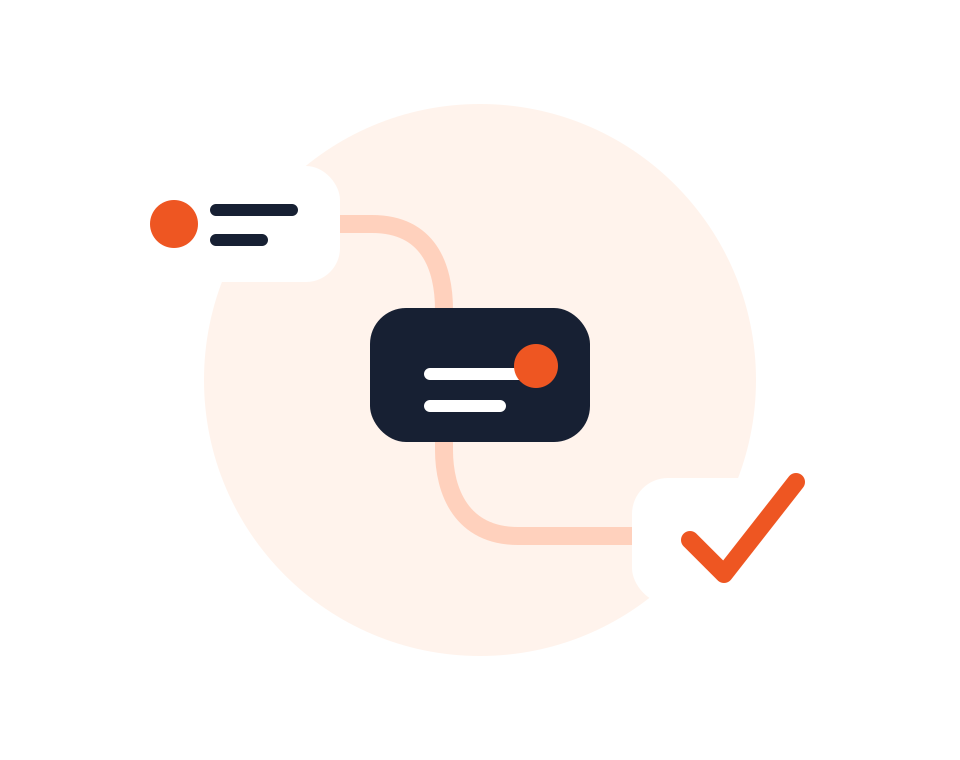
Workflow design
Dashify can support workflows that do not fit a standard CRM, HRIS, booking, inventory, or ordering setup.
We look at who does the work, what information is required, which approvals matter, where handover breaks down, and how the final workflow should be reported.

Data capture
Create custom forms, fields, intake flows, internal records, and customer-facing capture points that match the real data your business relies on.
Custom data can feed CRM records, jobs, bookings, orders, staff profiles, reports, and automated follow-up instead of sitting in inboxes or spreadsheets.
Built for the way you operate
Custom work can be scoped around the modules, integrations, forms, automations, and reports your team needs most.
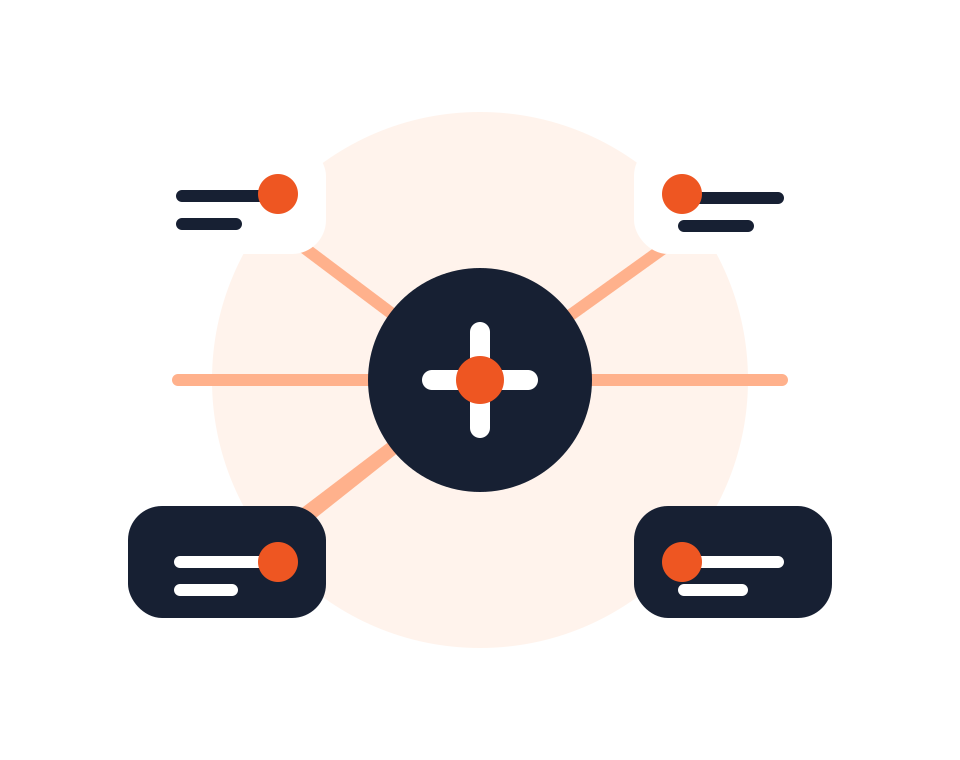
Integrations
Custom workflows often need to talk to other platforms. Dashify can support API, webhook, website, accounting, payment, SMS, email, and reporting integrations.
This helps reduce duplicate data entry and keeps important activity moving between systems without forcing your team to manually bridge the gap.
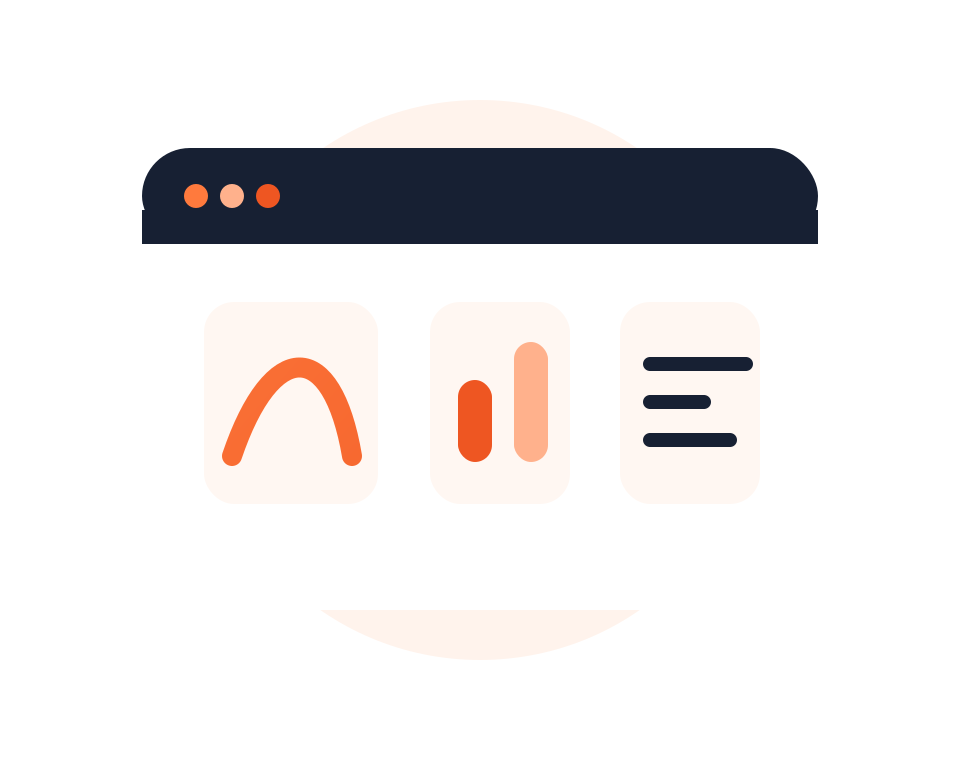
Reporting and support
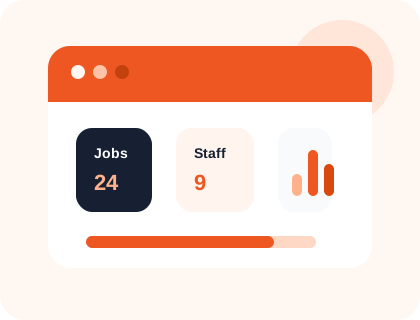
Custom dashboards and reports can show the workflow metrics that matter: volume, conversion, response time, cost, exceptions, status, and team activity.
As the workflow changes, Dashify can continue to support improvements so the system keeps matching the business instead of becoming another workaround.