
QR digital menu
Give customers a contactless menu they can scan from tables, counters, campaigns, or signage.

Digital Menu
Create a branded digital menu customers can scan from a QR code, while giving your team access to recipes and SOPs through the Dashify mobile app or kiosk app.
Dashify lets you update products, photos, descriptions, prices, extras, availability, recipes, and operating procedures from one control panel.
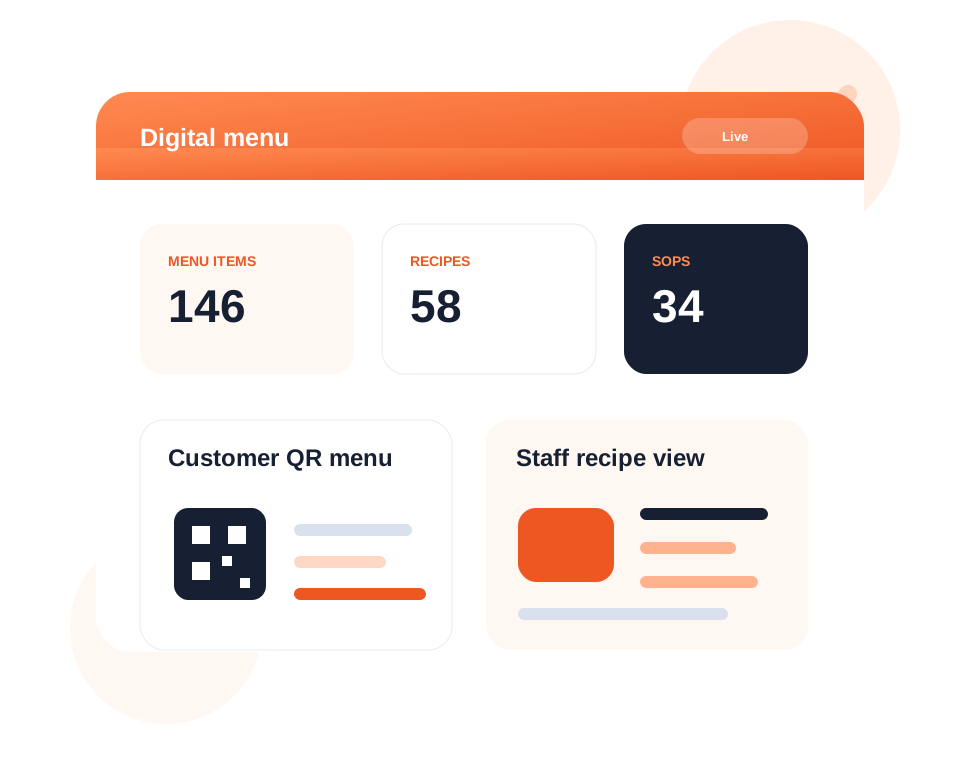
Let customers scan QR codes, browse branded menus, and view products or services instantly.
Update menu items, photos, prices, descriptions, tags, extras, recipes, and availability.
Give staff mobile or kiosk access to recipes and SOPs so service standards stay consistent.
What it handles
Dashify helps venues and service businesses publish customer-facing menus while keeping internal recipe and SOP information connected for staff.
Give customers a contactless menu they can scan from tables, counters, campaigns, or signage.
Create a digital menu or landing page that reflects your business branding.
Manage menu items, photos, descriptions, pricing, tags, extras, and availability.
Attach recipe information to menu products so staff can access preparation details.
Create standard operating procedures so products and service workflows stay consistent.
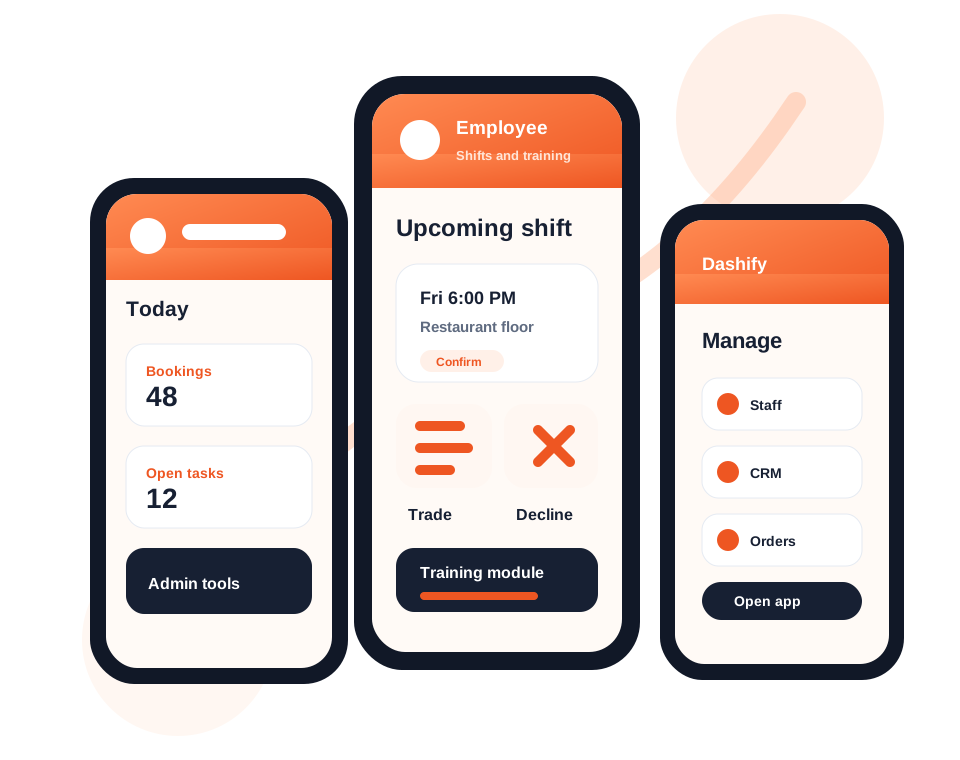
Use the Dashify mobile app or kiosk app to show internal recipes and SOPs to staff.
Connect menu products or services with online booking and paid deposit workflows.
Display menus through branded pages, WordPress, or API-powered website integrations.
Use digital menus as service catalogues with Stripe payment or deposit options.
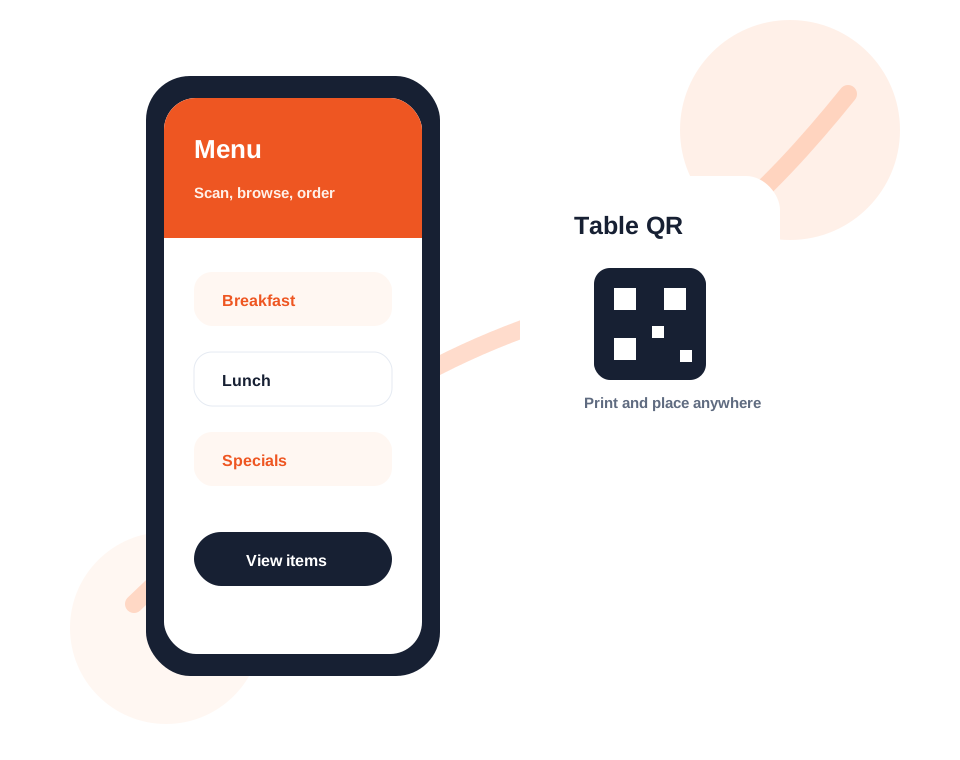
Customer QR menus
Publish a branded digital menu customers can open from their own smart device without printing new menus every time something changes.
Dashify makes it simple to create a menu, add QR codes to tables or signage, and update items from the control panel.
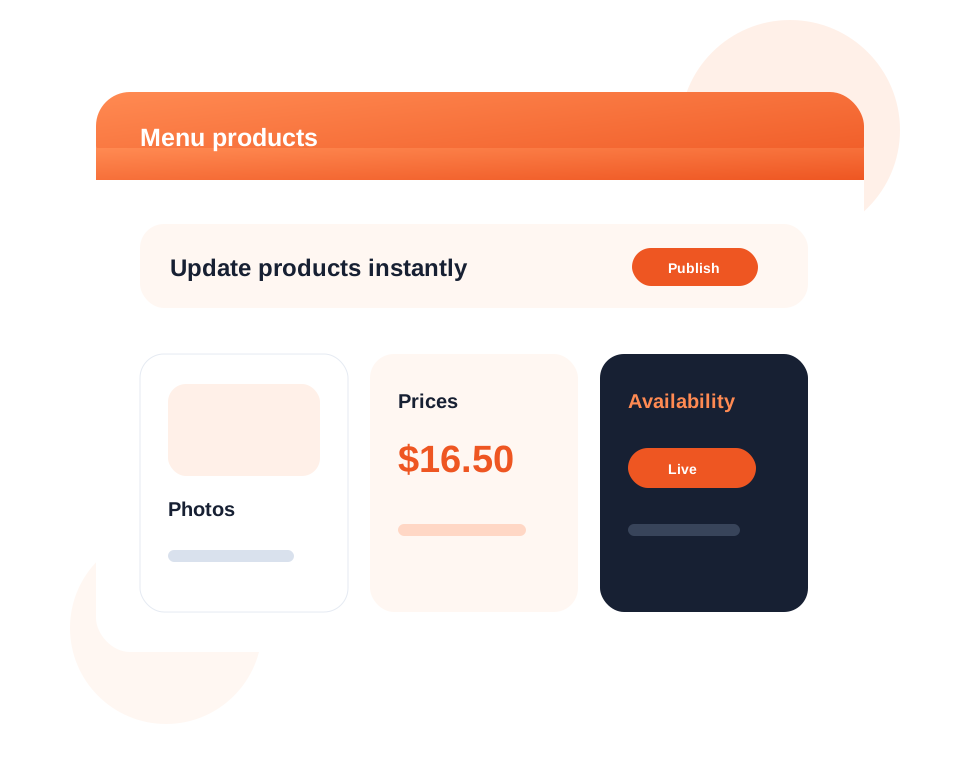
Product control
Use the Dashify control panel to manage the content customers see, including item details, daily specials, pricing, photos, tags, extras, and product availability.
Your team can keep the digital menu current without waiting on website developers or reprinting menus.
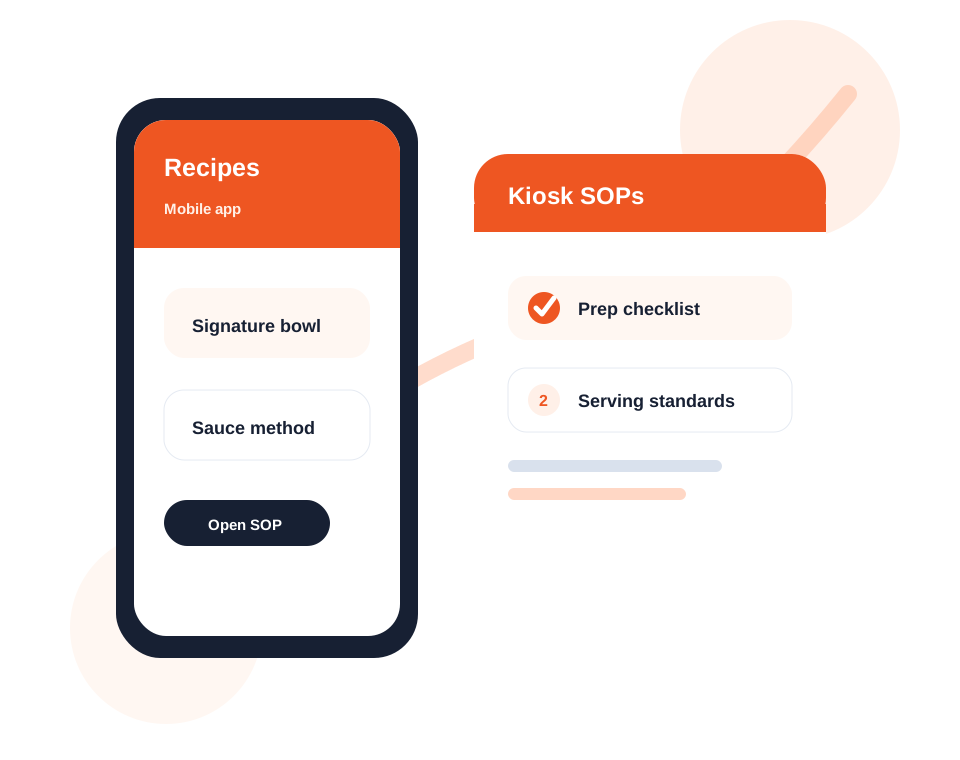
Recipes and SOPs
Dashify Digital Menu is not only customer-facing. Staff can use menu items to access recipe details and standard operating procedures from the mobile app or kiosk app.
This helps teams prepare products consistently, train staff faster, and keep service standards closer to the menu items they work with every day.
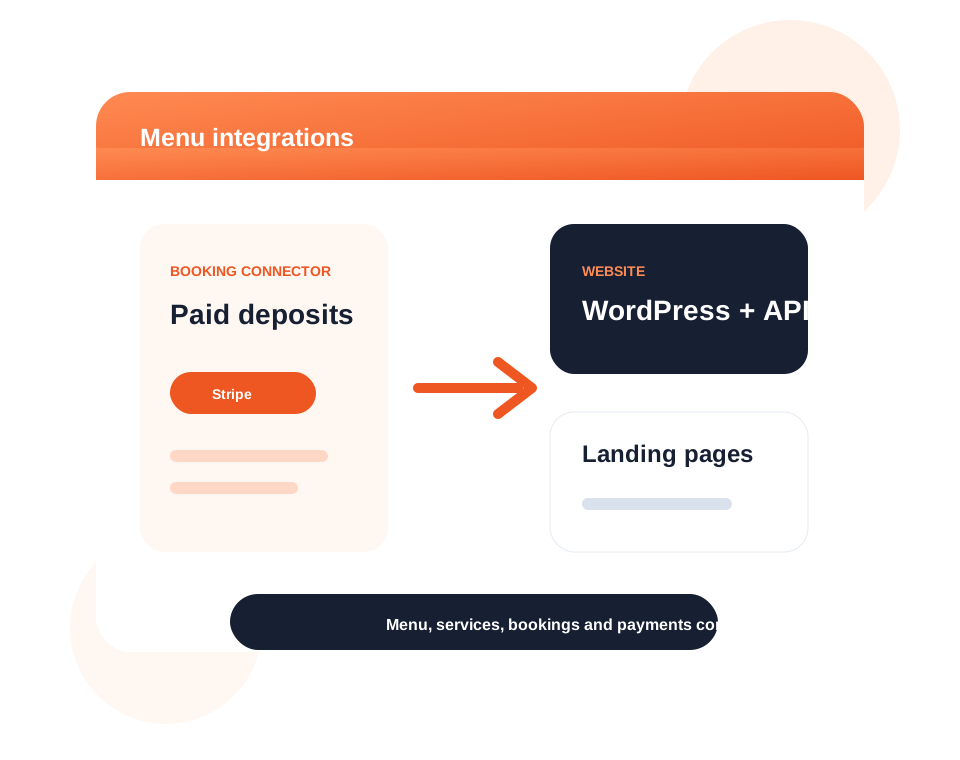
Bookings and integrations
Use digital menus as service catalogues, paid product lists, or booking package pages that connect with Dashify Online Booking and Stripe payment workflows.
Dashify can also support branded landing pages, WordPress display, and API integration for businesses that need the menu surfaced on their current website.
Menus that support customers and staff
Dashify Digital Menu connects customer-facing QR menus with internal recipes, SOPs, mobile app access, kiosk workflows, booking deposits, payments, and website integrations.