
Customer profiles
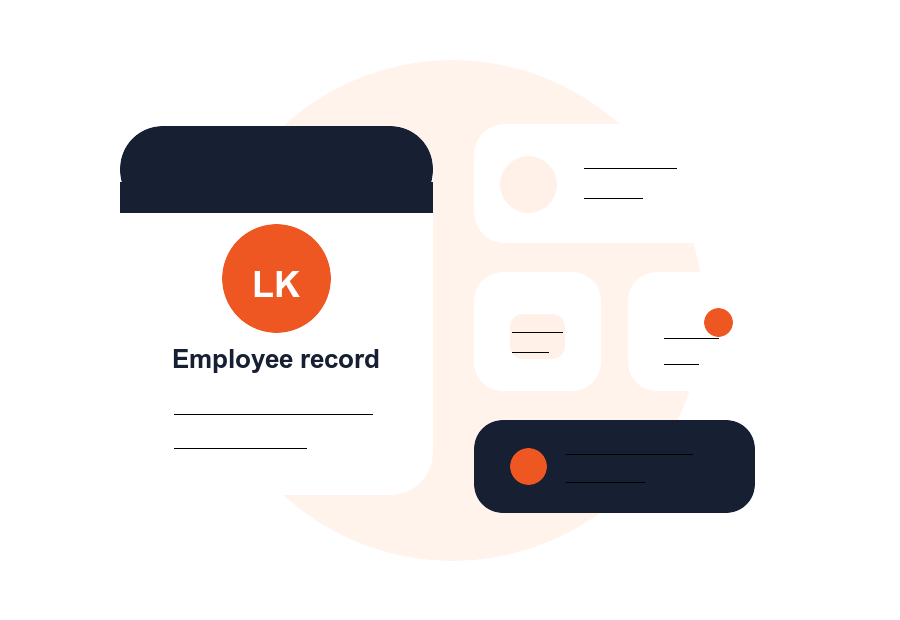
Store contact details, preferences, notes, tags, and custom fields in one searchable record.

Dashify CRM
Bring customer profiles, leads, bookings, forms, notes, and follow-up into one connected workspace for hospitality and service teams.
Dashify gives your team the context to respond faster, personalise service, and keep every enquiry moving.
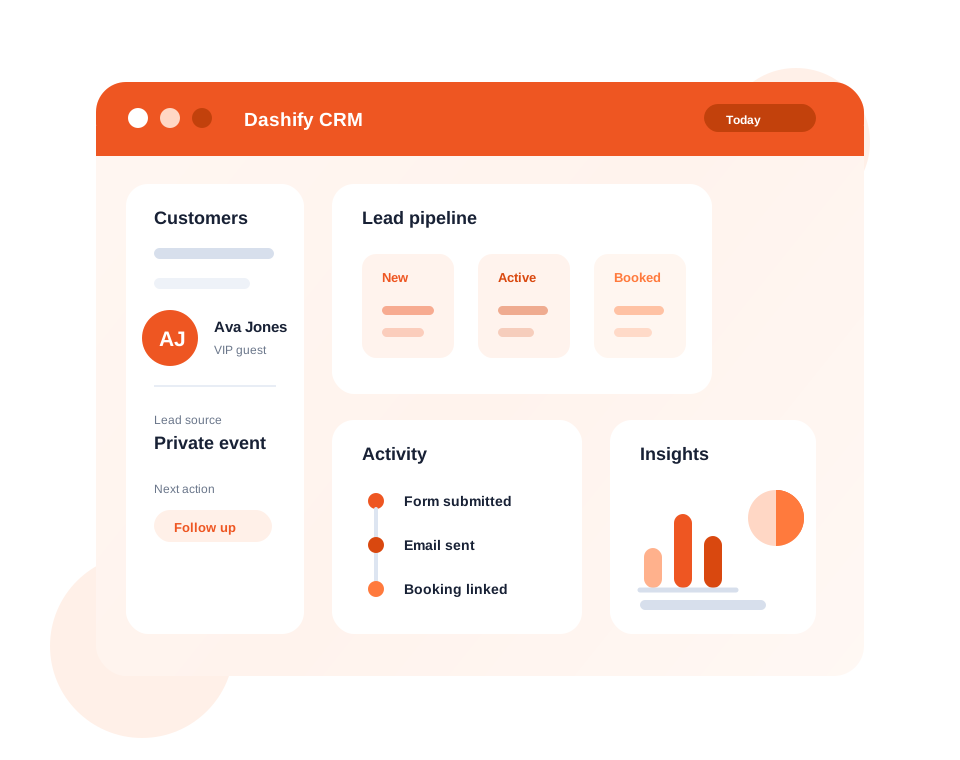
Keep profiles, preferences, notes, forms, and activity together.
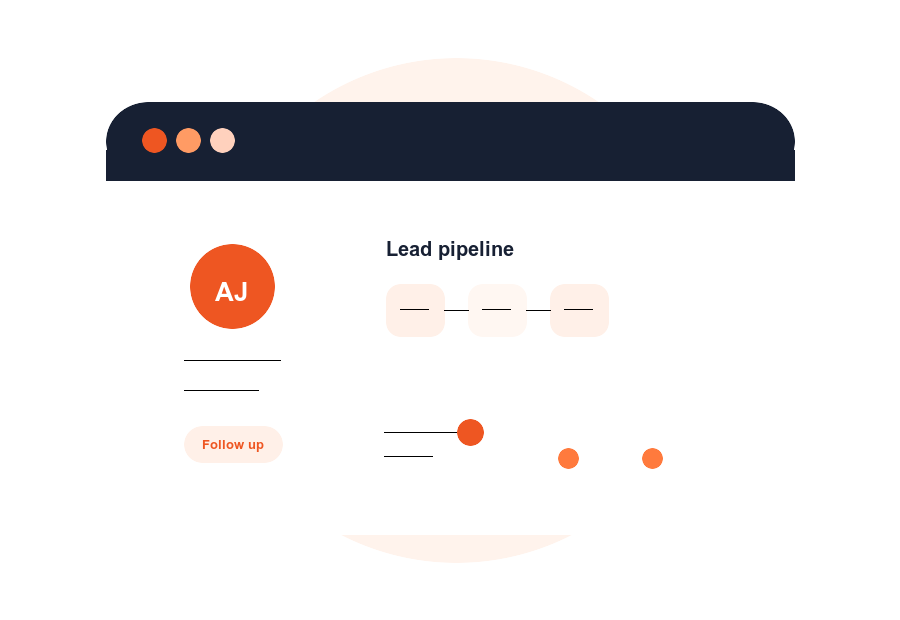
Track ownership, priority, status, and next actions for every lead.
Understand which forms, bookings, and campaigns create opportunities.
What it handles
Dashify CRM focuses on the everyday customer work that sits between marketing, bookings, forms, and operations.
Store contact details, preferences, notes, tags, and custom fields in one searchable record.
Move enquiries through clear statuses so the right person knows what needs action.
Turn website forms, applications, and requests into contacts and leads automatically.
See emails, bookings, forms, notes, and internal updates in chronological context.
Send consistent responses and notifications without losing the customer record.
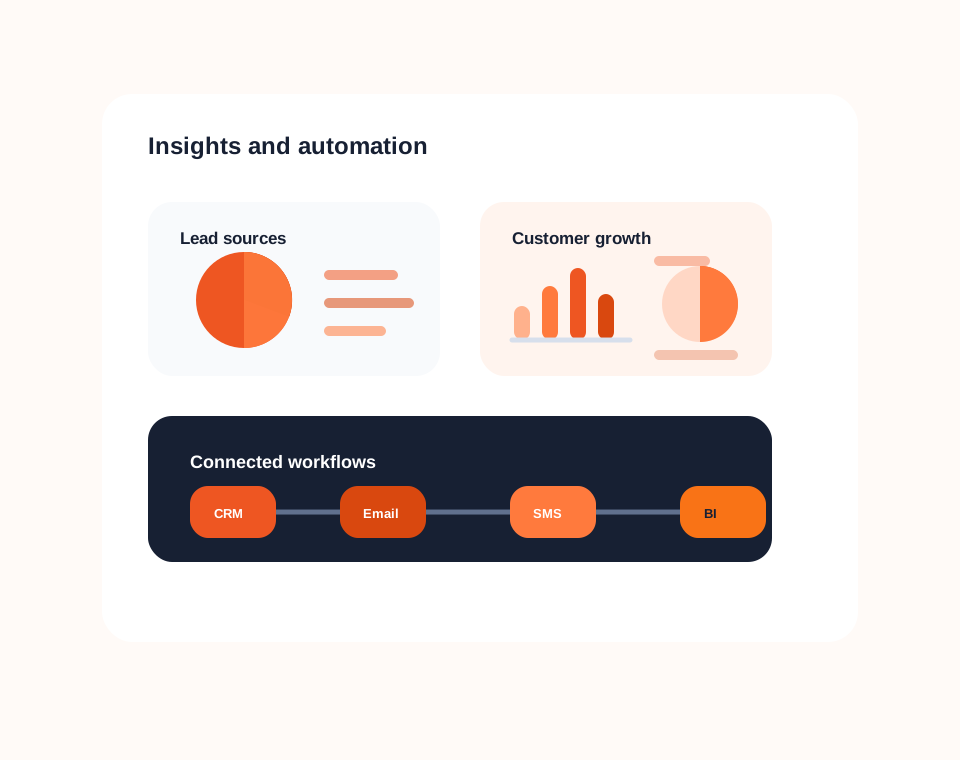
Track source, activity, and customer growth so your team can improve what happens next.
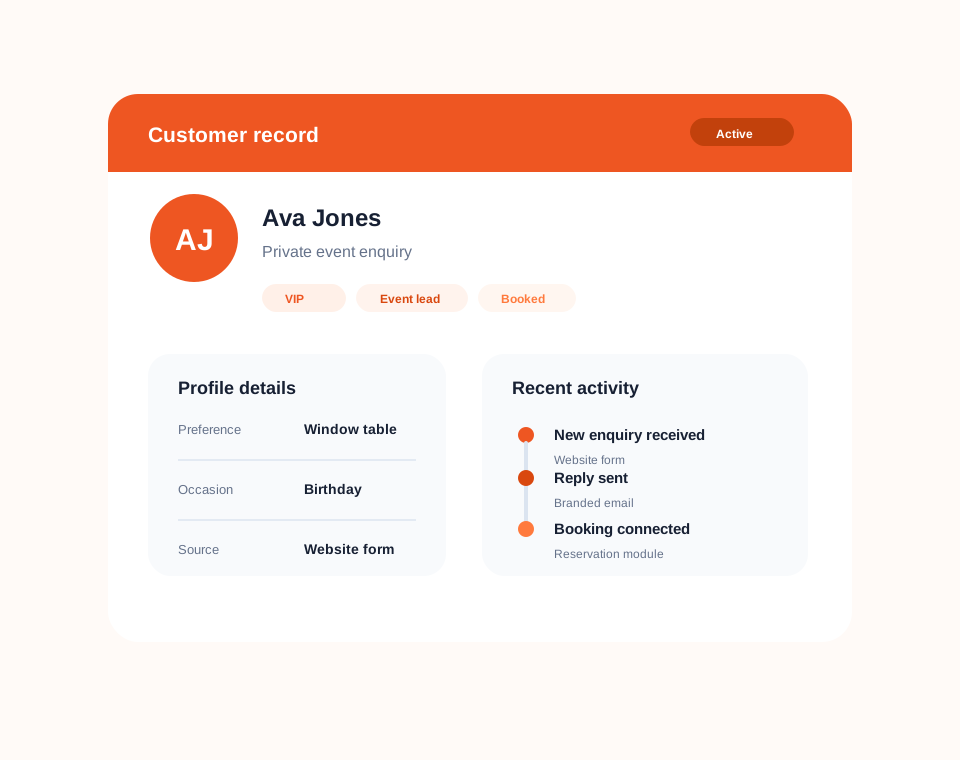
Customer records
Every customer record can hold the details your team needs before they reply, book, follow up, or hand work over.
Instead of spreading customer context across inboxes, spreadsheets, and disconnected tools, Dashify keeps the operational record in one place.
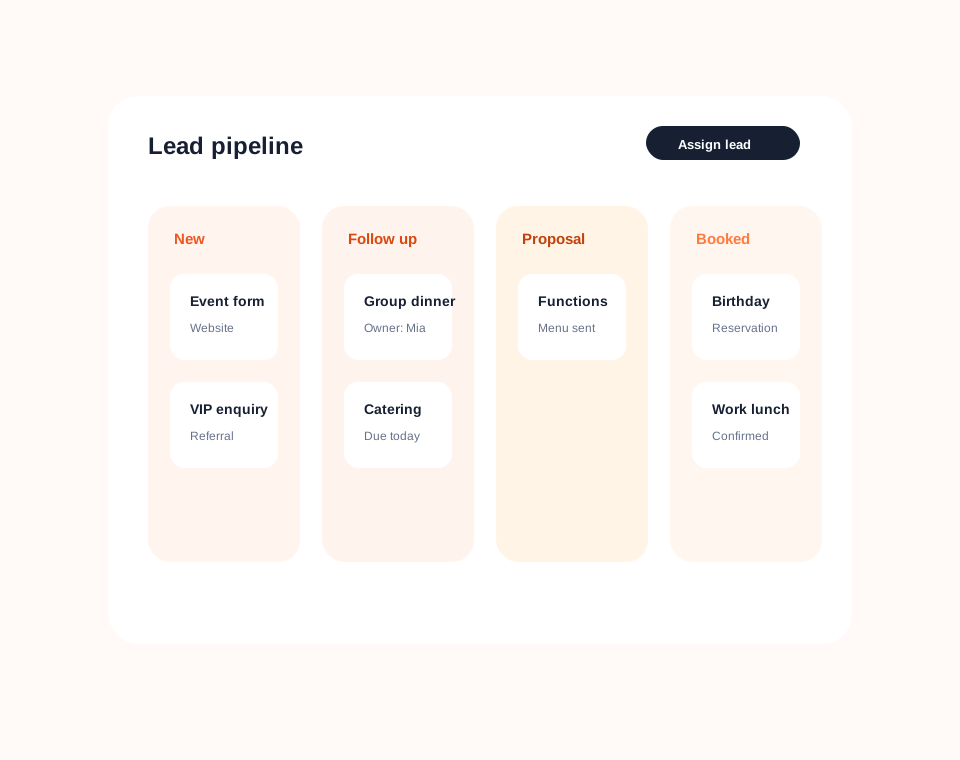
Lead management
Capture new opportunities, assign ownership, set status, and make follow-up work obvious.
The CRM pipeline helps teams move faster because every enquiry has a clear source, stage, and next action.
Simple CRM pricing
Dashify is billed month to month with no lock-in contracts, so your CRM can grow with your operation.
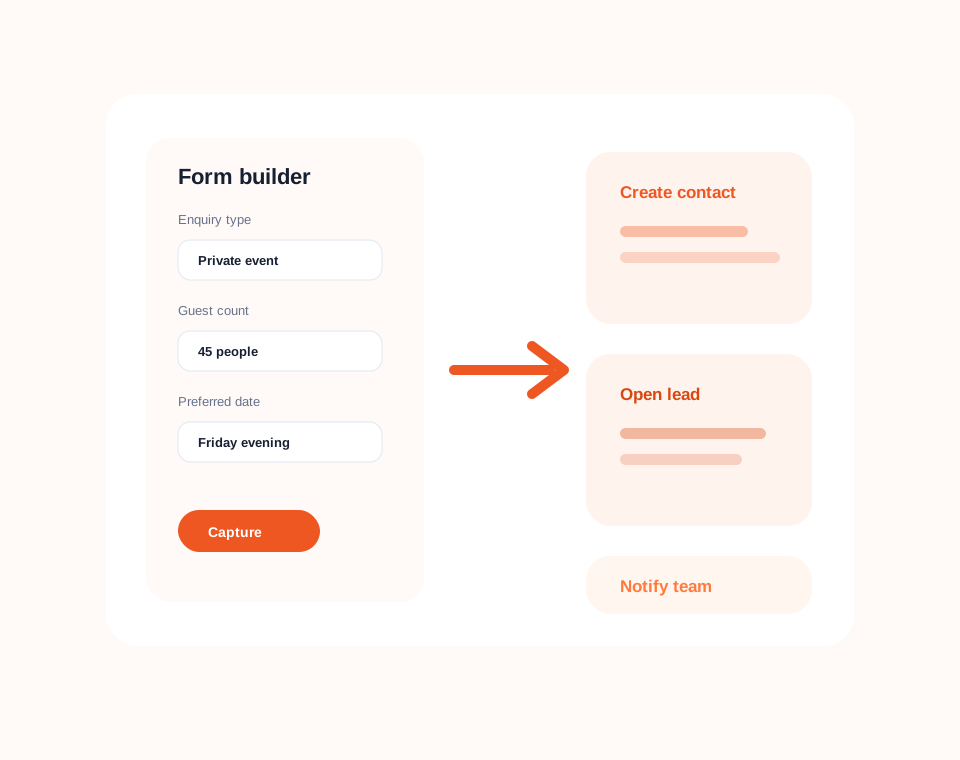
Forms and capture
Create forms for enquiries, applications, requests, bookings, and internal workflows, then route the result into CRM.
Dashify forms help teams capture the right information upfront, reduce manual entry, and keep the next step tied to the customer record.
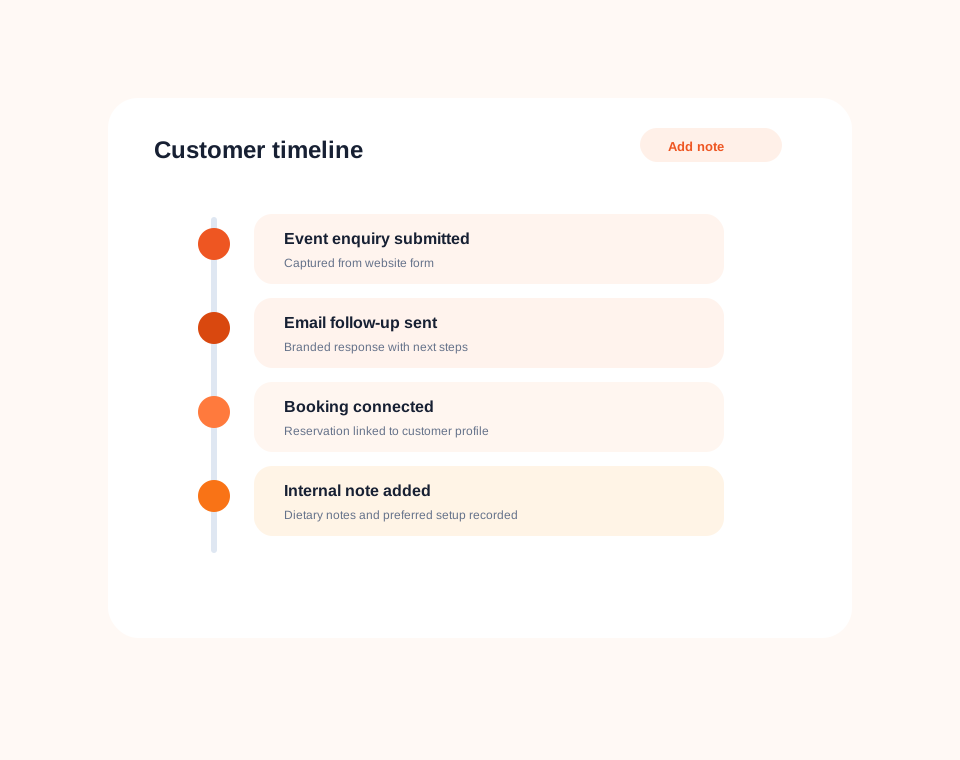
Timeline history
See what happened, who handled it, and what the customer needs next.
The customer timeline makes handovers smoother because the important details are recorded beside the customer, not buried in someone else's inbox.
Reporting and automation
Dashify CRM helps you see where customers come from, which channels create leads, and how your team follows through.
Use integrations and webhooks to connect CRM activity with the platforms your business already relies on.