
Paperless onboarding
Collect employee details, documents, forms, and approvals through a guided digital process.

Dashify HRIS
List jobs, manage applications, onboard employees, assign training, track daily tasks, plan rosters, and approve attendance in one connected HR workspace.
Dashify helps hospitality and service teams reduce admin, control labour costs, and give managers clearer staff information.
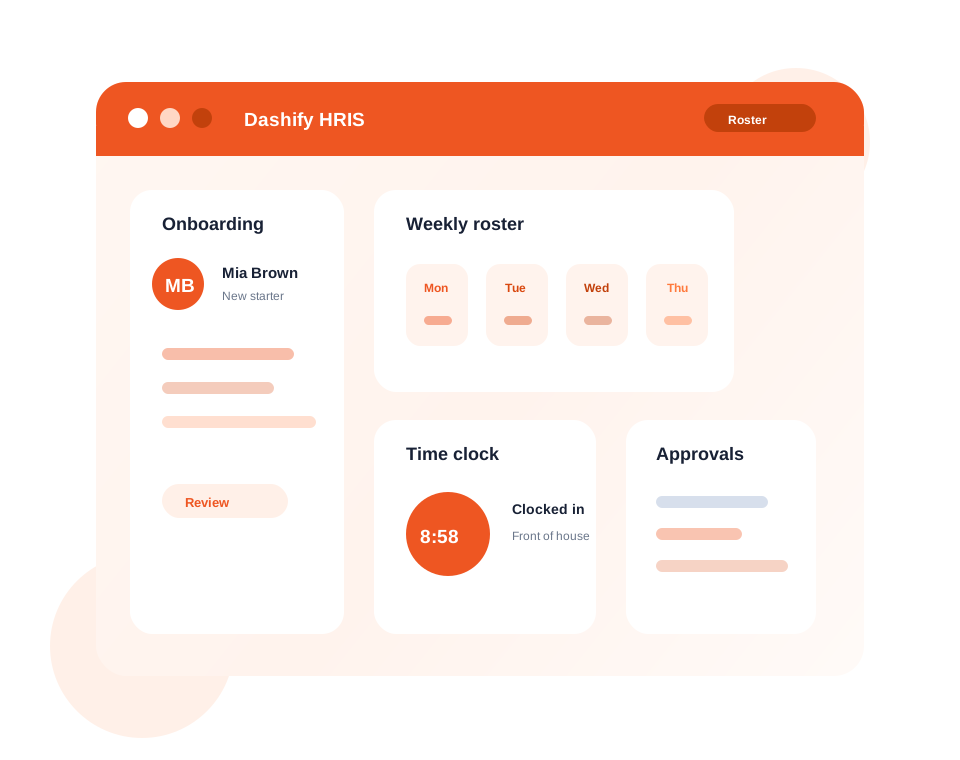
Move new starters through forms, documents, and approvals without paper admin.
Plan shifts, manage budgets, and communicate schedules from one place.
Connect shift records, attendance, breaks, and manager approvals.
What it handles
Dashify HRIS brings employee administration, scheduling, attendance, and workforce visibility into a single operating system.
Collect employee details, documents, forms, and approvals through a guided digital process.
List jobs in Dashify, receive applications, and manage candidates from application to onboarding.
Keep staff profiles, employment details, permissions, certificates, and documents in one place.
Create, copy, publish, and update schedules for daily or weekly workforce planning.
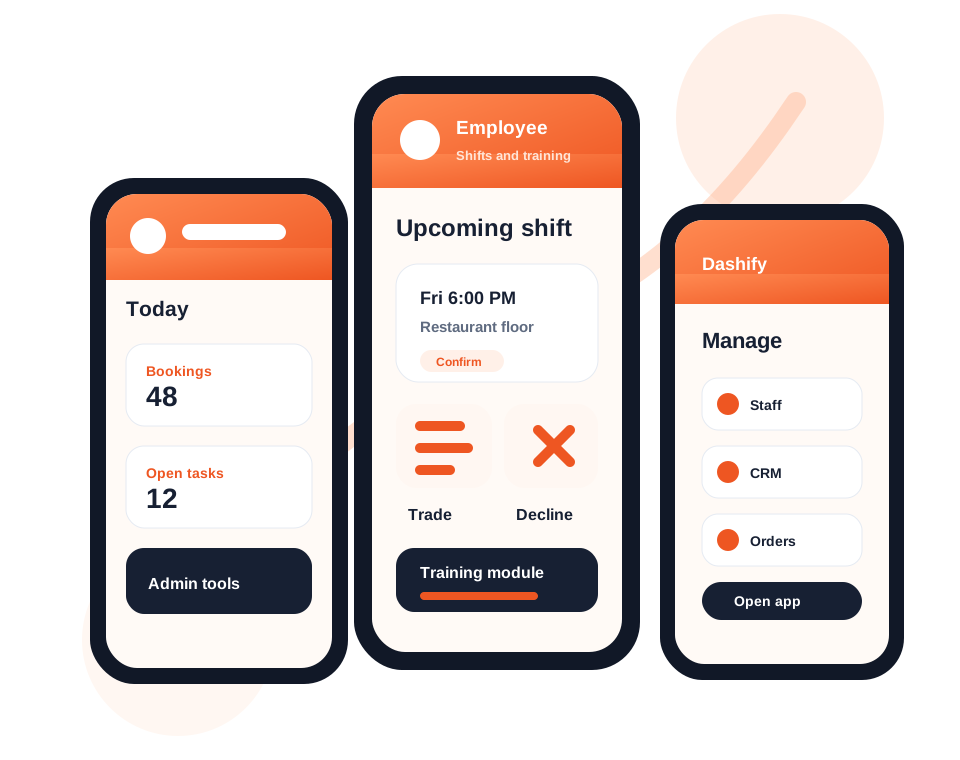
Create training content and multiple-choice quizzes that staff can complete through mobile or kiosk.
Manage daily tasks, ad hoc work, project stages, budgets, and team accountability.
Record clock-ins, breaks, clock-outs, and location-aware shift activity through the kiosk app.
Review attendance, confirm timesheets, and approve shifts before payroll work begins.
Compare staffing, shift activity, and rostered labour against your operational needs.
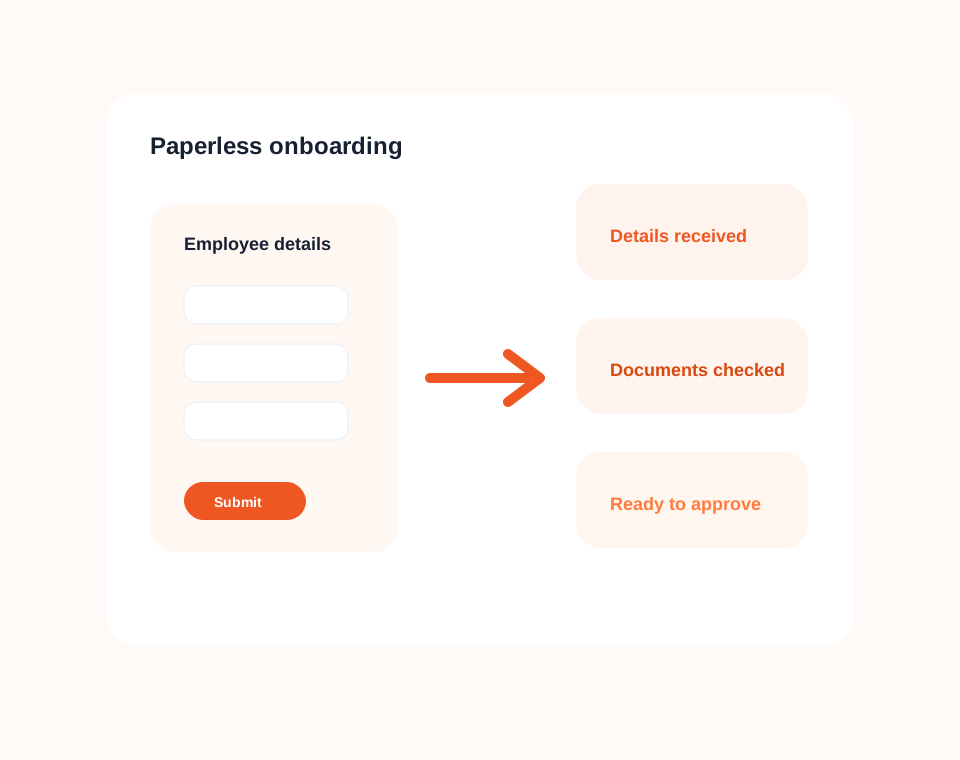
Paperless onboarding
Guide employees through digital onboarding so managers can collect the right information before the first shift.
Dashify helps you remove manual forms, reduce double handling, and keep onboarding progress visible to the people who need to approve it.
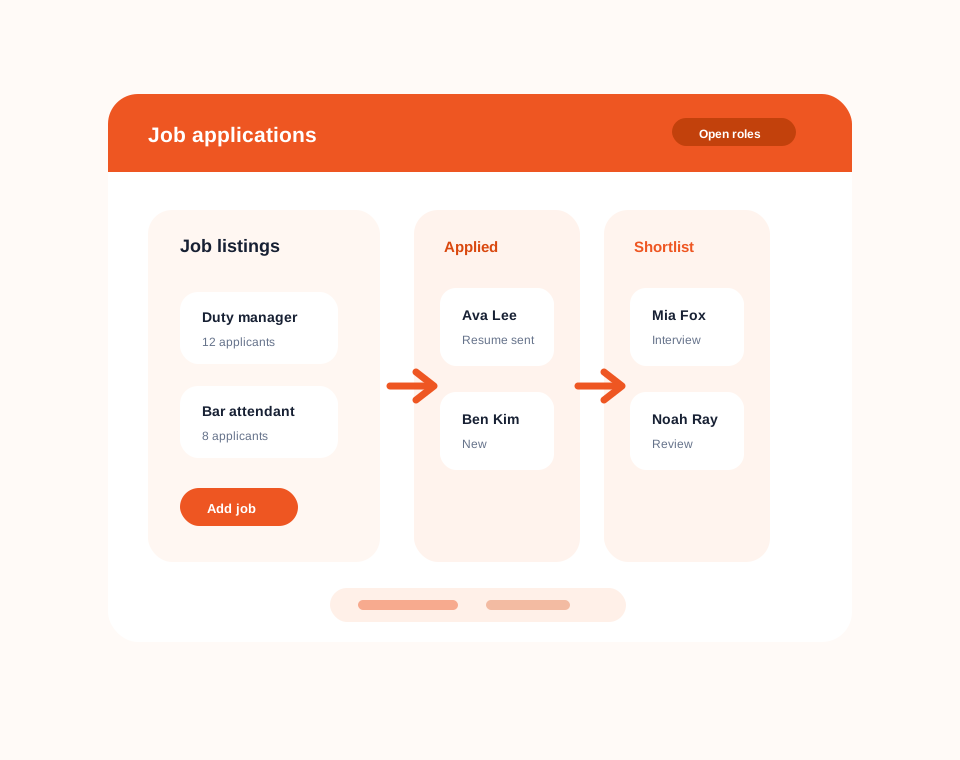
Job applications
Publish available roles in the Dashify app, receive candidate applications, and manage the hiring process end to end.
Dashify keeps job listings, applicant details, review status, and next steps together so teams can move from application to onboarding with less admin.
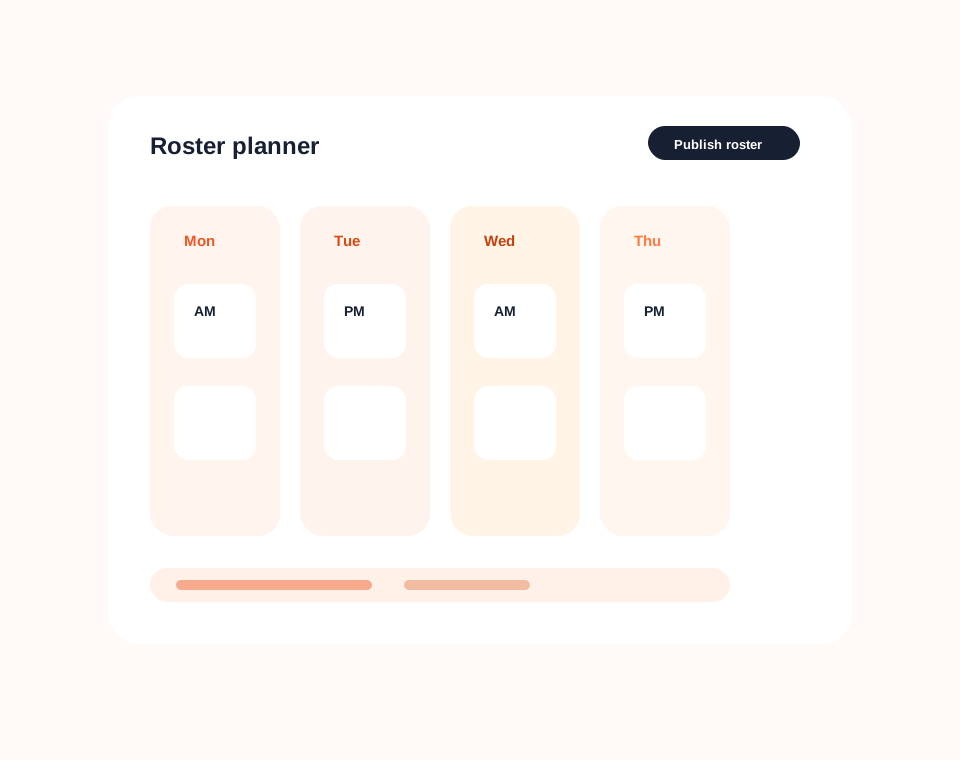
Roster management
Build schedules, copy repeat patterns, communicate shifts, and keep labour planning easier to manage.
Dashify gives managers a cleaner view of who is working, when they are scheduled, and how roster plans line up with business needs.
Simple HRIS pricing
Dashify is billed month to month with no lock-in contracts, so you can manage more staff without unexpected per-person fees.
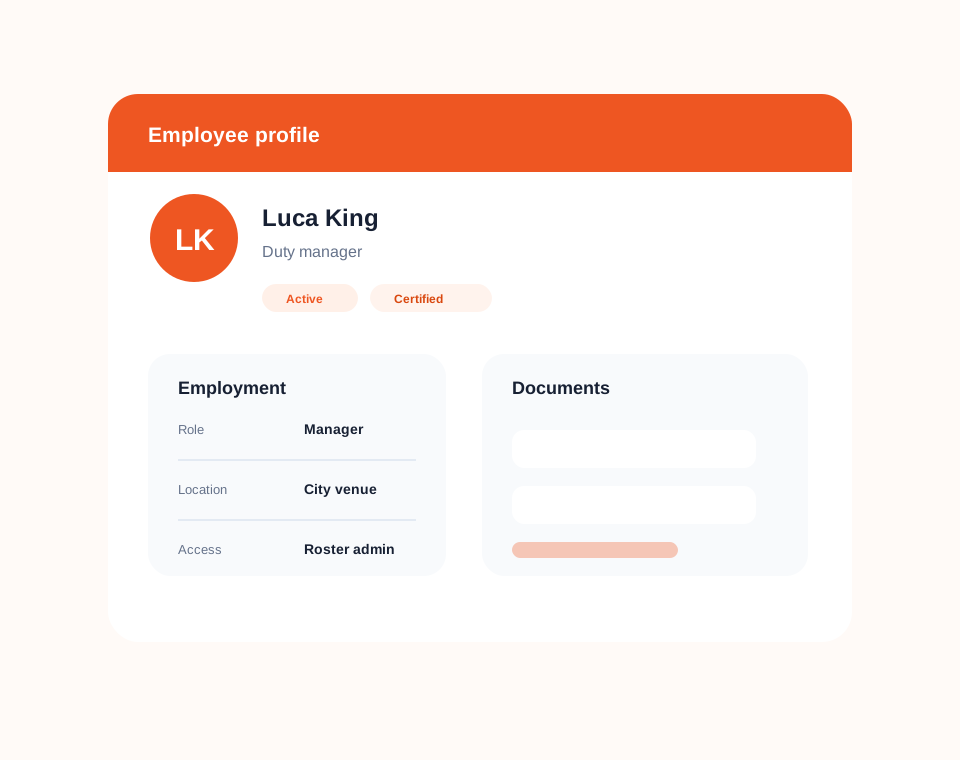
Employee profiles
Store employee details, documents, certificates, permissions, and employment information in a central profile.
Managers can understand who is active, what information is missing, and which staff details need attention without relying on scattered files.
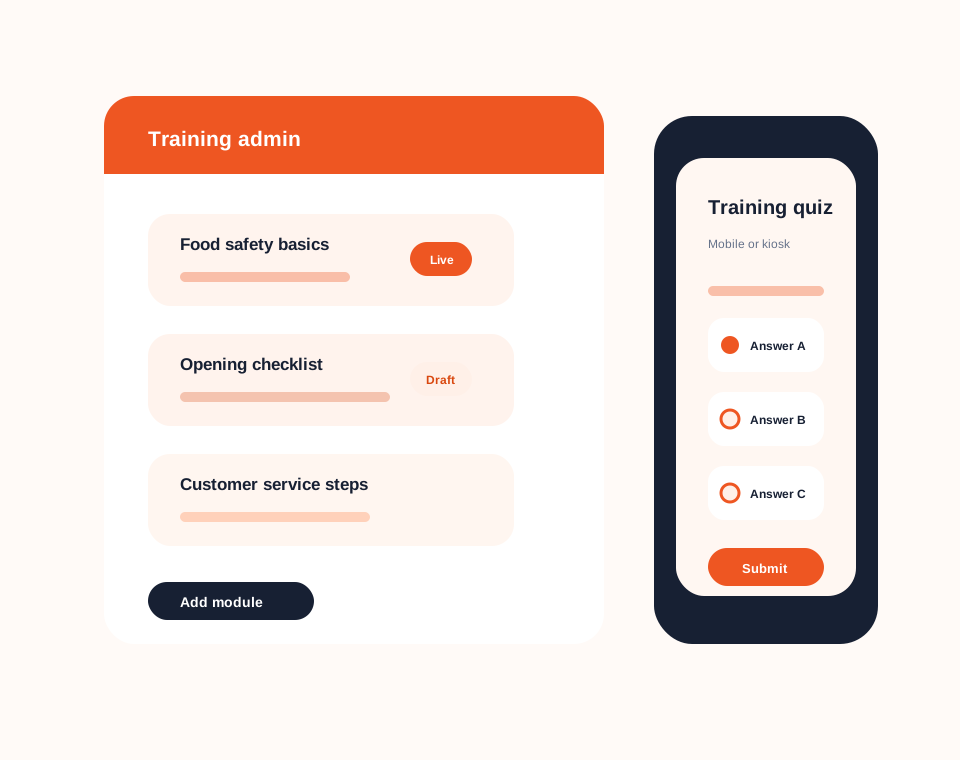
Employee training
Create training modules in the Dashify admin, then make them available to employees through the mobile app or the kiosk Time Clock App.
Training can include multiple-choice quiz questions so managers can check understanding and keep completion visible alongside the employee workflow.
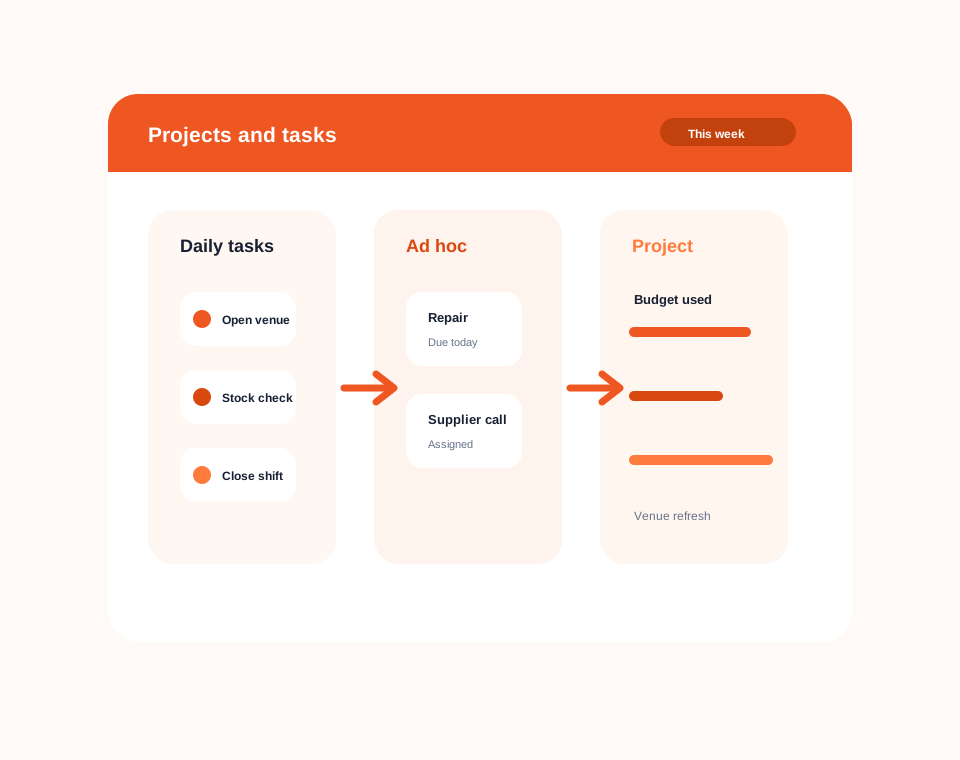
Project and task management
Use Dashify project and task management to assign work, track progress, and manage project activity alongside employee operations.
Managers can create daily tasks, handle ad hoc work, and track larger projects with stages, responsibilities, budget context, and completion visibility.
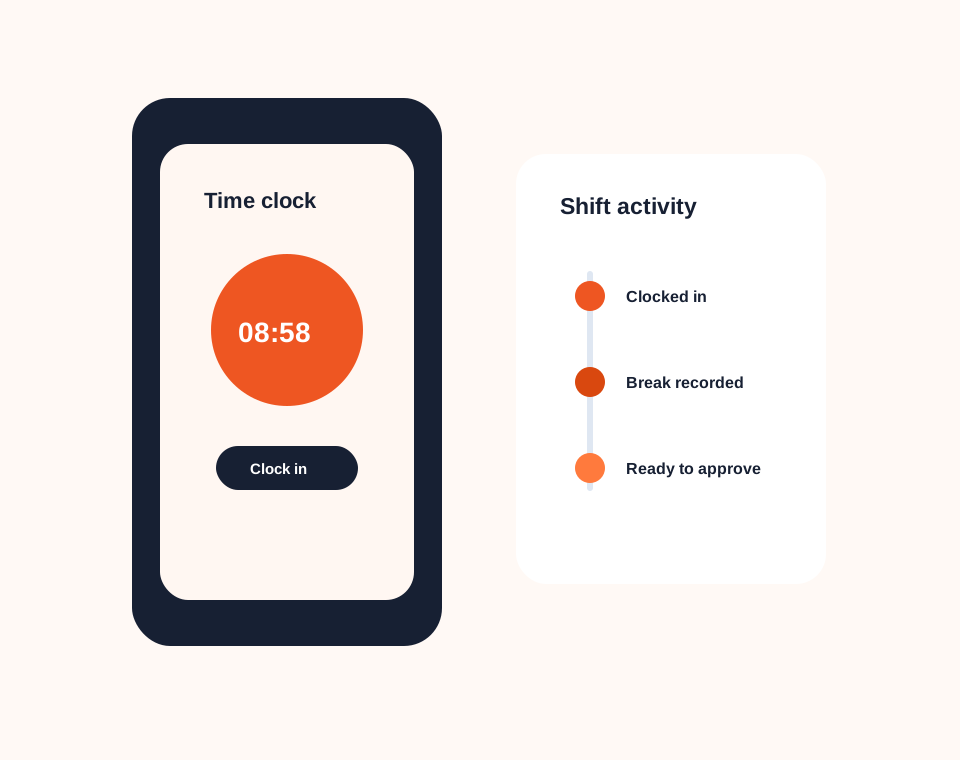
Shift management
Use Dashify Time Clock App to record shift activity, breaks, and attendance for a cleaner approval process.
Shift records help managers compare planned rosters with real clock activity before approving time for payroll.
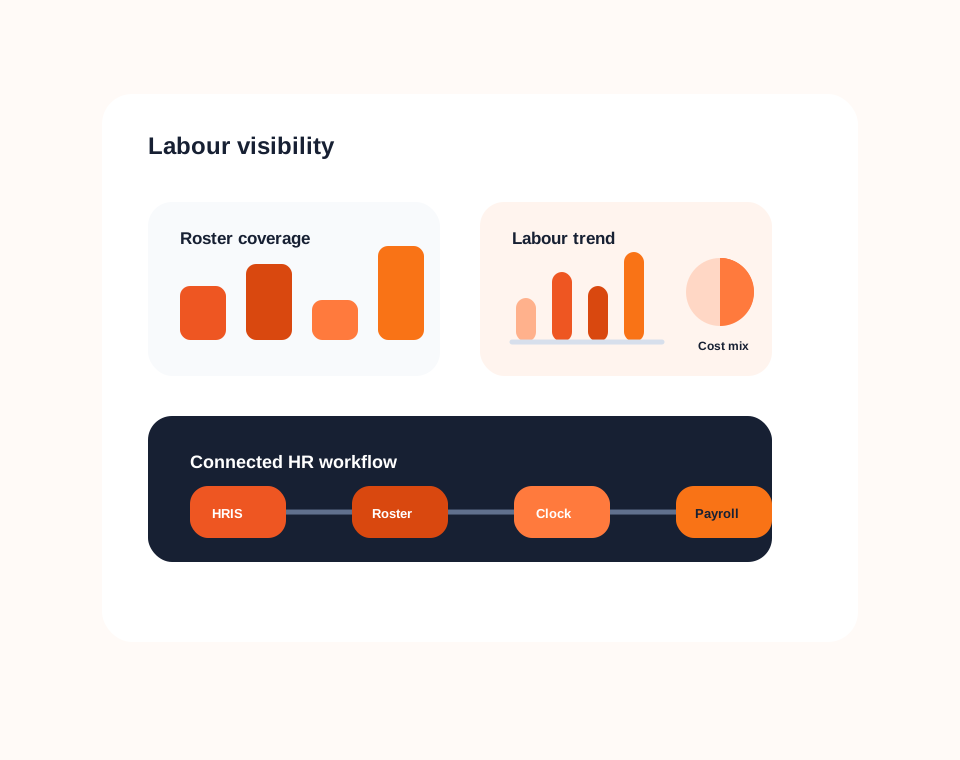
Labour visibility
Bring staff profiles, schedules, shift records, approvals, and operational reporting closer together.
Dashify HRIS helps your team understand roster patterns and employee activity so labour planning becomes less reactive.