
Training modules
Create structured employee training content for policies, SOPs, role skills, and operational procedures.

Employee Training
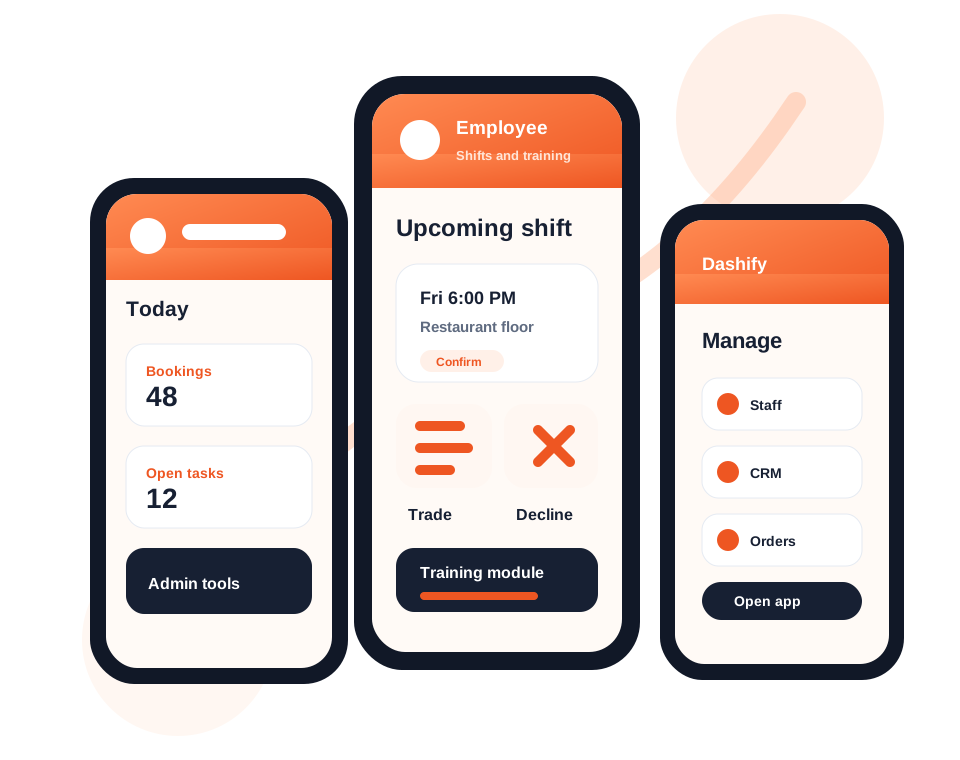
Create training modules in Dashify, assign learning to employees, and let staff complete training from the mobile app or kiosk Time Clock App.
Training is managed through the admin website under /employee/training, with multiple-choice quizzes to help check employee understanding.
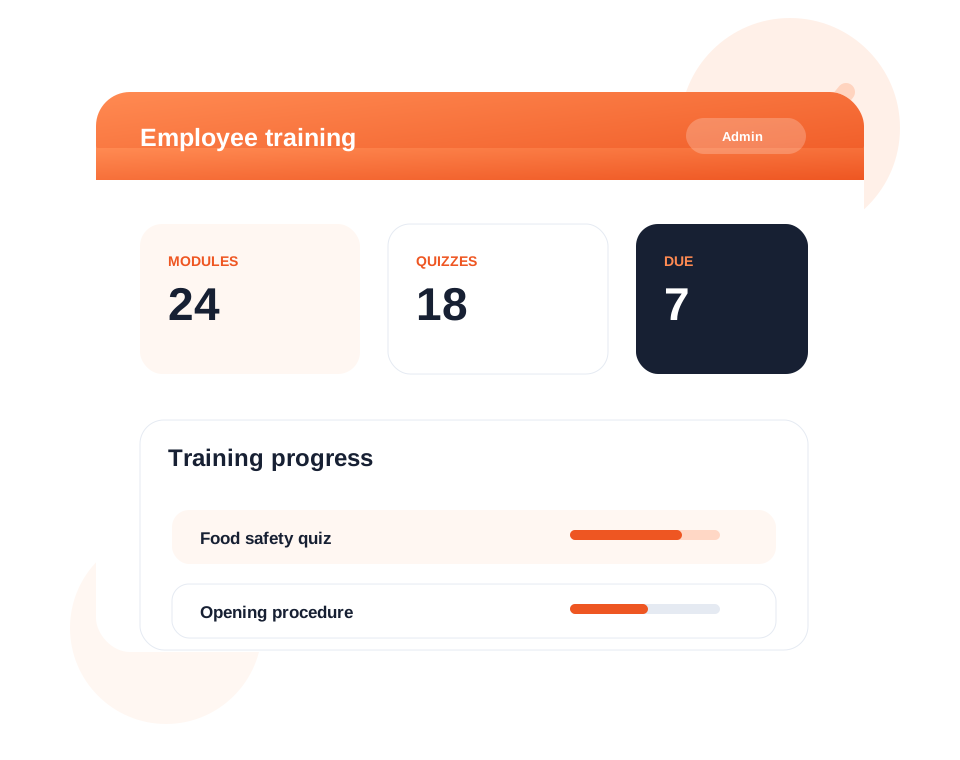
Build training content, policies, SOPs, and quiz questions from the Dashify admin website.
Make training available to the right employees based on role, team, location, or onboarding need.
Review quiz results, training progress, and completion status from one connected HR workspace.
What it handles
Dashify helps businesses keep training organised, accessible, measurable, and connected to employee records.
Create structured employee training content for policies, SOPs, role skills, and operational procedures.
Check staff understanding with quiz questions attached to training modules.
Employees can complete assigned training from the Dashify mobile app.
Training can also be accessed through the kiosk Time Clock App for workplace devices.
See who has completed training and what still needs follow-up.
Training connects with onboarding, employee profiles, rosters, and HR records.
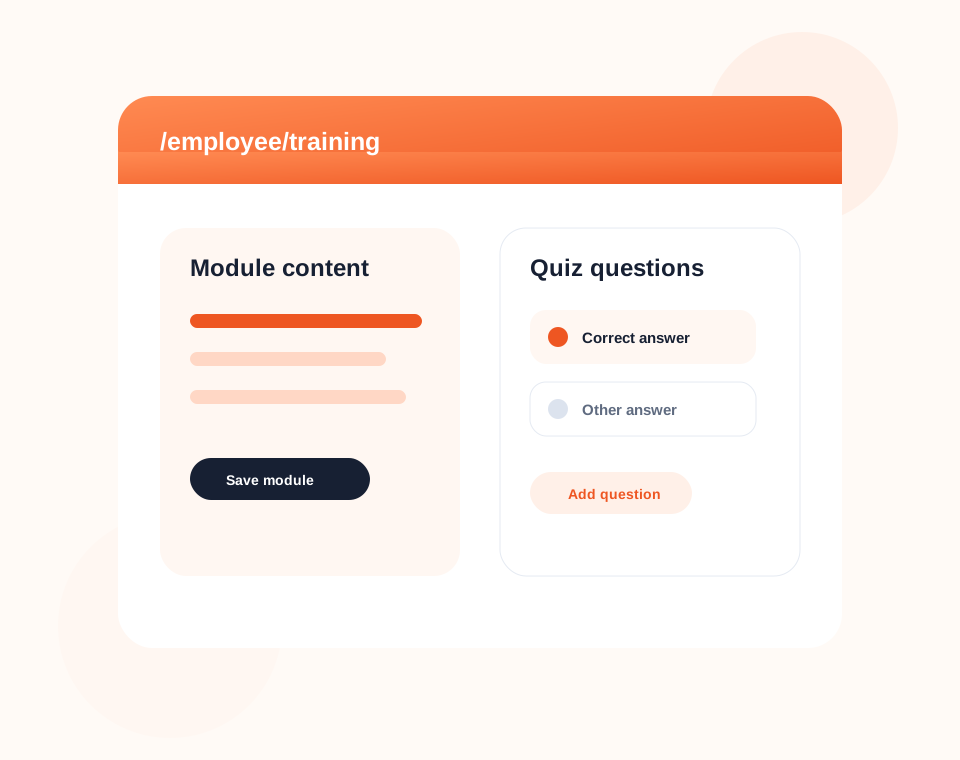
Admin management
Create and maintain training modules in the admin area, including content, quiz questions, employee visibility, and completion requirements.
This gives managers a simple place to manage operational training without relying on paper handbooks or scattered files.
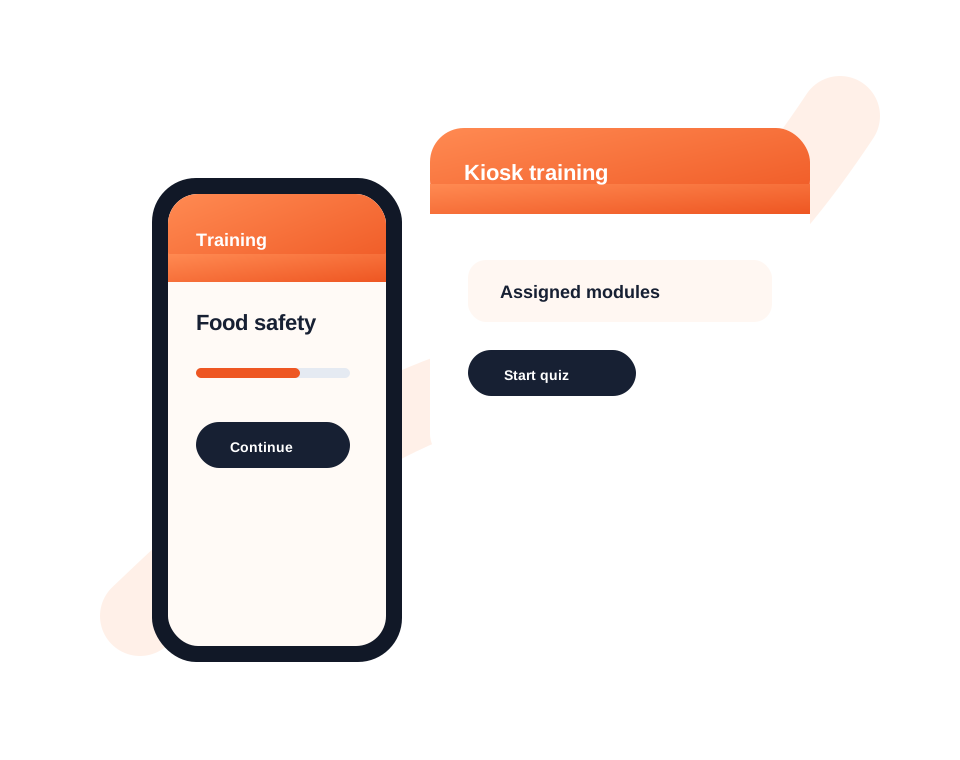
Employee access
Employees can access assigned training where they already use Dashify, whether that is the mobile app or a workplace kiosk device.
Training becomes part of the everyday employee workflow instead of a separate process managers need to chase manually.
Connected employee development
Dashify training works alongside HRIS, employee onboarding, rosters, mobile app access, kiosk time clock, and operational reporting.