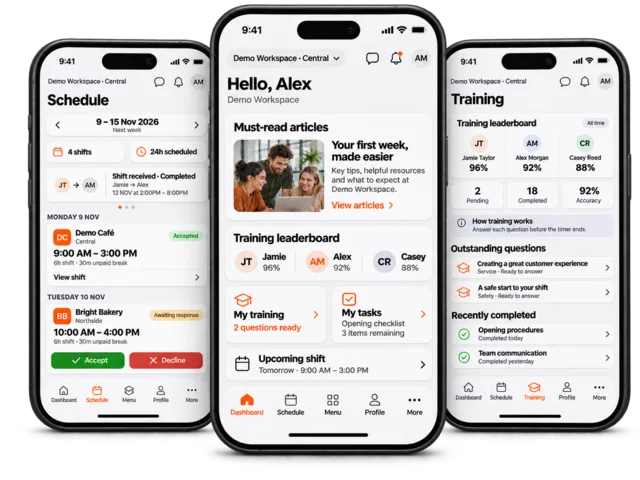


Quote management
Create and manage quotes before turning approved work into sales orders.

Order Management
Keep quotes, customer orders, supplier purchasing and fulfilment in context, so the next person does not have to reconstruct the order from messages and paperwork.
Follow the status, stock, documents and account activity behind an order as it moves through your team.
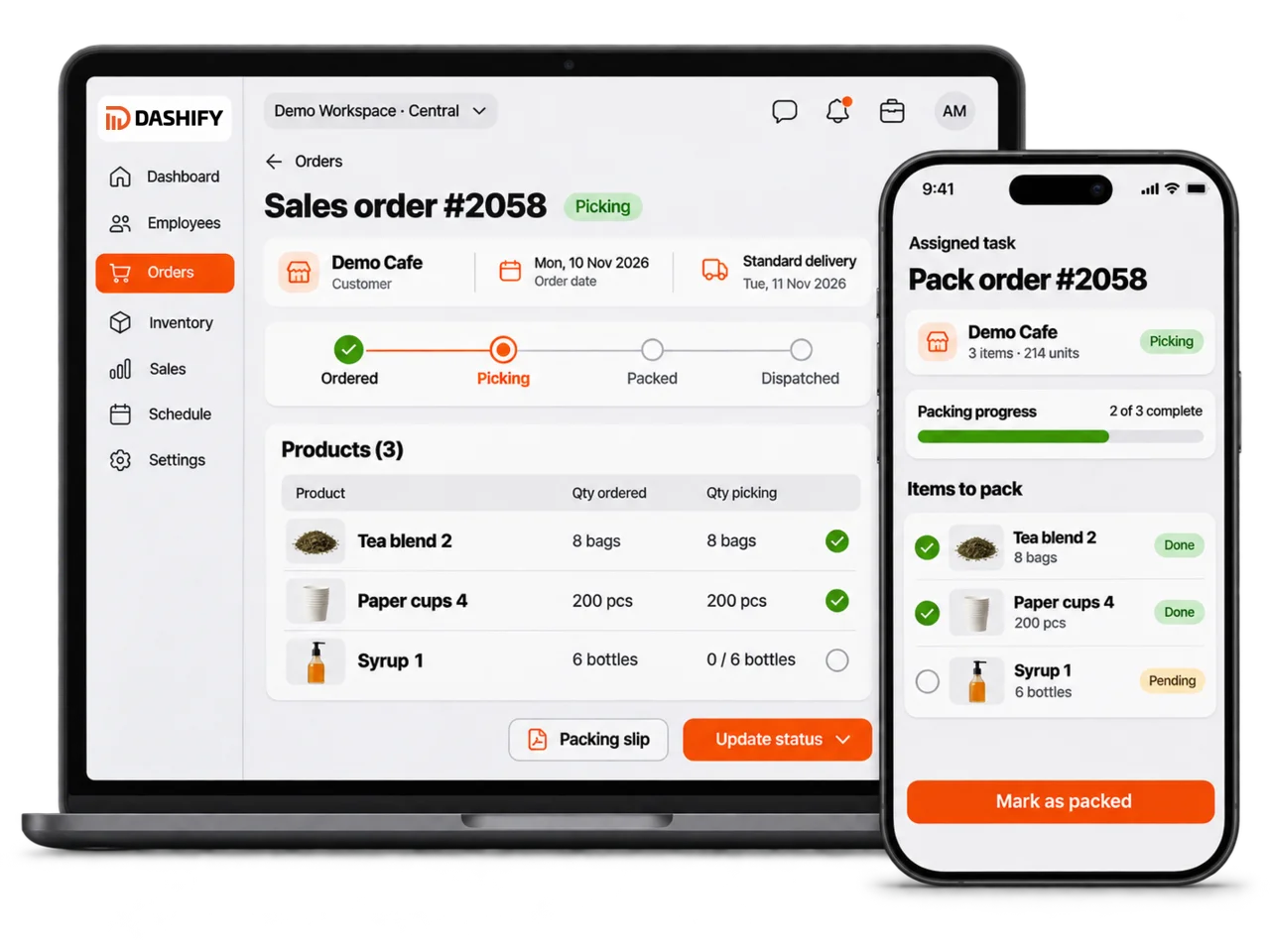
Build quotes, customer sales orders, and supplier orders with line items, pricing, notes, and status.
Manage payment status, delivery status, picking, packing, run planning, and warehouse movement.
Connect orders with inventory, returns, invoice generation, packing slips, and Xero invoice workflows.
What it handles
Dashify connects the full order lifecycle so customer, supplier, inventory, warehouse, delivery, invoice, and return activity stays easier to manage.
Create and manage quotes before turning approved work into sales orders.
Manage customer orders, payment status, delivery status, notes, and history.
Create and track supplier orders from request through delivery and receiving.
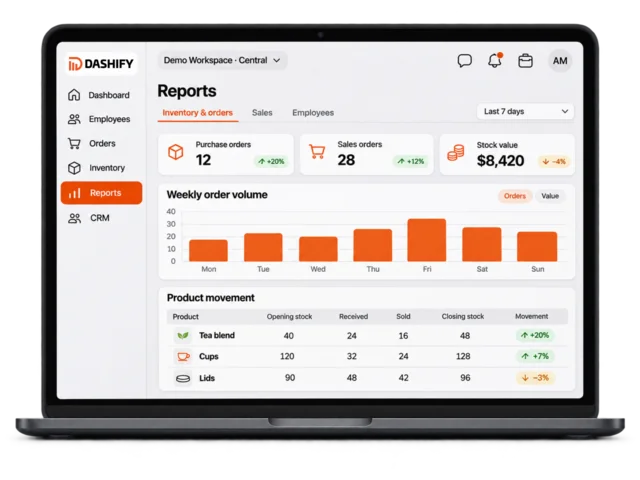
Sync order activity with inventory so sales, fulfilment, returns, and stock remain connected.
Support Xero invoice management by syncing approved order and invoice data.
Generate invoices and packing slips for warehouse, delivery, and customer communication.
Organise deliveries, run sheets, dispatch status, and warehouse fulfilment activity.
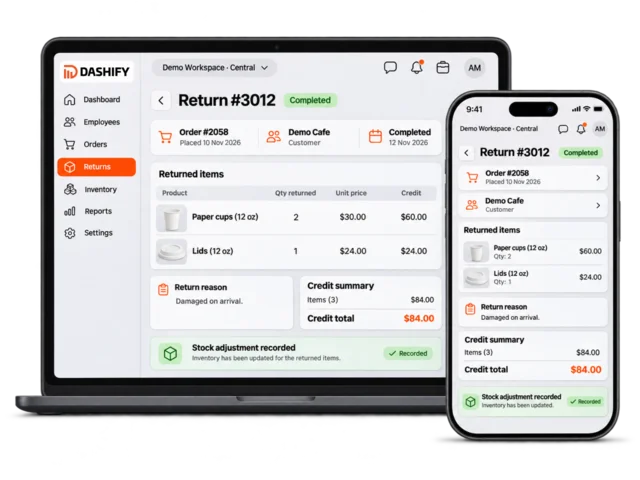
Handle returns, credits, stock adjustments, and order history in one workflow.
Support picking, packing, stock movement, supplier receiving, and order dispatch workflows.
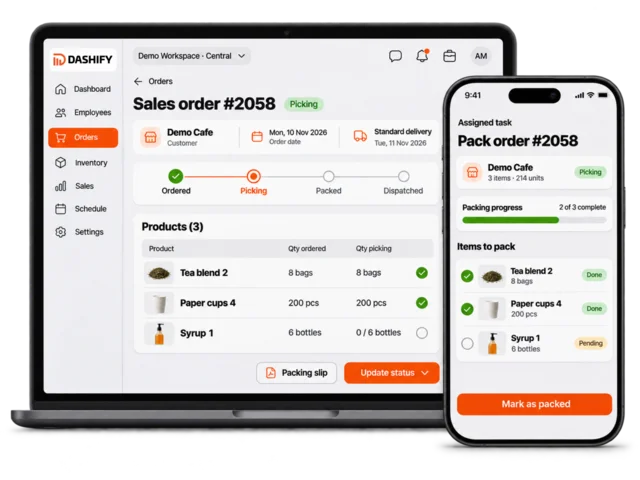
Quotes and sales orders
Create quotes, convert approved work into sales orders, and keep line items, notes, customer details, payment status, and delivery status together.
Dashify gives your team a cleaner way to manage the commercial workflow before it becomes warehouse and delivery work.
B2B customer ordering
If your business sells to other businesses, Dashify Marketplace can give customers self-service ordering while still feeding orders into your sales workflow.
Customers can browse approved products, see their account pricing, build a cart, and submit orders through the website or mobile app. Your team keeps control of pricing, product access, cut-off times, fulfilment, and invoicing.
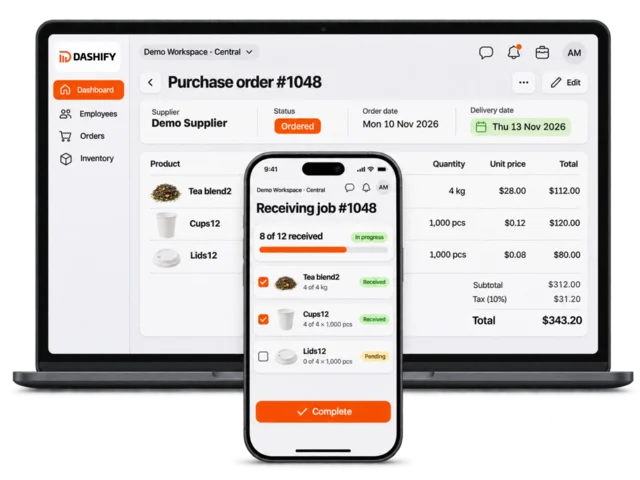
Supplier and inventory sync
Use supplier order workflows to replenish stock, receive goods into the right location, and keep inventory updated as orders move.
Dashify helps purchasing, inventory, and warehouse teams work from the same order and stock context.
Invoices and Xero
Dashify can generate invoices and packing slips, then support Xero invoice management workflows for approved sales orders.
This helps reduce double handling between customer orders, warehouse fulfilment, customer paperwork, and accounting systems.
Warehouse fulfilment
Use Dashify to keep warehouse order activity moving from fulfilment through delivery and return management.
Warehouse teams can work from order status, stock availability, packing slips, delivery status, and return records without switching between disconnected systems.
Connected order workflow
Dashify Order Management connects with inventory management, supplier ordering, sales fulfilment, returns, packing slips, Xero invoice workflows, CRM accounts, and reporting.
Before you choose
For teams re-entering customer orders or losing track of stock, paperwork and fulfilment status.
A workflow to try: Create a quote, review the resulting sales order and follow the work through packing, invoicing and completion.
Supplier purchasing and customer sales serve different purposes. Review each journey, along with any marketplace access, so the right records and permissions are in place.
Confirm supported invoice workflows, account and tax mappings, statuses and exception handling for your setup. Do not assume an existing connection will transfer unchanged.
Available tools depend on your plan, enabled modules, settings and permissions. Compare plan inclusions or talk through your requirements.
Try the workflow