
CRM and lead management
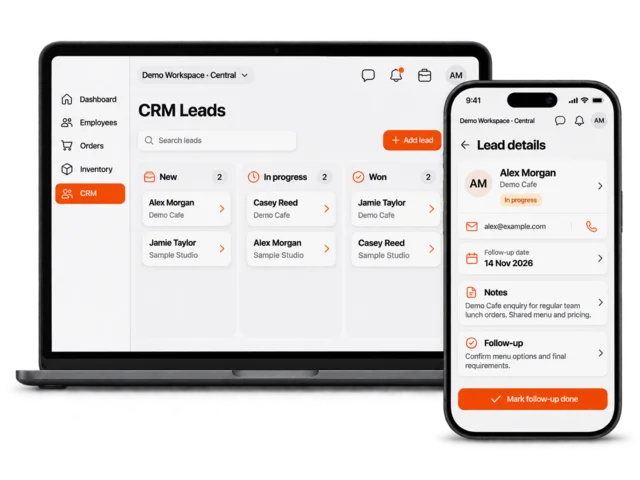
Keep customer profiles, enquiries, forms, notes, activity, and follow-up in one connected workspace.
- Customer profiles
- Lead pipeline
- Forms and custom fields

Dashify Business Software
Dashify brings staff, customer records, bookings, inventory, orders and daily tasks into one business management platform. Start with the workflow that needs attention and connect more as you grow.
Start with the modules you need now, then connect more workflows as your team, locations, customers, and operations grow.
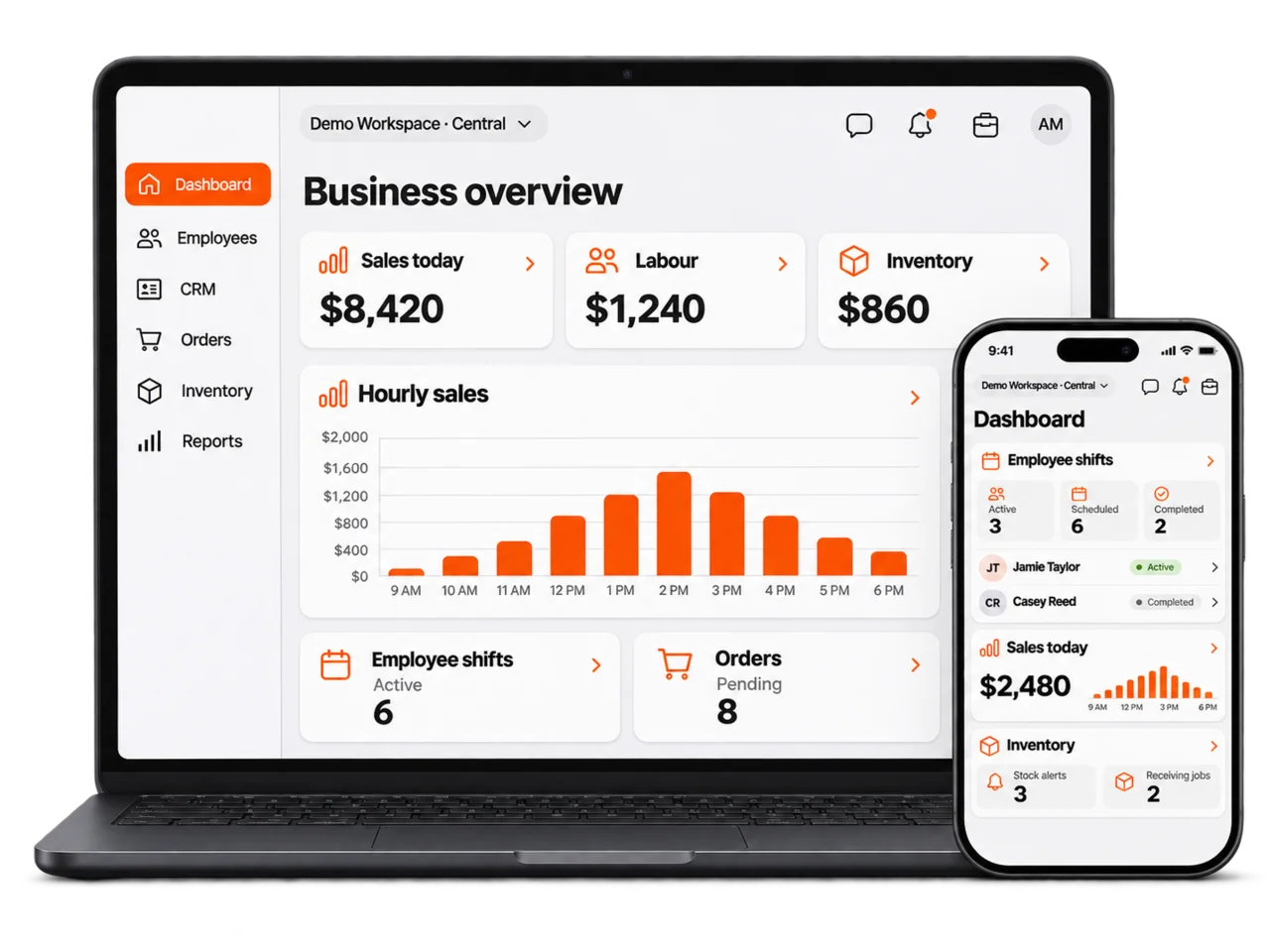
Connect customer, employee, booking, ordering, inventory, and task activity in one operational system.
Use forms, approvals, notifications, mobile access, and reporting to remove repeated double handling.
Launch the parts your business needs first, then extend Dashify into more teams and workflows over time.
What Dashify is
Dashify helps managers see what is happening across customers, employees, bookings, orders, stock, projects, and locations without relying on disconnected spreadsheets, inboxes, and apps.
Core capabilities
Choose the tools your business needs now, then connect more modules as your operations grow. Dashify brings customer, employee, booking, inventory, mobile, and custom workflows into one platform.
Keep customer profiles, enquiries, forms, notes, activity, and follow-up in one connected workspace.
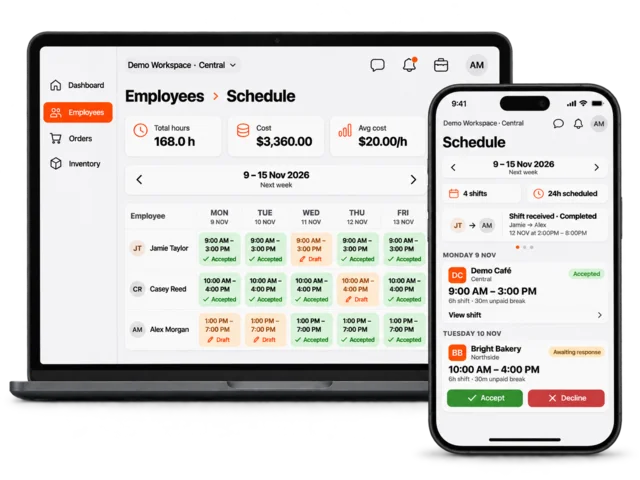
Manage employee records, onboarding, rostering, time tracking, training, job applications, and daily tasks.
Take bookings through your website with availability, deposits or full payments, confirmations, and CRM history.
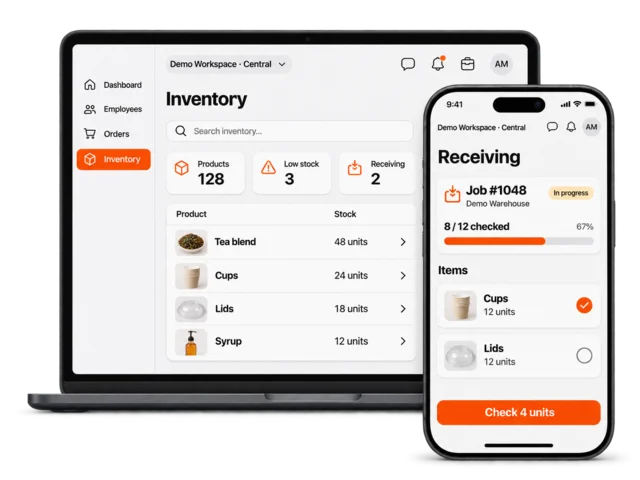
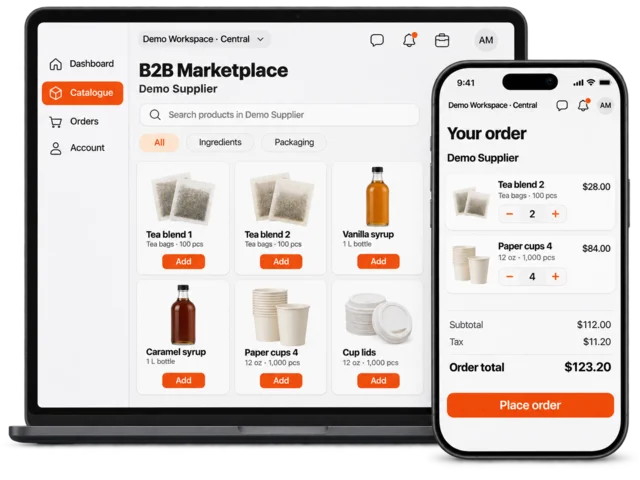
Control stock, supplier orders, sales orders, returns, deliveries, account management, and reporting.
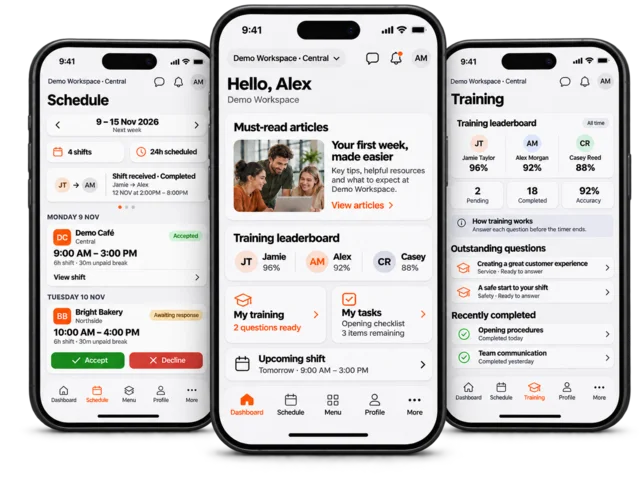
Give admins mobile visibility while employees manage shifts, profiles, messaging, onboarding, and training.
Shape Dashify around bespoke forms, approval flows, reporting, integrations, locations, and business rules.
Apps for the real workday
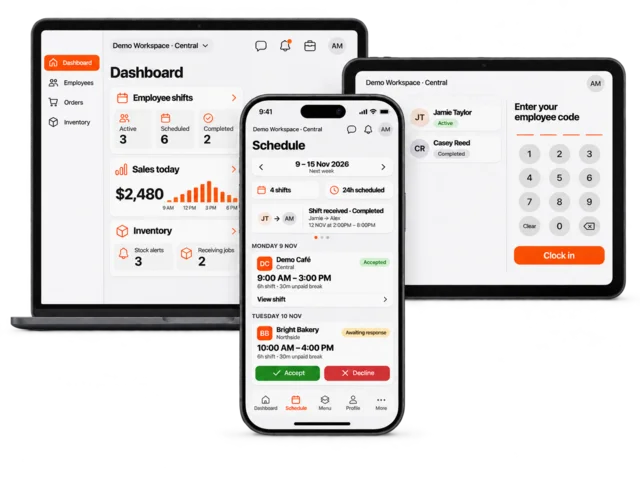
Dashify is not only a desktop dashboard. Admins can manage the business from the web and mobile app, employees can manage shifts and training from mobile, and shared devices can run the kiosk Time Clock App.
Solutions by workflow
Dashify can be used module by module, or grouped into solutions for workforce management, customer growth, inventory, orders, apps, and custom operations.
See if Dashify fits
Bring a real example of the work you want to improve. Explore it in a trial or talk through the records, handovers and integrations your team needs.
Why businesses choose Dashify
Use the existing modules where they fit. If your process needs different fields, approvals or integrations, discuss the scope rather than assuming custom work is already included.
CRM, HRIS, bookings, ordering, inventory, mobile, kiosk, projects, and custom workflows can work together.
Use cleaner data across teams, customers, bookings, orders, stock, labour, tasks, and locations.
Support API, webhook, Stripe payment, Xero workflow, website, form, and custom integration needs.
Shape Dashify around unique teams, locations, approvals, custom fields, dashboards, and reporting needs.
Getting started
Check the first workflow you want to improve, the people who will use it and the tools you need to keep. Then explore the setup and support available.
Yes. Many businesses start with one workflow, such as CRM, rostering, bookings, inventory, or the mobile app, then connect more modules as the team needs more visibility.
The organisation setup area covers the starting pieces such as company details, locations, user access, settings, and the structure needed before using modules day to day.
Dashify can support bespoke forms, custom fields, reports, dashboards, integrations, approvals, and workflows that match how your business operates.
The Support Center includes setup guides and module help so admins and teams can find answers as they configure and use Dashify.
Review the support area for setup steps, organisation settings, and module-specific help while your team gets started.