
Digital forms
Capture enquiries, applications, requests, guest details, or business-specific submissions from online forms.

Forms & Applications
Create bespoke forms, application workflows, enquiry forms, QR code capture, and custom fields that save clean customer and lead data into Dashify CRM.
Dashify helps businesses replace scattered form submissions with structured records, lead sources, branded communication, and CRM timelines your team can actually use.
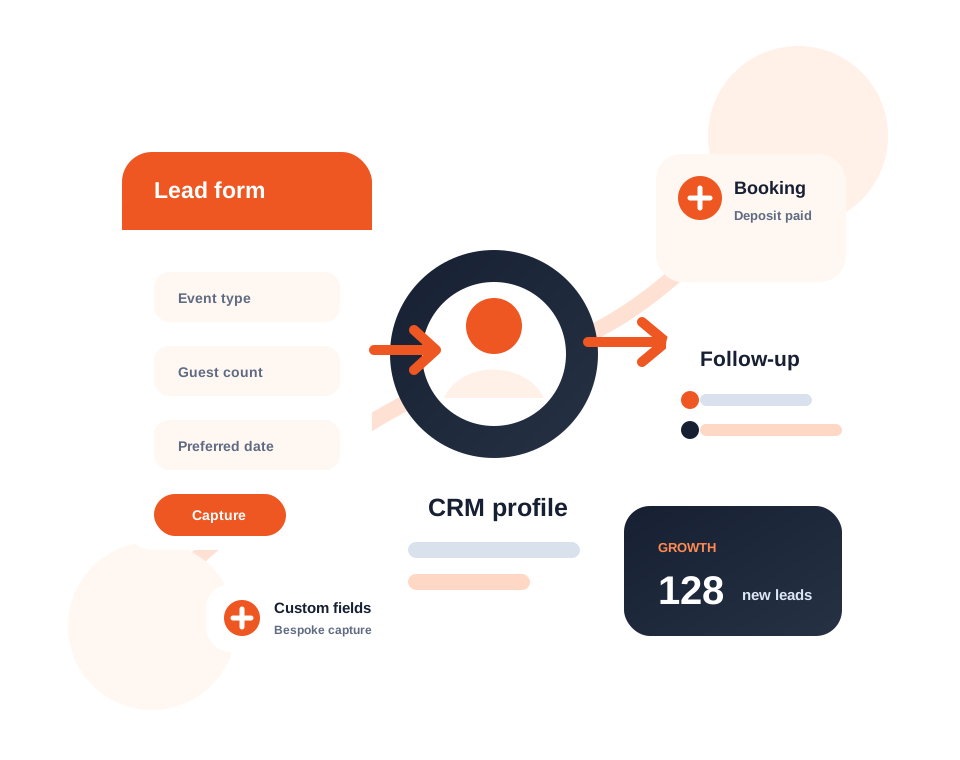
Use digital forms, applications, QR codes, and website enquiries to collect structured information.
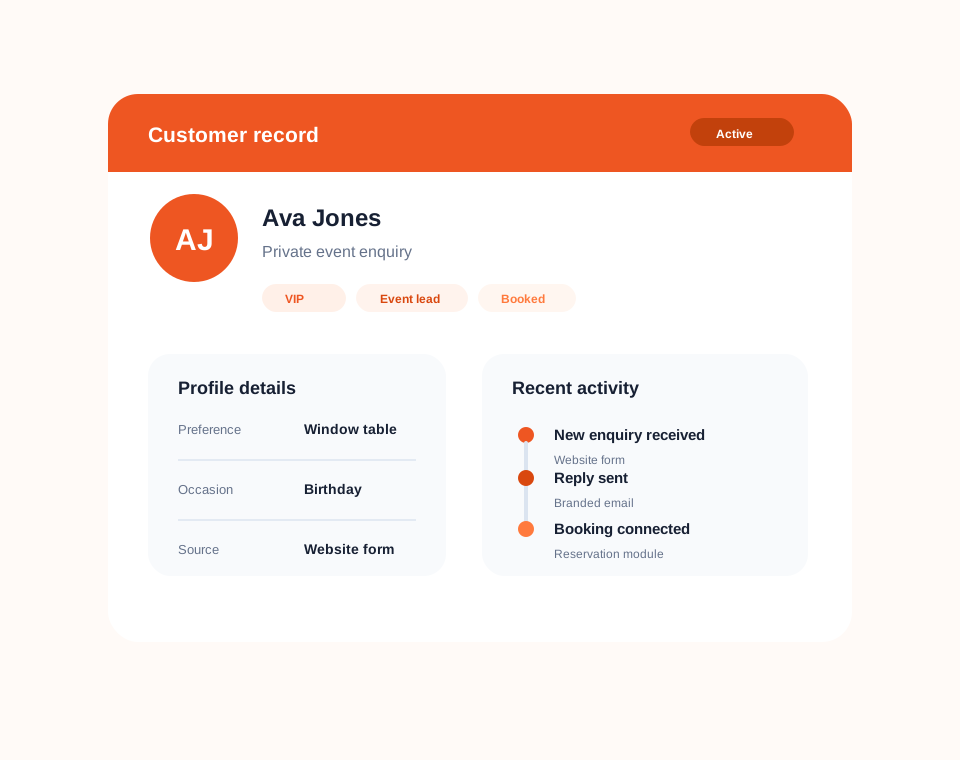
Turn submissions into customer profiles, leads, sources, notes, and workflow activity inside Dashify.
Use custom fields, branded emails, APIs, and webhooks to support the data your business needs.
What it handles
Dashify Forms & Applications helps you capture the exact information your business needs, then turn that information into structured customer and lead records.
Capture enquiries, applications, requests, guest details, or business-specific submissions from online forms.
Create the fields your workflow needs so captured data maps to useful CRM records.
Create leads from submissions with source, status, ownership, and next action context.
Let customers or applicants scan QR codes and complete forms from their own device.
Send branded confirmations, autoresponders, and customer-facing updates from form workflows.
Connect website forms, apps, or third-party workflows with Dashify using API and webhook integration options.
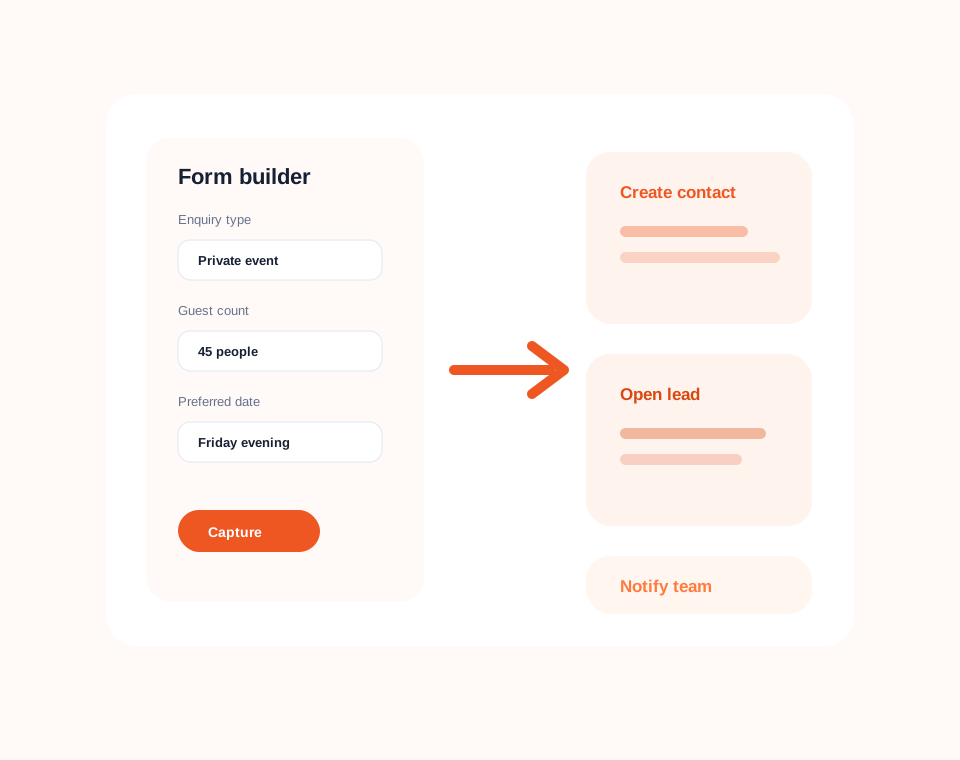
Custom form capture
Build enquiry forms, application forms, request forms, sign-up flows, or bespoke submission workflows with the fields your team actually needs.
The goal is not just to receive a form email. Dashify helps turn submitted data into information your team can search, report on, and act from.
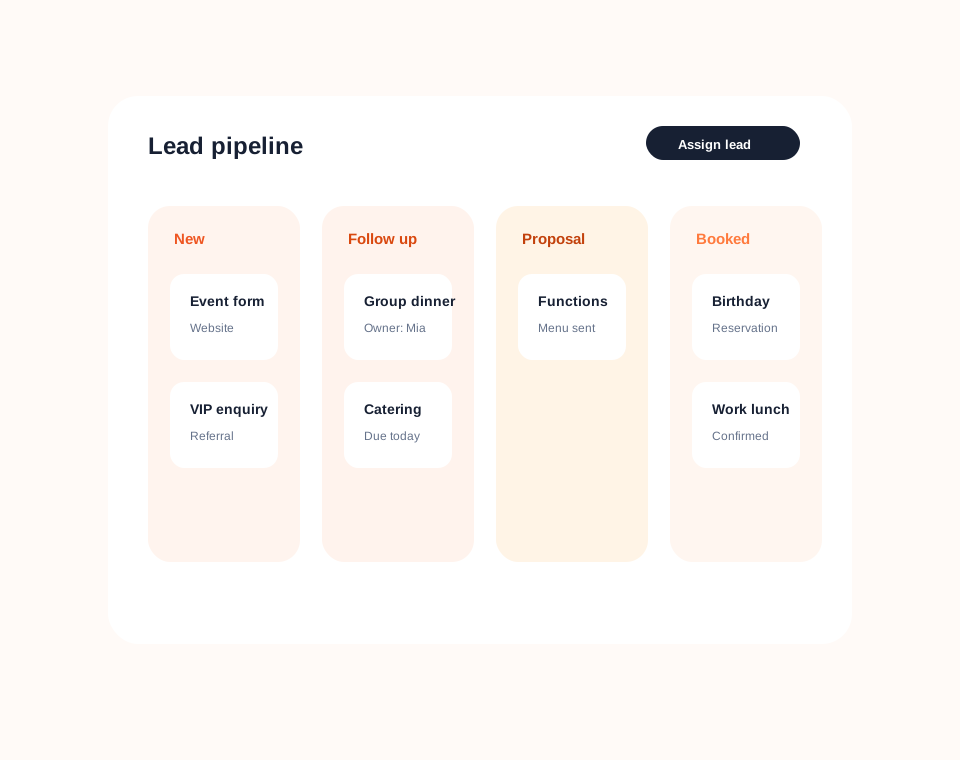
CRM lead management
Dashify can save form submissions into CRM so your team can track source, status, ownership, notes, and follow-up from one dashboard.
This gives sales, admin, events, booking, and operations teams a cleaner way to respond quickly and keep every enquiry moving.
QR, tablet, and website forms
Use embedded website forms, QR code forms, tablet forms, or native application-style workflows to collect information where the interaction happens.
Dashify can support simple contact forms through to more guided application-style flows for venues, service businesses, events, and custom workflows.
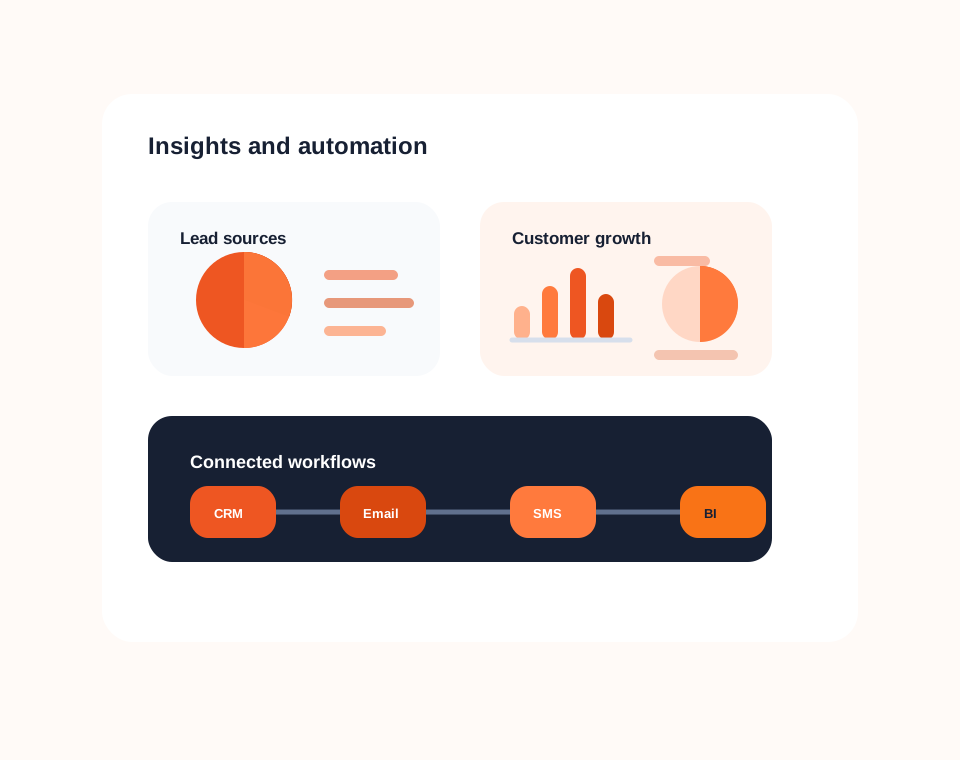
Integrations
Dashify can integrate with digital forms and external systems so captured information can move into CRM or trigger other workflows.
Use APIs and webhooks to support custom websites, digital marketing workflows, internal applications, and bespoke business requirements.
Forms connected to CRM
Capture leads, applications, and bespoke data with Dashify, then manage the full follow-up workflow inside CRM.