

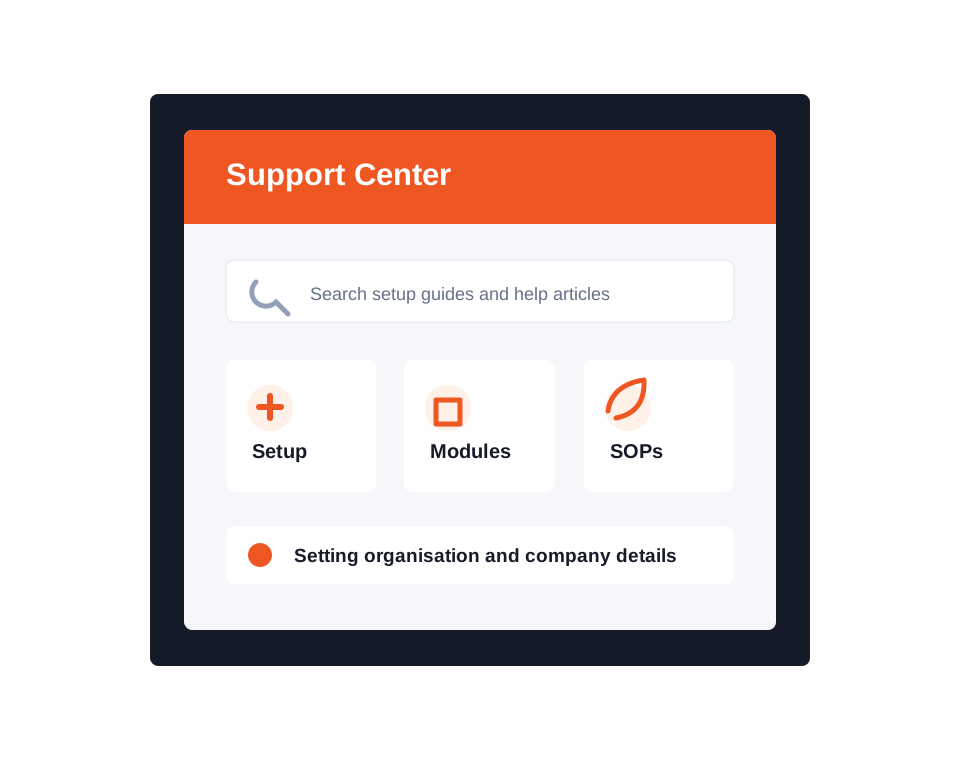
Dashify Support Center
Find setup guides and knowledge base articles for Dashify
Use the support center to configure your organisation, learn each module, support admins and employees, and get more value from Dashify day to day.
Browse help by workflow, jump into setup guidance, or contact the team when your business needs something more specific.
01
Set up with confidence
Follow organisation, location, user, permission, and module setup guides before your team starts using Dashify.
02
Learn by workflow
Find help for CRM, bookings, HRIS, rostering, time clock, mobile app, inventory, orders, and customer-facing tools.
03
Support everyday users
Give admins and employees a clearer place to find answers when they manage shifts, training, messages, and profiles.
Browse help topics
Support articles grouped around how your team uses Dashify
Start with the closest workflow, then move into the linked articles and subcategories for more detailed steps.
New to Dashify
Start with the areas that affect setup and adoption
Dashify connects a lot of operational workflows, so the best support path is usually to set up the business structure first, then switch on the modules your team needs.
Set up your organisation
Start with company details, locations, account settings, and the core setup needed before modules go live.
Prepare users and teams
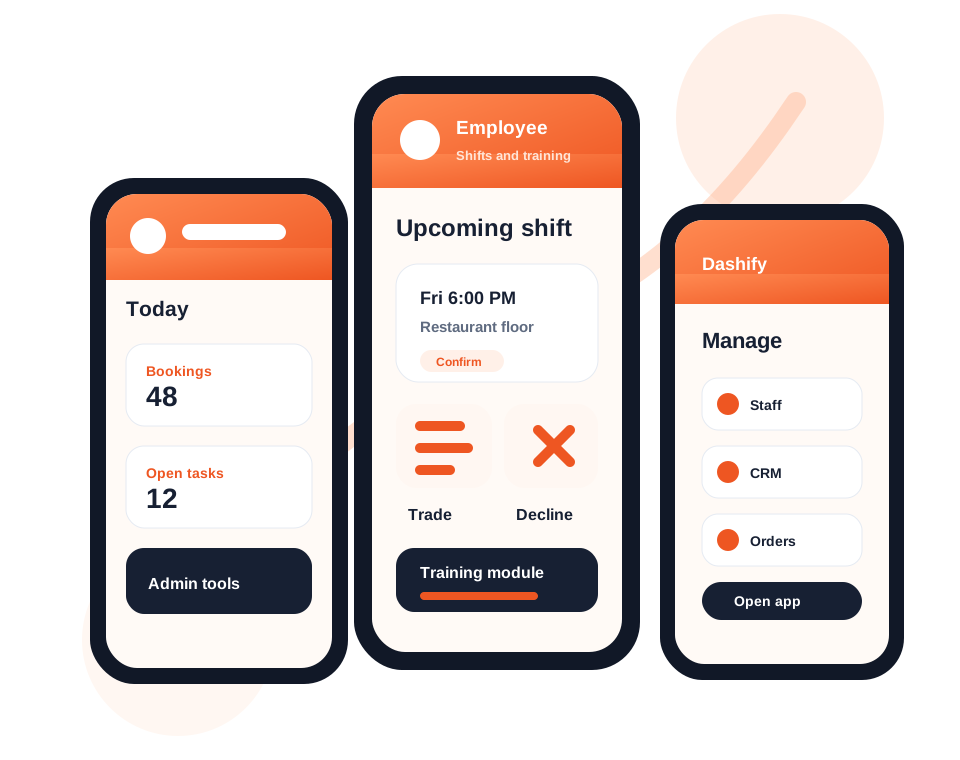
Help admins and employees understand access, profile details, roles, documents, shifts, and mobile app workflows.
Configure Dashify modules
Find module guidance for CRM, bookings, rostering, inventory, orders, places, kiosk, training, and custom workflows.
Use mobile and kiosk apps
Support teams using the iOS, Android, and kiosk apps for shifts, messages, training, clock in/out, and daily operations.
Recently added
Latest support articles
Recent knowledge base articles and setup notes from the Dashify support library.
Viewing Articles on the Kiosk App
Read articleViewing menu recipe on Kiosk App
Read articleRemoving stock using the Kiosk App
Read articleView system logs and history
Read articleCreate articles for internal use
Read articleWhere should a new admin start?
Start with organisation settings, locations, users, and access. Once those pieces are in place, move into the modules your business will use first.
Can employees use the support center too?
Yes. Articles can help employees understand profile details, mobile app access, shifts, training, documents, messages, and day-to-day Dashify workflows.
Does support cover mobile and kiosk apps?
The support center can guide teams through the mobile app, kiosk time clock app, training, SOPs, clock in/out, shift workflows, notifications, and app access.
What if our workflow is custom?
If your process needs custom fields, approvals, reports, integrations, or a bespoke module, contact Dashify and we can map the best approach.
Still need help?
Use the contact page for product questions, setup help, demos, pricing guidance, or custom workflow advice.