
Inventory management
Track products, stock levels, attributes, and batch movement across your operation.

Dashify Purchase Order
Manage inventory, supplier orders, sales orders, returns, fulfilment, customer accounts, and reporting across every location.
Dashify connects purchasing with inventory, sales, suppliers, CRM accounts, and fulfilment so your team can control stock and orders from one workspace.
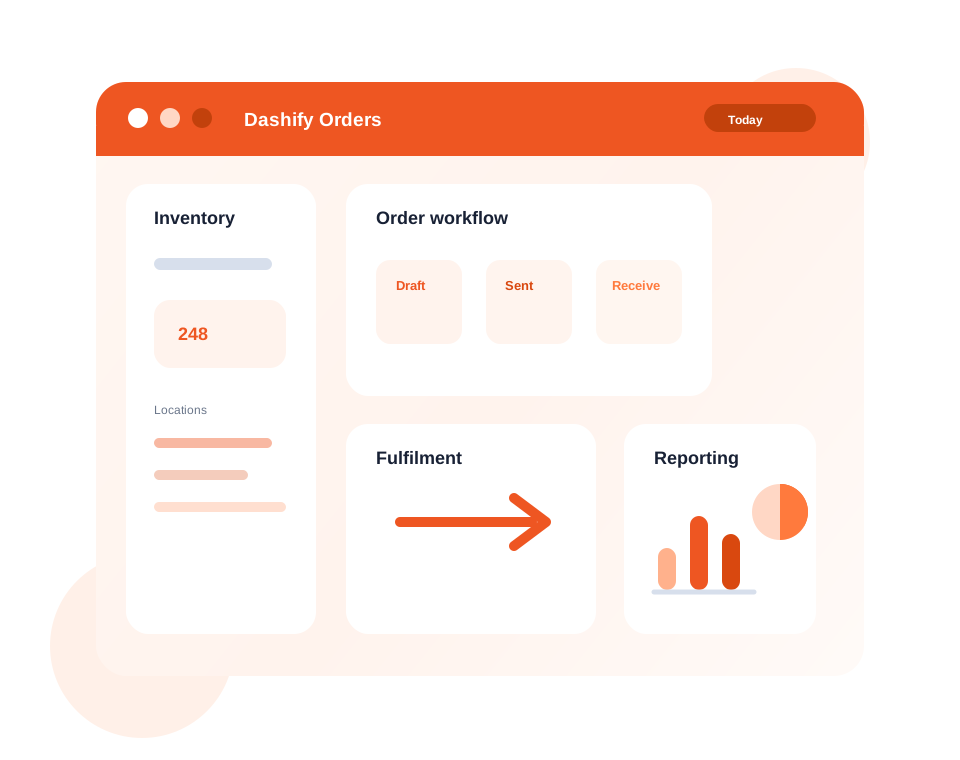
Track inventory, locations, supplier orders, and product movement with clearer visibility.
Manage sales orders through fulfilment, packing, invoicing, and return workflows.
Use CRM integration for company onboarding, customer accounts, and supplier management.
What it handles
Dashify Purchase Order helps teams move from supplier purchasing to customer fulfilment without losing stock, order, or account context.
Track products, stock levels, attributes, and batch movement across your operation.
Manage stock, orders, and fulfilment across multiple venues, stores, or warehouses.
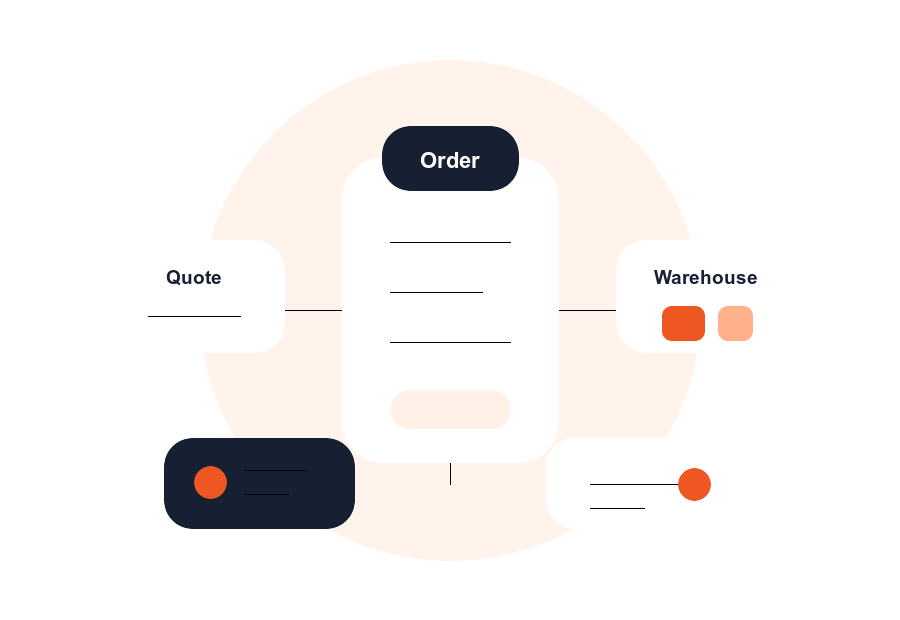
Create customer sales orders, manage order status, and keep order history visible.
Create and track supplier purchase orders from request through delivery and receipt.
Record returns, credits, and stock adjustments with a traceable workflow.
Move sales orders through picking, packing, invoice generation, and completion.
Onboard companies, manage account details, and connect orders to CRM records.
Generate branded invoices and packing slips that can be downloaded or emailed.
Review stock, order, sales, supplier, and account reporting for better decisions.
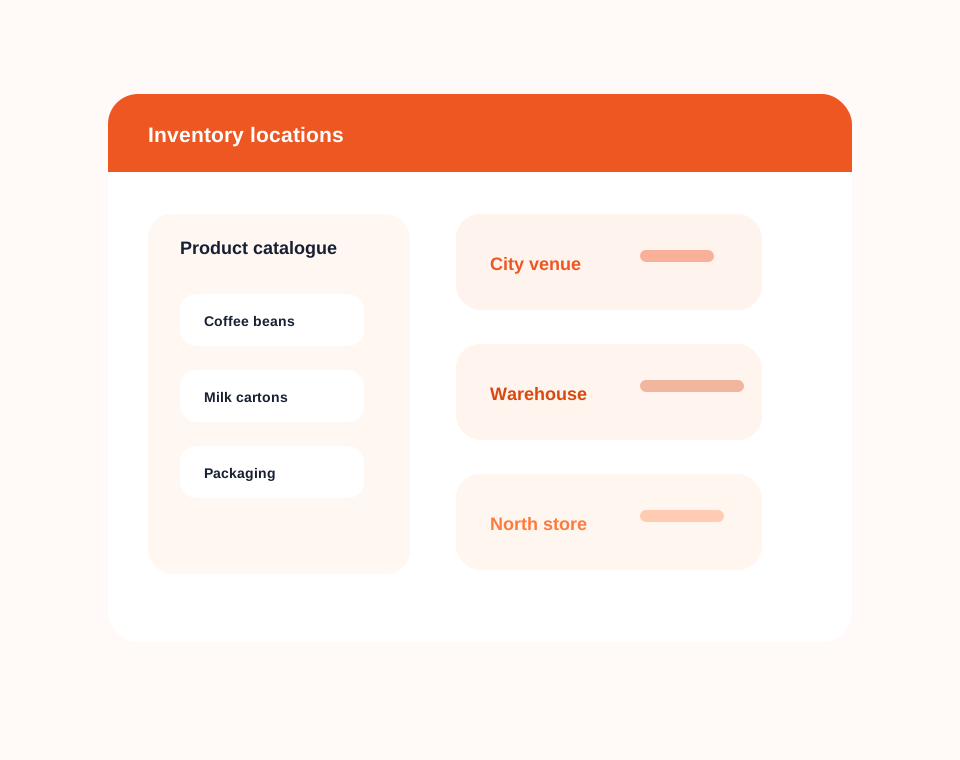
Inventory management
Track inventory, product attributes, stock movement, and availability across every business location.
Dashify gives managers a clearer view of what is in stock, where it sits, and how purchasing or sales activity changes inventory.
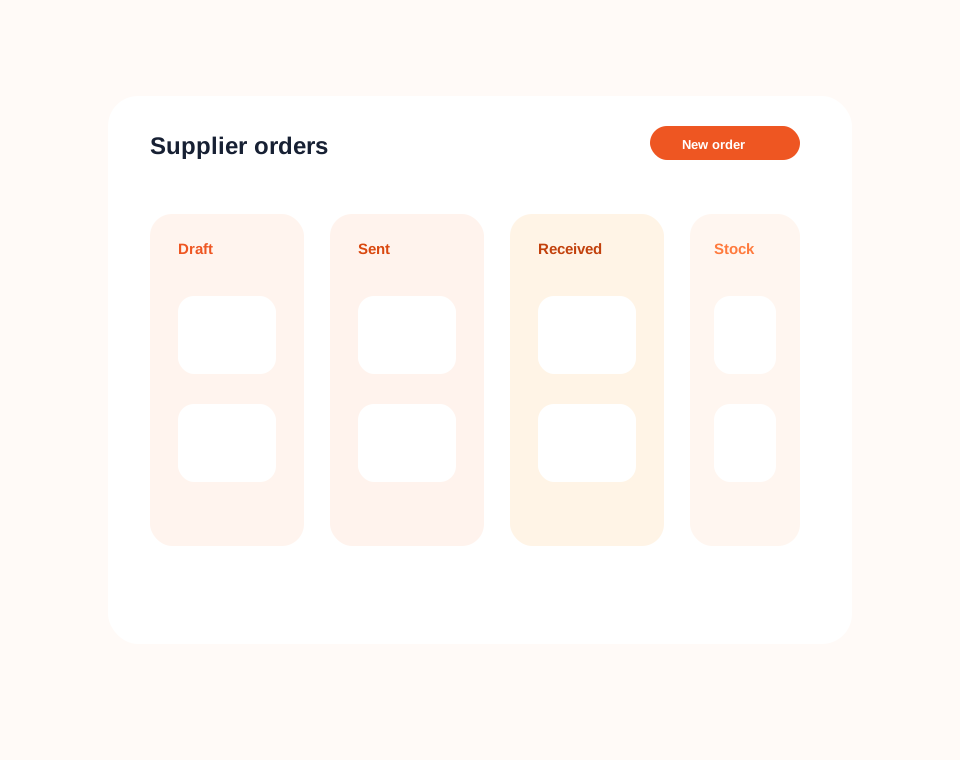
Supplier orders
Manage supplier purchase orders, order notes, delivery status, and stock receipt in a single workflow.
Your team can see what has been ordered, what is still pending, and how incoming supplier stock affects inventory.
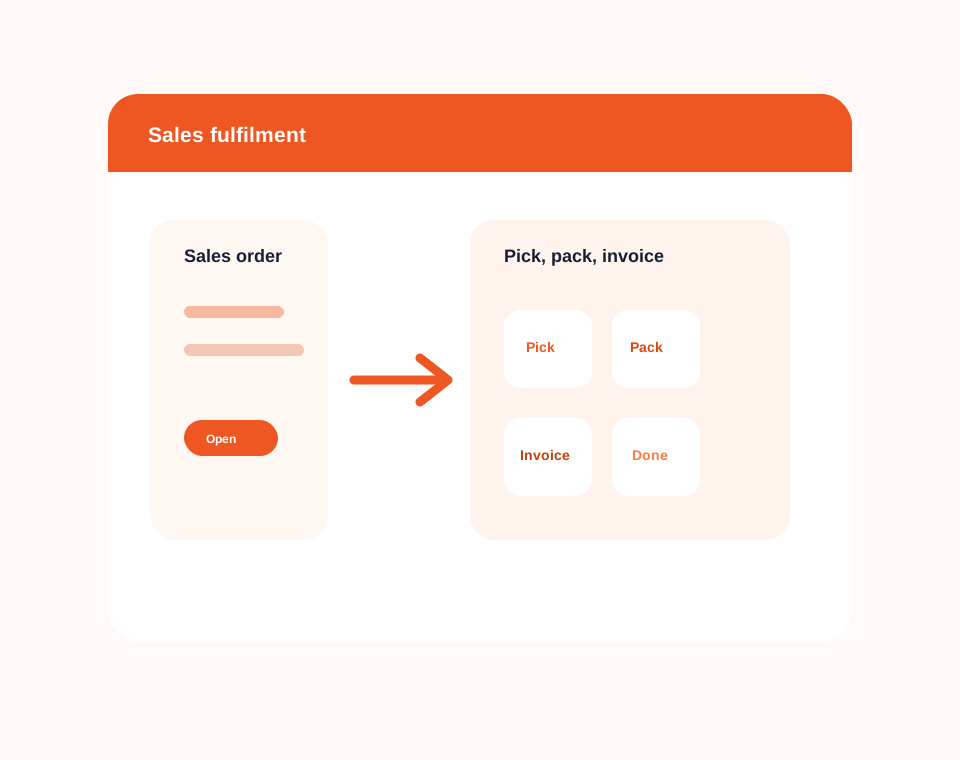
Sales and fulfilment
Create customer sales orders and move them through picking, packing, invoicing, and completion.
Dashify helps operations teams connect sales orders with inventory so fulfilment is easier to manage and easier to report on.
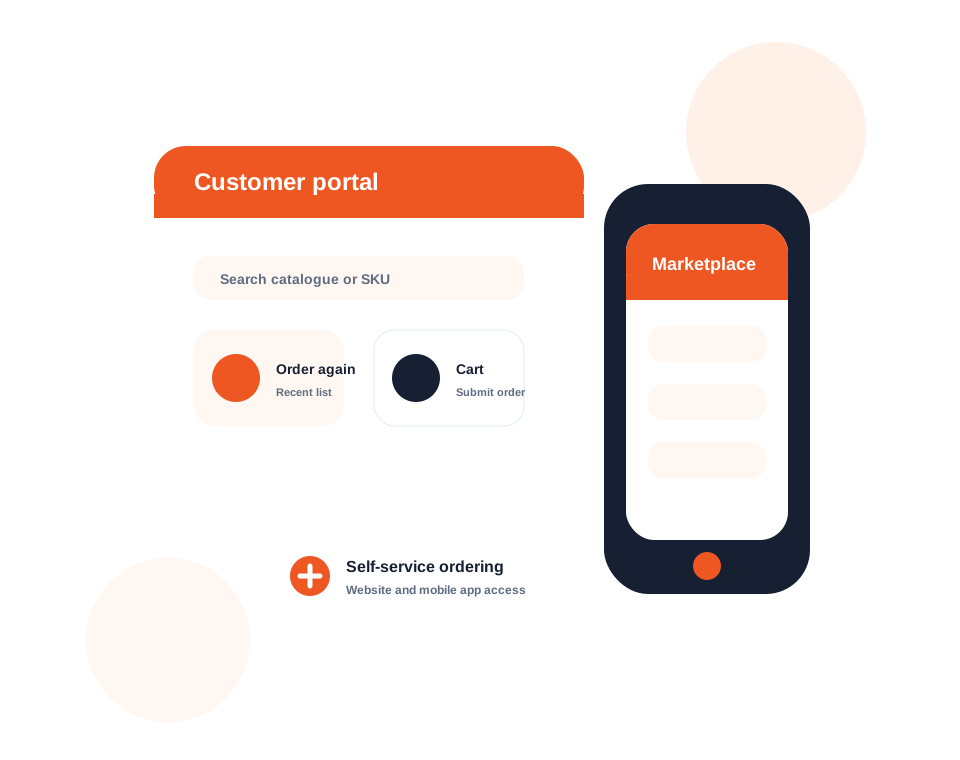
B2B marketplace for suppliers
Dashify Marketplace extends the purchase order and sales workflow by giving suppliers a branded B2B ordering portal for approved customers.
Suppliers can invite customers, manage product access, apply customer or product pricing, set cut-off times, and let customers order through the website or mobile app.
Simple purchase order pricing
Dashify is billed month to month with no lock-in contracts, so your order management workflow can grow with your business.
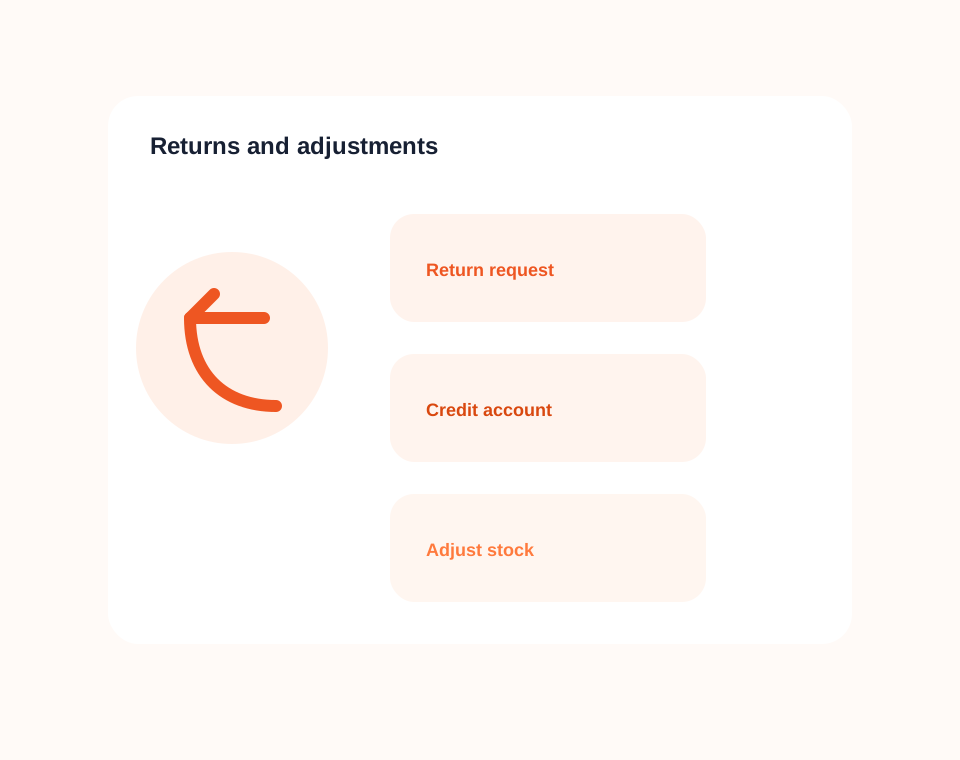
Returns and adjustments
Record returned products, credits, and stock changes so the order and inventory story remains clear.
Returns are part of real operations. Dashify helps teams manage them without losing the connection between the customer, order, account, and stock record.
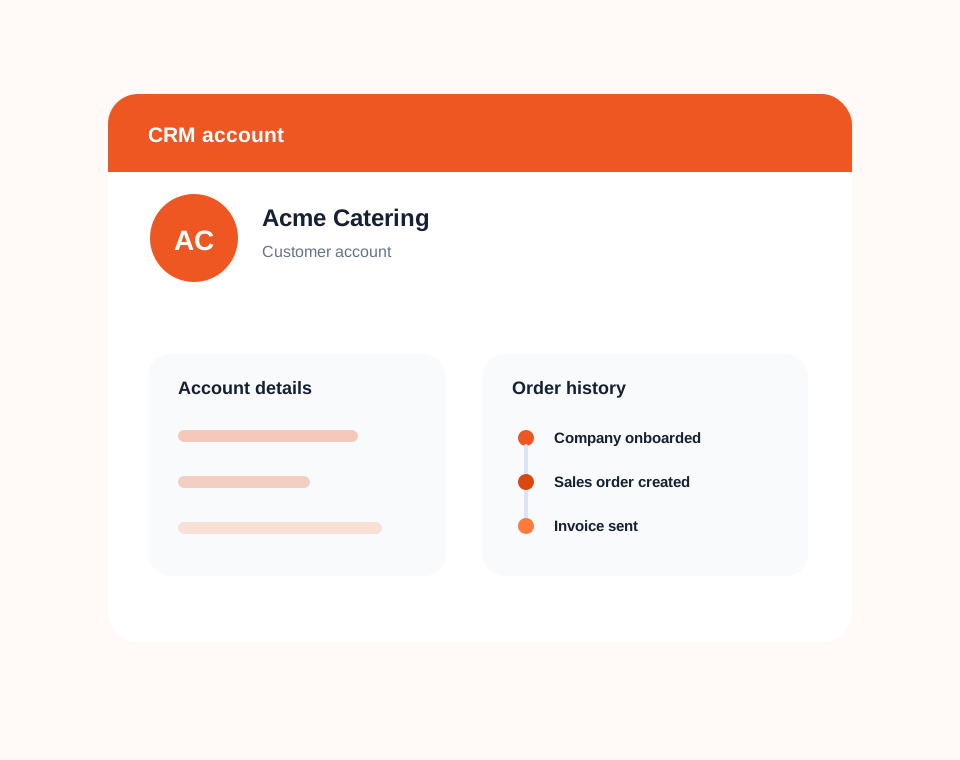
CRM account management
Connect customer and supplier companies to CRM records so orders, account details, notes, and history are easier to manage.
Dashify keeps account management connected to ordering, making it easier to onboard companies, understand account activity, and manage relationships over time.
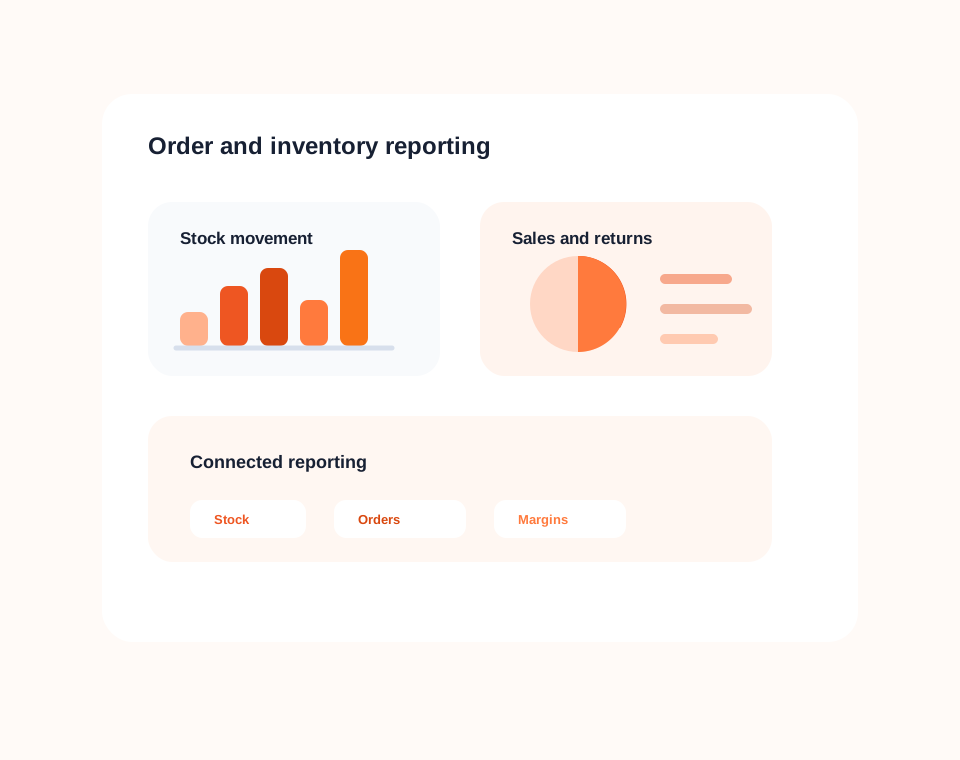
Reporting and insights
Use purchase order reporting to understand stock control, sales fulfilment, supplier activity, customer orders, and financial transaction history.
Dashify reporting helps managers make better decisions from connected inventory, order, CRM, and account information.