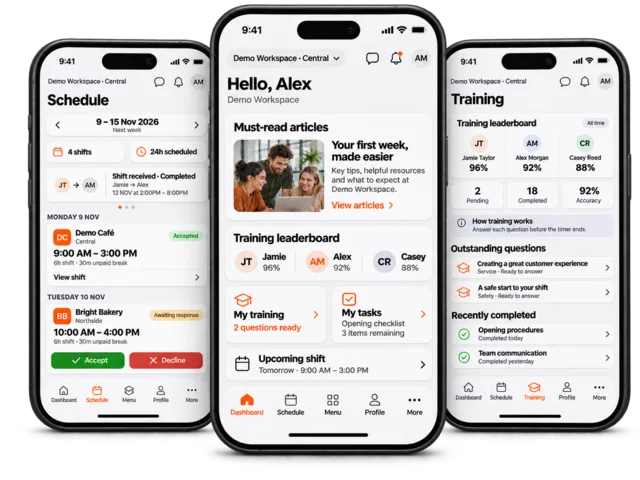



Answer training questions on the kiosk
Your employer may require a training question before continuing a kiosk workflow. Training must be enabled for your employee account and permitted on the kiosk. The time limit is configurable, not always ten seconds.
Sign in to your own employee session. When a training alert appears, read the get-ready notice and remain at the kiosk.
When the question opens, read its wording and the answer choices. Use the countdown displayed for that question.
Select an answer and use the submission control before time expires. Wait for the result of the submission rather than tapping repeatedly.
If another outstanding question is presented, complete it in the same employee session.
Do not walk away, close the question or let the timer run out as a way of skipping training. A timeout or dismissal can be recorded as an incorrect attempt.
After the prompt sequence finishes, continue the original kiosk task. If a question cannot load, report the message and question context to your manager.
If no training prompt appears
Your employer controls employee access, delivery device and prompt settings, and there may be no eligible outstanding question. Do not use someone else’s PIN to obtain different questions.
Related: answer training questions on your phone and read articles on the kiosk.