


Find menu items and read recipes in the mobile app
Use the employee menu to look up product information, descriptions and recipes your workspace makes available. Viewing a recipe does not change stock.
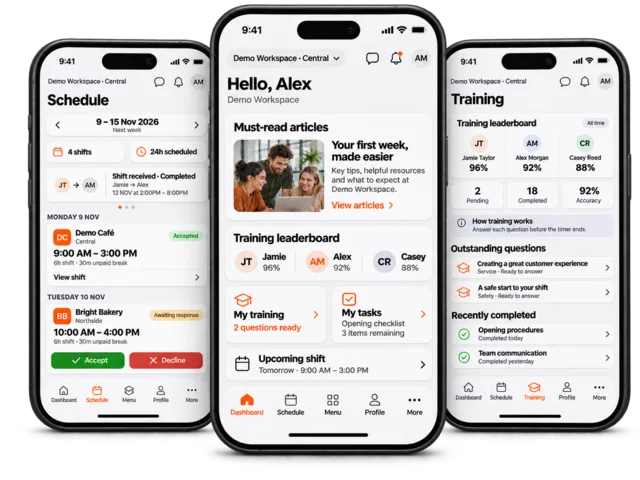
Check the selected workspace, then open Menu. Depending on training and navigation settings, Menu may be in the bottom bar or under More.
Use the search control to find the product by name. Open the filter control to narrow the list by category where available.
Select a product to open its full detail view. Check the product name in the header before following any instructions.
Read the Description and Recipe sections provided. Review the full text, quantities, units, images and preparation notes rather than relying on the list preview.
Use the back control to return to the menu. Clear search or category filters if other products appear to be missing.
If a recipe is missing or unclear
The item may not have a recipe, or the current workspace may not make it available. Ask your manager to review the product rather than guessing ingredients or preparation quantities. Stock deductions must be recorded through the appropriate stock workflow, not by opening the recipe.
On a shared kiosk, use the kiosk recipe guide.