


Review swap and give-shift requests
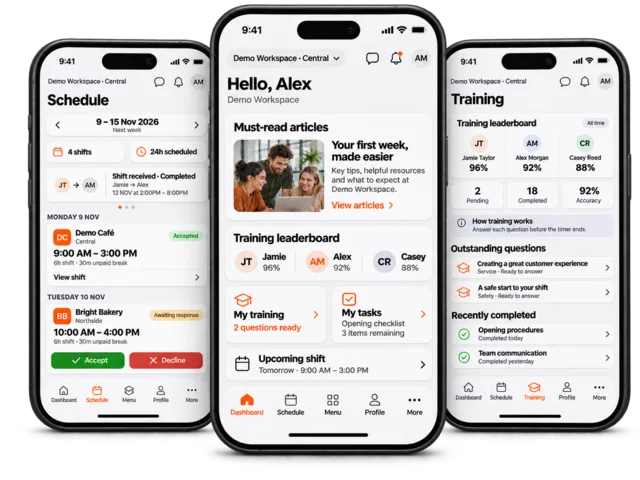
Shift swaps and give-shift requests let employees propose an assignment change. When manager approval is enabled, employee acceptance does not move the shifts until a manager approves. You need Schedule Manage access to decide these requests.
Open Employees > Schedule in the correct workspace and review pending swap or give-shift requests.
Open a request and check the employees, affected shift dates and times, and whether it is a two-way swap or a shift being given to another employee.
Check the request’s current state. A request awaiting the other employee is different from one marked as awaiting manager approval.
For a request ready for your decision, choose Approve or Reject. Review the confirmation and enter the requested reason or note where applicable.
Wait for success and check the roster assignments and request history. Confirm that you are viewing the updated dates and workspace rather than an older week.
Use the swap and give-shift history to review previous decisions and any available notes.
What employees should expect
Where approval is required, both employees must complete their part before the manager decision. The original assignments remain in place while approval is pending. If an employee cannot begin a request, check the shift timing, request state and workspace swap settings rather than assuming the shift has already changed.