

Job applications
Advertise retail roles, receive applications, review candidates, and manage the hiring workflow end to end.

Dashify for Retail
Keep store routines, employee records and stock checks connected, so managers can spend less time chasing separate updates.
Whether you run one shop or several, test the staff and stock workflows that matter most before expanding the setup.
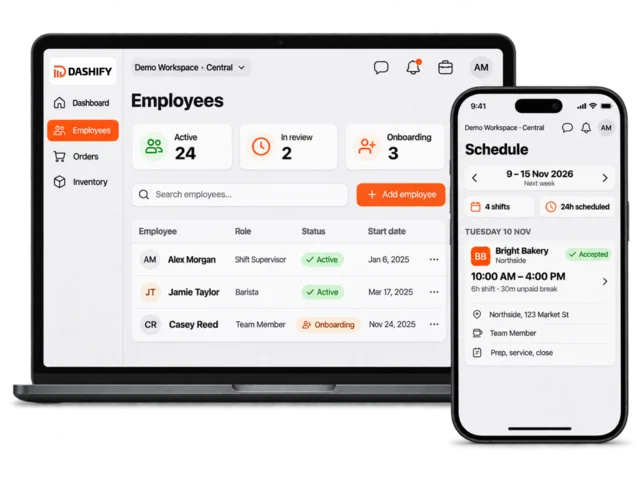
List jobs, collect applications, manage candidates, and connect successful applicants into employee onboarding.
Use the mobile app or kiosk time clock app for clock-ins, breaks, shift actions, tasks, SOPs, and store activity.
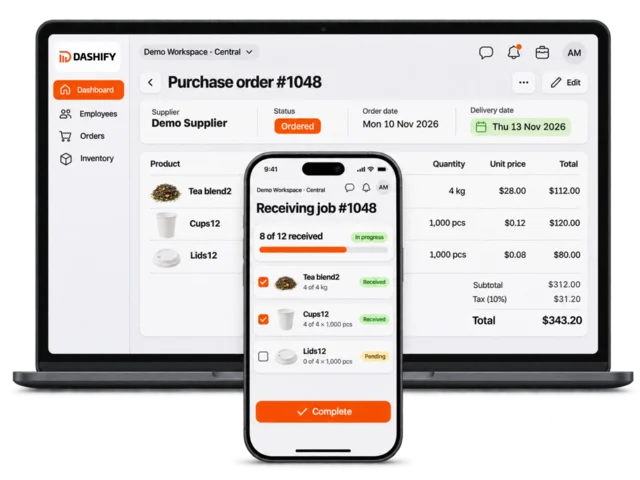
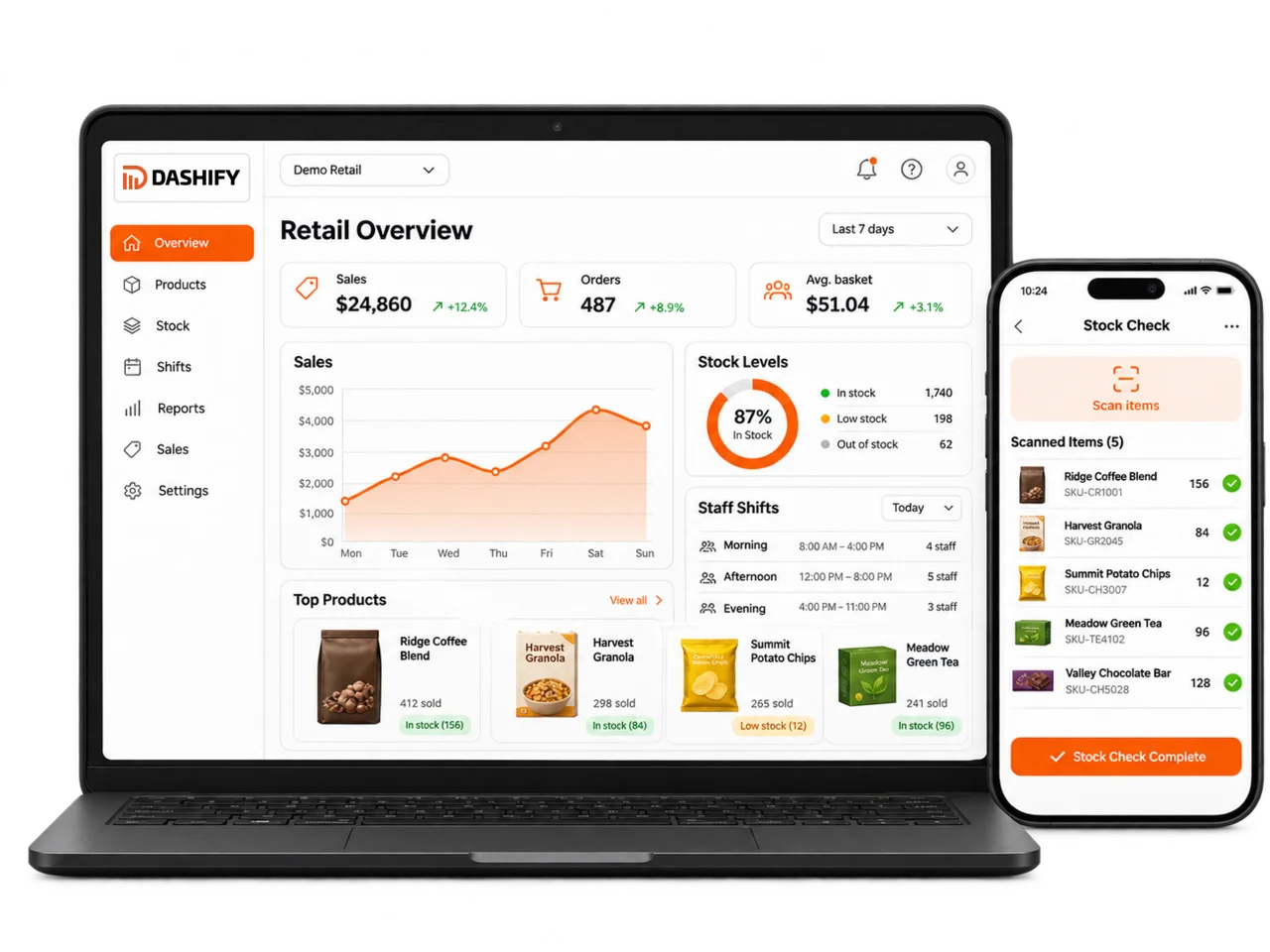
Run stocktake, track stock levels, manage supplier orders, monitor low inventory, and report across stores.
Retail workflows
Retail teams need staff, stock, tasks, orders, and reporting to move quickly without losing control. Dashify connects the workflows that keep stores running.
Advertise retail roles, receive applications, review candidates, and manage the hiring workflow end to end.
Let staff clock in, clock out, manage breaks, and complete shift workflows through kiosk or mobile tools.
Build schedules, use weekly templates, estimate labour cost, and support shift changes when enabled.
Run structured stock counts, validate stock, record usage, and keep product availability clearer.
Assign daily store tasks, make SOPs accessible, and keep store routines visible for managers and staff.
Review sales, labour, stock, applications, shifts, tasks, and store activity to make better decisions.
Hiring and onboarding
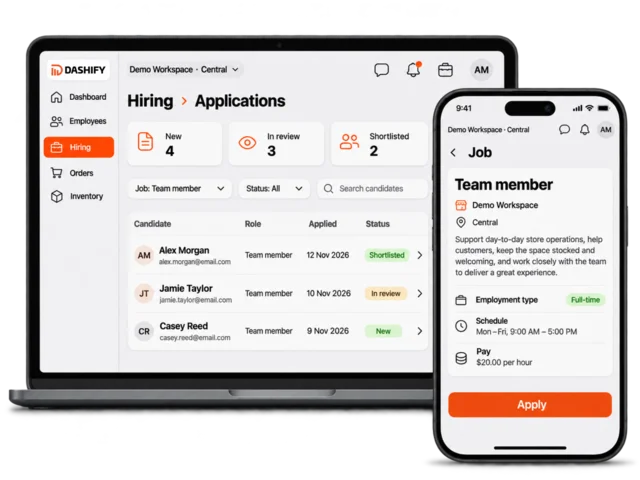
Dashify can help retail shops advertise roles, capture applications, and manage candidates without losing information across emails and spreadsheets.
Once a candidate is ready to join, the same platform can support employee onboarding, profile management, documents, training, and store access.
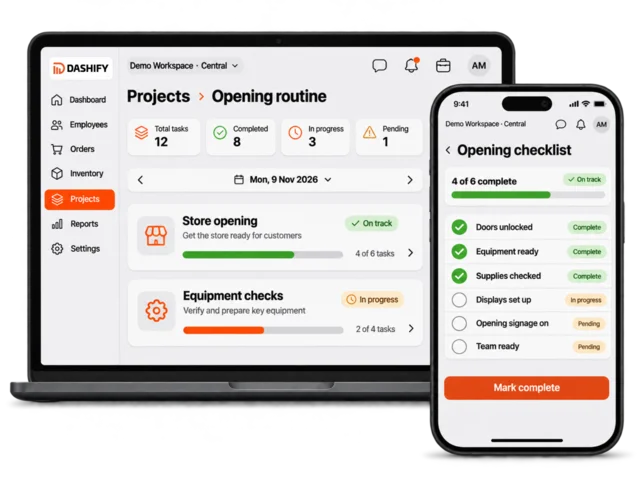
Clock-ins and store activity
Dashify supports retail teams on the floor through the mobile app and kiosk time clock app.
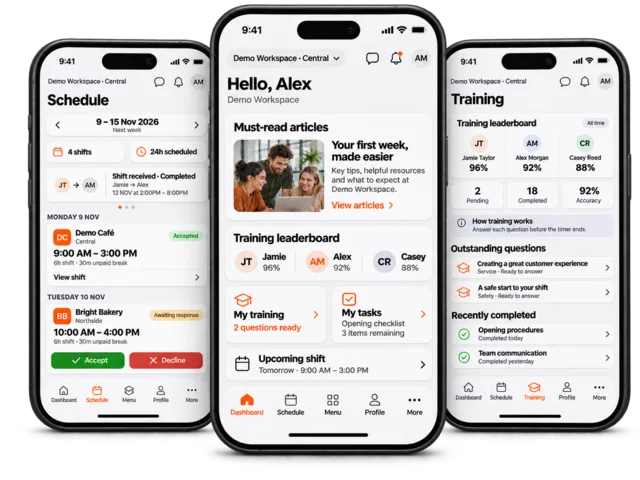
Staff can clock in and out, review shift activity, complete tasks, access SOPs, and use training workflows, while managers keep visibility over attendance and store activity.
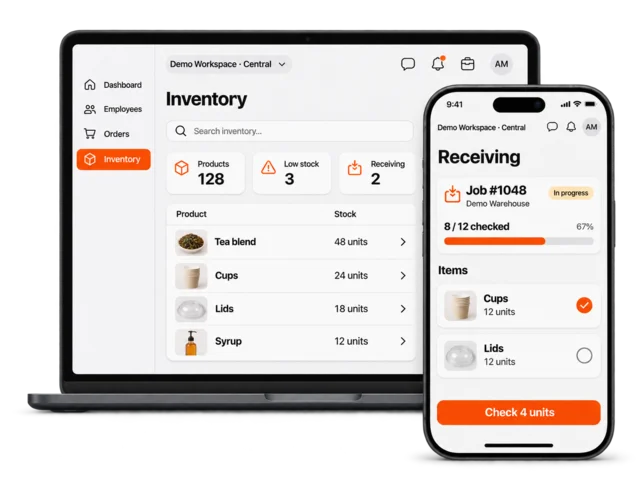
Stocktake and inventory
Dashify can help retail shops manage stocktake, stock validation, low inventory, supplier orders, and inventory reporting.
For shops with fast-moving products, Dashify gives owners and managers a clearer way to understand what is available, what needs ordering, and how stock activity relates to store performance.
Retail operations
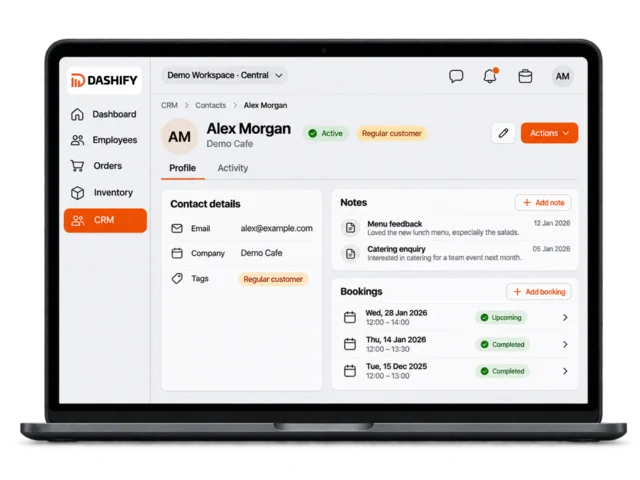
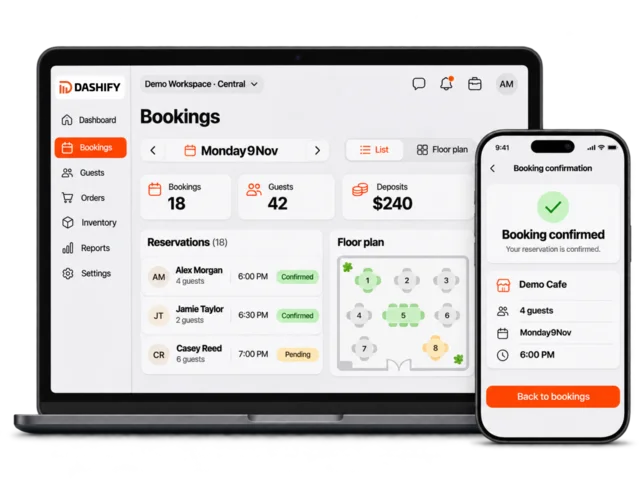
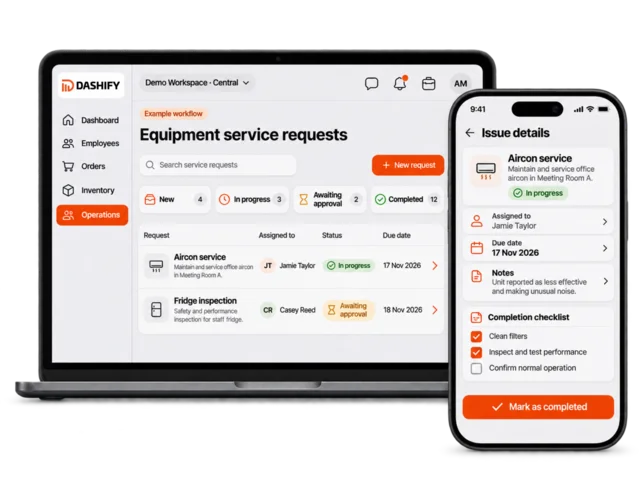
Dashify can connect job applications, employee onboarding, rosters, clock-ins, kiosk workflows, stocktake, inventory, supplier orders, tasks, reporting, and custom integrations.
Before you choose
For shop owners balancing staff, stock counts and daily routines across locations.
A workflow to try: Count a product, review a staff shift and check completion of the store opening tasks.
That is a separate requirement to confirm. Review supported integrations and the records you need to exchange with your existing sales channels.
Dashify supports workspace and location-based operations. Check access, enabled modules and reporting requirements for each store during setup.
Available tools depend on your plan, enabled modules, settings and permissions. Compare plan inclusions or talk through your requirements.
Try the workflow