
Online reservations
Take bookings from your website, manage deposits or paid bookings, send confirmations, and connect guest history to CRM.

Dashify for Restaurants
Dashify helps restaurant owners manage front-of-house, back-of-house, guests, staff, bookings, stock, and daily reporting from one connected platform.
Use Dashify to connect reservation workflows, customer profiles, roster budgets, staff clock-ins, SOPs, supplier orders, stock usage, and sales visibility across one venue or multiple locations.
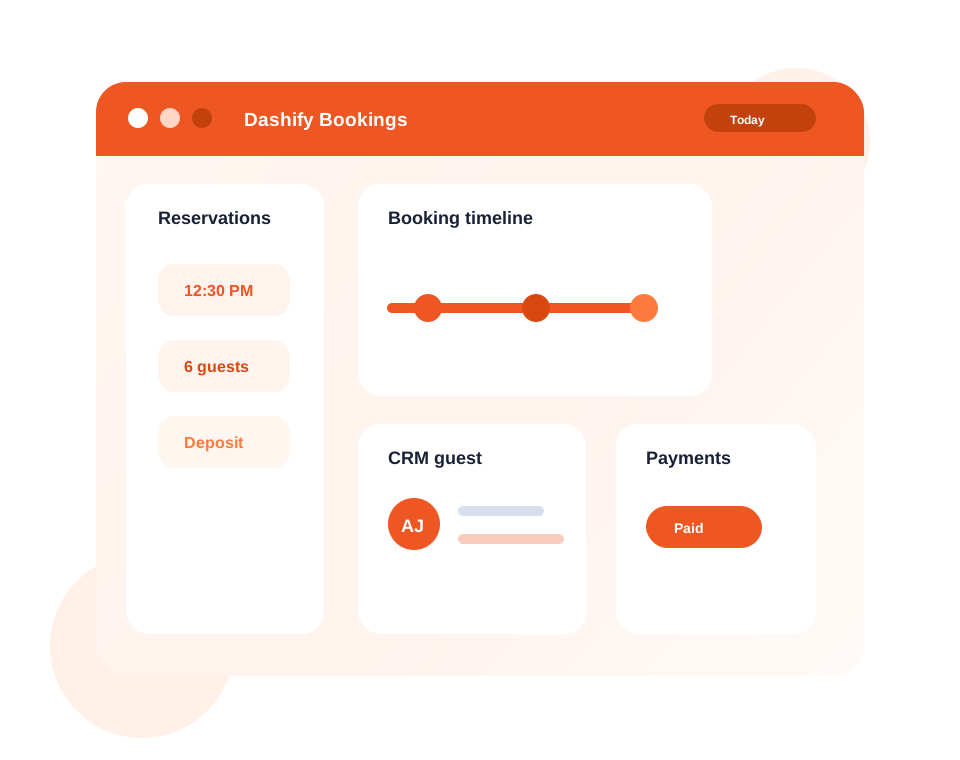
Connect reservations, forms, customer profiles, notes, and follow-up activity through Dashify CRM.
Build rosters, manage shift changes, track attendance, and compare labour costs against real sales activity.
Use booking, sales, roster, inventory, and cash information to make better operating decisions.
Restaurant workflows
Restaurants need service, staffing, customer, stock, and reporting workflows to line up. Dashify connects those moving parts for owners, managers, and staff.
Take bookings from your website, manage deposits or paid bookings, send confirmations, and connect guest history to CRM.
Keep customer profiles, booking notes, preferences, forms, enquiries, and follow-up activity in one workspace.
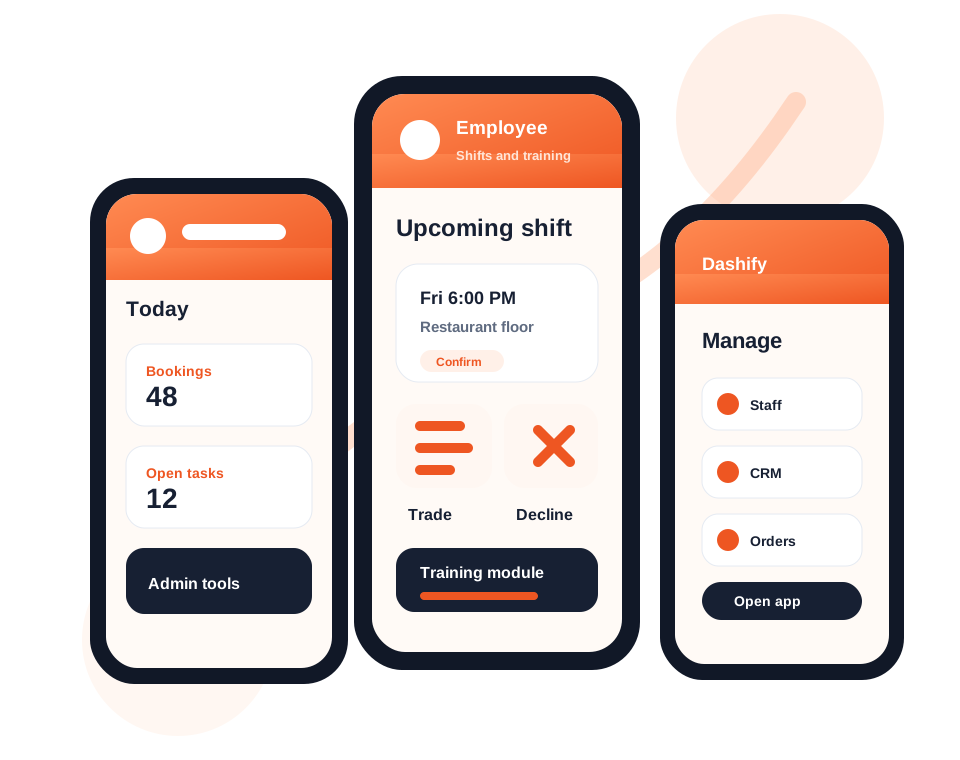
Create weekly rosters, estimate labour costs, manage swaps, open shifts, declines, and approvals.
Staff can clock in and out, view shift information, complete tasks, and access SOPs or training from the kiosk.
Track stock, complete counts, monitor low inventory, and manage supplier orders for venue supplies.
Review sales, roster cost estimates, labour percentage, attendance, bookings, and daily store performance.
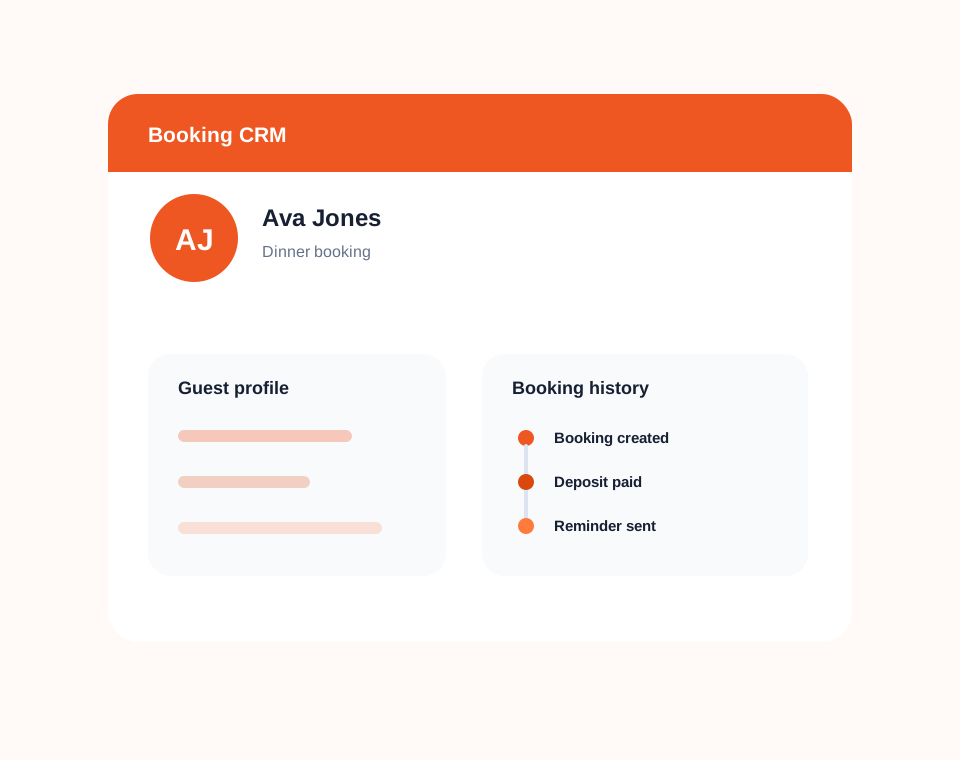
Guest and booking workflow
Dashify helps restaurants connect reservations, contact forms, guest profiles, notes, booking history, and confirmations.
Instead of bookings sitting separately from customer records, Dashify gives managers a clearer view of who is booking, what they need, and how the venue should follow up.
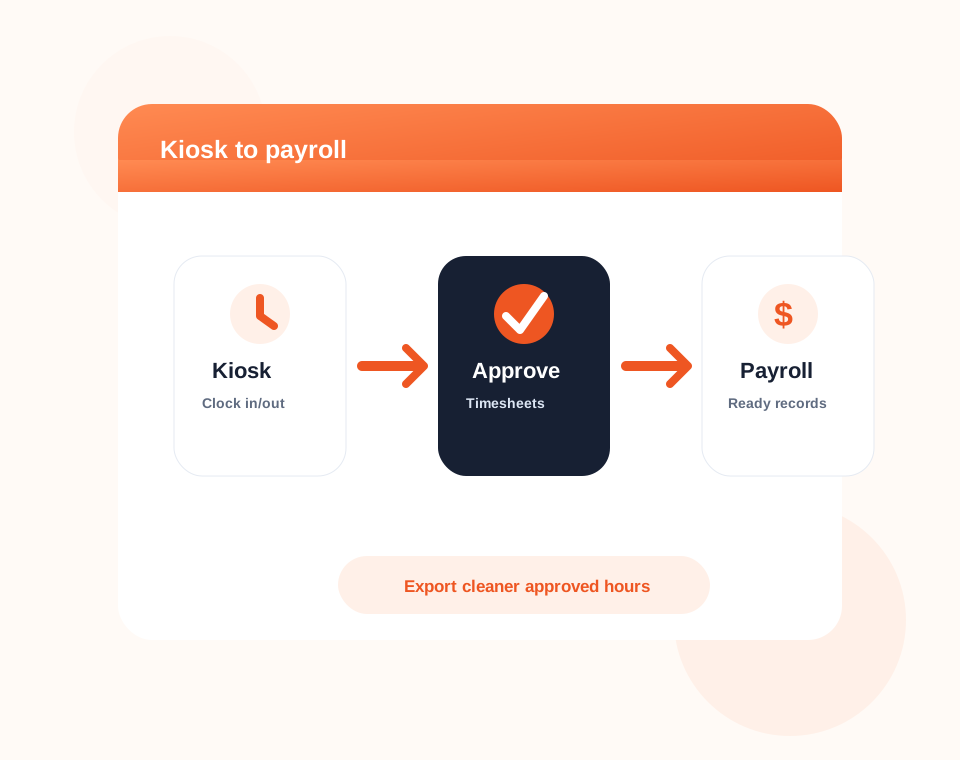
Staff and operations
Restaurants move fast, so staff need simple tools and managers need accurate records.
Dashify connects roster planning, employee self-service, kiosk clock-ins, training, SOPs, and task workflows so daily service has more structure.
Restaurant operations
Connect bookings, CRM, staff, training, inventory, kiosk, supplier ordering, reporting, and custom workflows for your restaurant.