
Stock management
Manage products, stock levels, categories, attributes, movement, and availability from one dashboard.

Inventory Management
Track stock levels, stocktake, low inventory, warehouse movement, supplier activity, and multi-location availability from one connected Dashify workspace.
Dashify Inventory Management connects with purchase ordering, sales fulfilment, supplier orders, returns, reporting, and integration workflows so your team can control stock with less manual chasing.
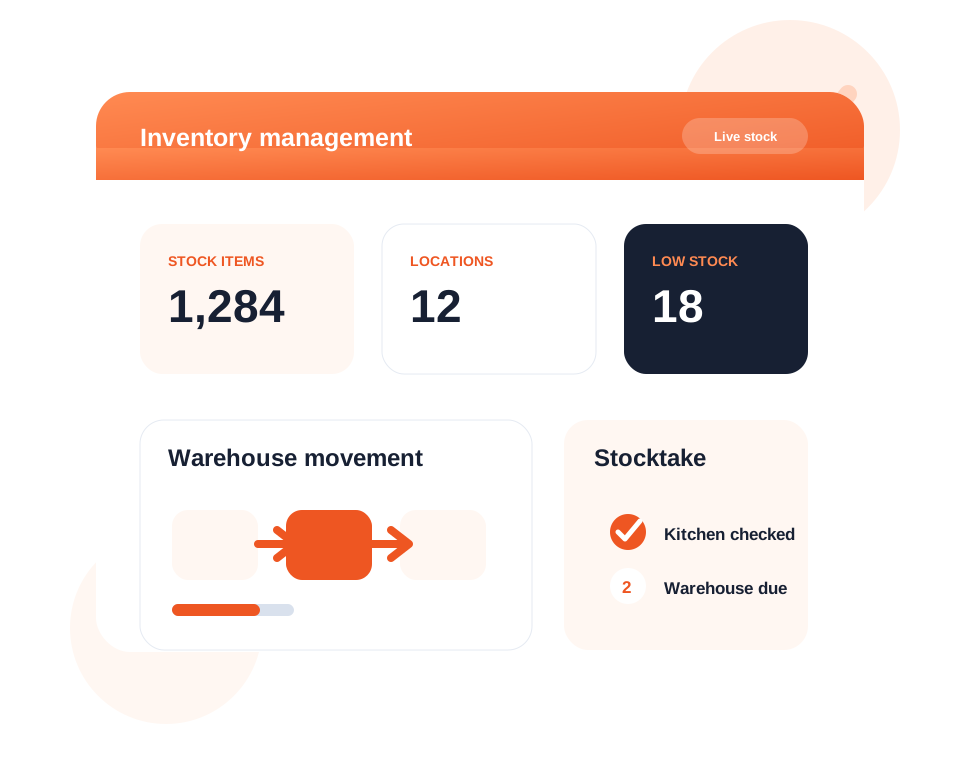
Track products, stock levels, stocktake results, and movement across your operation.
Support multiple venues, stores, warehouses, and storage areas with clearer availability.
Use low-stock alerts, reporting, and integrations to make better purchasing and fulfilment decisions.
What it handles
Dashify helps your team understand what stock exists, where it sits, what needs attention, and how purchasing or sales activity changes inventory.
Manage products, stock levels, categories, attributes, movement, and availability from one dashboard.
Run stocktake workflows and keep counted quantities connected to inventory records.
Track stock across venues, warehouses, stores, departments, or storage locations.
Spot low-stock items sooner so purchasing and replenishment decisions can happen before stock runs out.
Support receiving, movement, picking, packing, fulfilment, and warehouse visibility.
Review stock performance, product movement, location data, supplier activity, and sales fulfilment trends.
Connect inventory levels with supplier purchase orders, receiving, and replenishment workflows.
Record returns, credits, stock adjustments, and inventory corrections with traceable context.
Connect inventory workflows with the wider Dashify platform and external systems where needed.
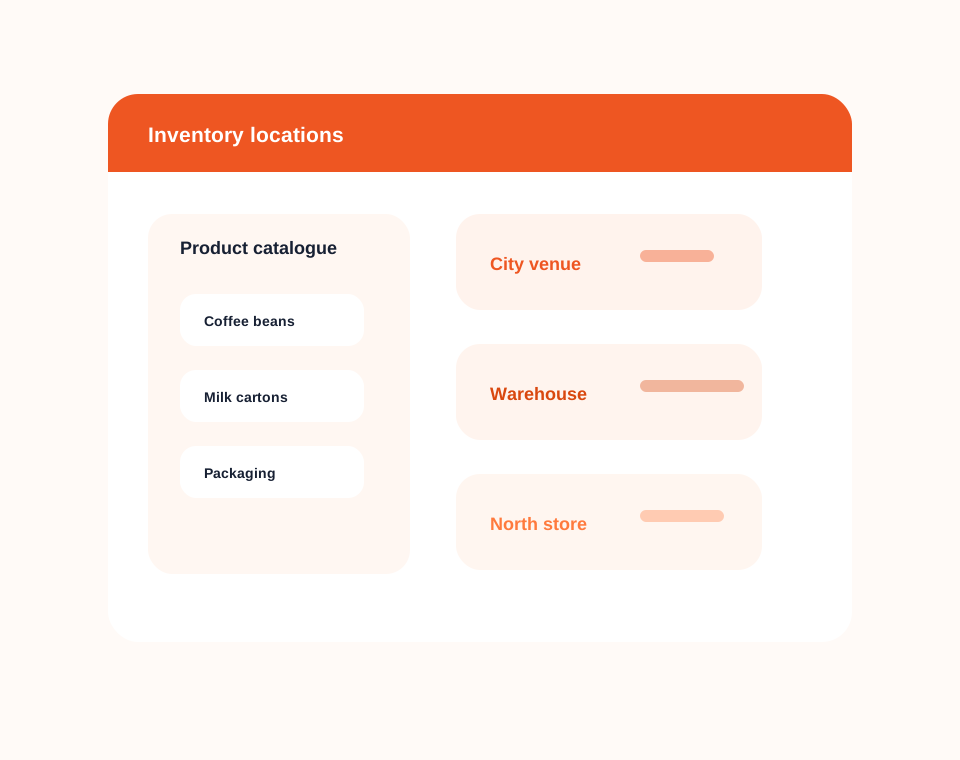
Stock and locations
Manage product details, location stock, availability, low inventory, and stock movement across your business.
Dashify gives managers clearer visibility across venues, stores, warehouses, and storage areas without relying on disconnected spreadsheets.
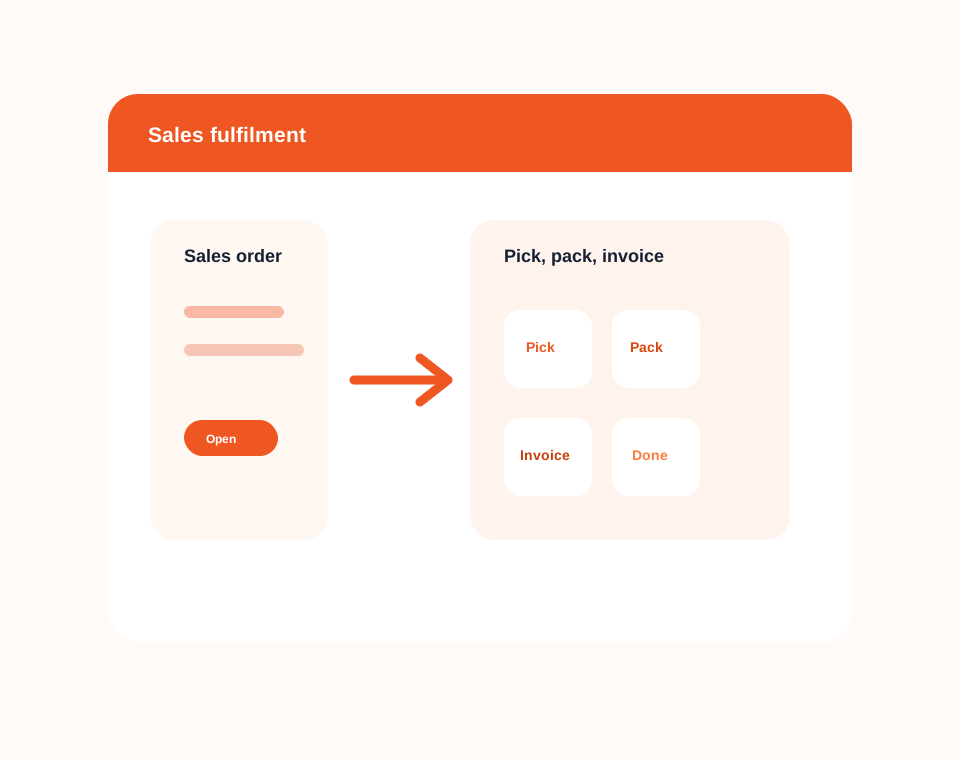
Stocktake and warehouse
Use Dashify to support stocktake, receiving, movement, picking, packing, and fulfilment activity from the same inventory system.
Warehouse teams and managers can keep stock changes traceable from counted quantities through to supplier receiving, sales fulfilment, and adjustments.
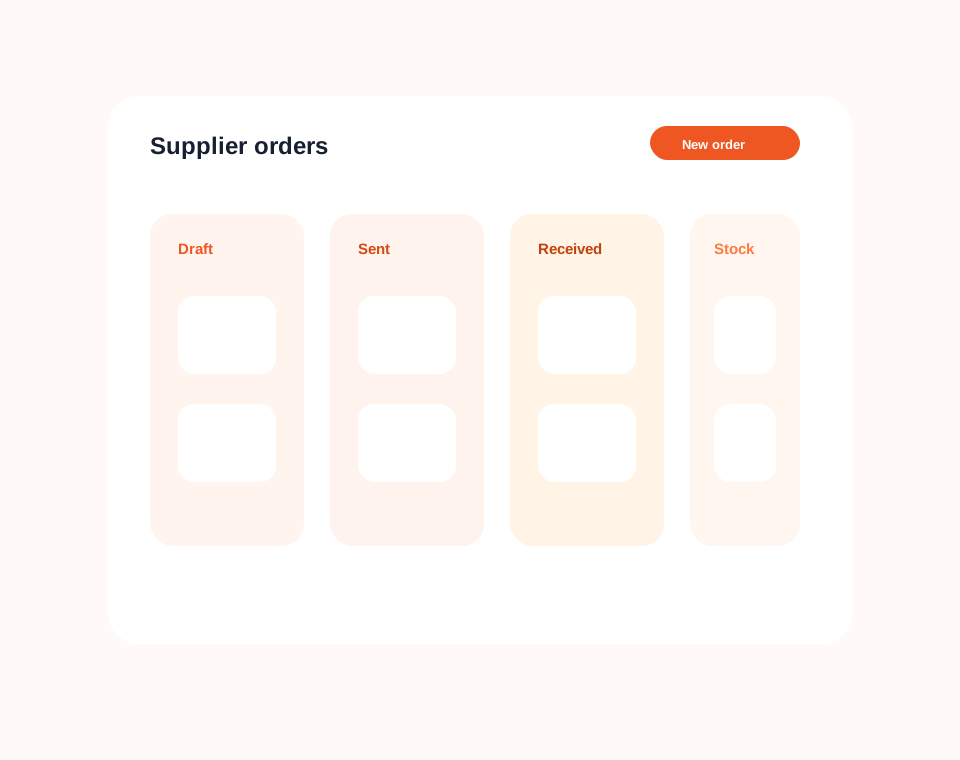
Purchasing and suppliers
Use supplier ordering and receiving workflows to keep incoming stock connected to actual inventory levels.
Dashify connects purchasing with inventory so your team can see what is ordered, what has arrived, and where stock should be received.
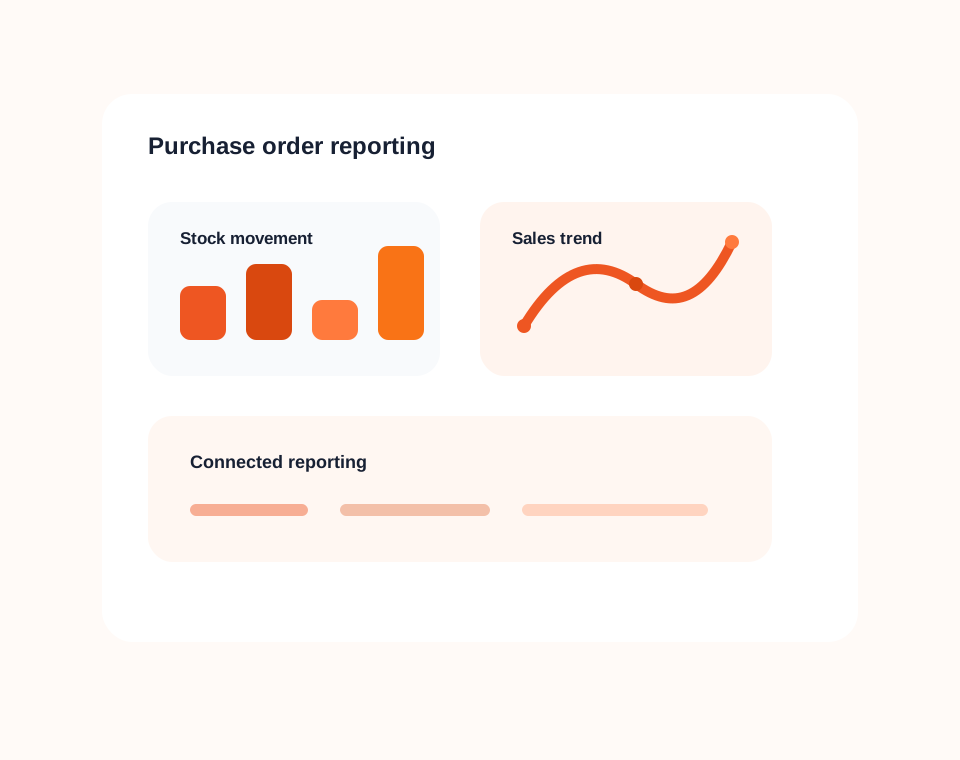
Reporting and integrations
Review stock performance, product movement, location availability, supplier activity, sales fulfilment, and low-inventory trends.
Dashify inventory can connect with purchase orders, sales orders, CRM accounts, fulfilment, returns, and external integration workflows where your business needs it.
Connected inventory control
Dashify inventory management works alongside purchase ordering, sales fulfilment, CRM accounts, returns, reporting, and integration workflows.