
Job listings
Create, edit, publish, and manage jobs for your business inside Dashify.

Job Management
Create job listings in Dashify, collect candidate applications, manage applicants through each hiring stage, and move successful candidates into onboarding.
Dashify keeps job advertising, application management, candidate review, hiring decisions, and employee onboarding connected in one HR workspace.
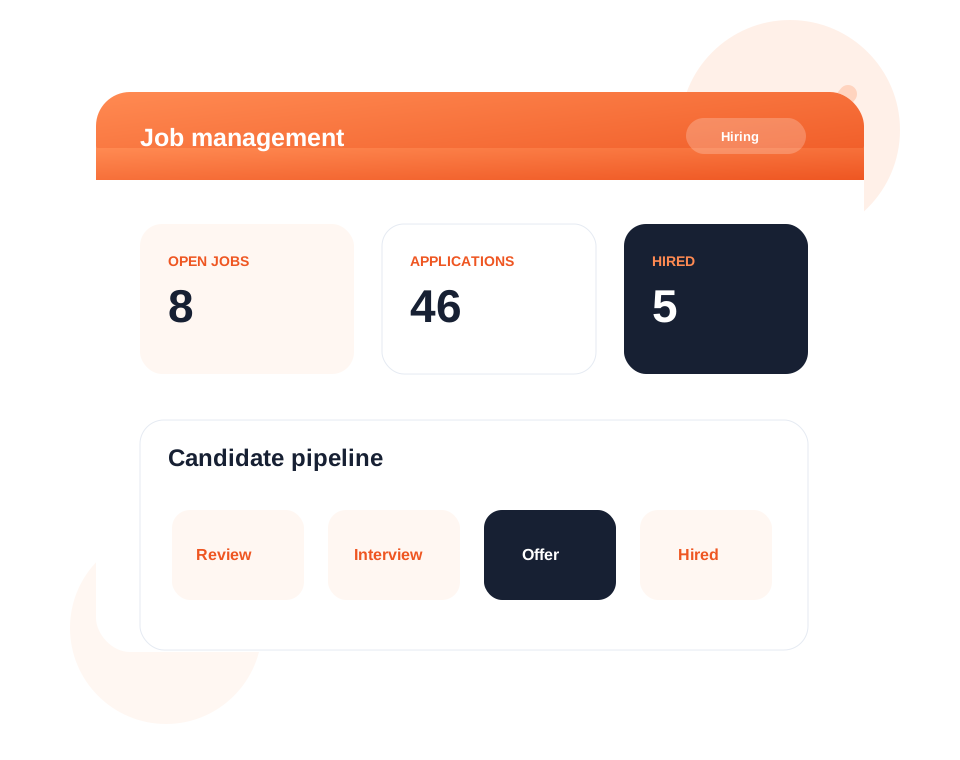
Create and manage job listings for your business from inside Dashify.
Collect applications and move candidates through review, shortlist, interview, offer, and outcome stages.
Turn successful applicants into employee onboarding workflows without re-entering the same information.
What it handles
Dashify helps businesses manage hiring from job listing through application review and new employee setup.
Create, edit, publish, and manage jobs for your business inside Dashify.
Receive candidate applications and keep application details connected to each role.
Track applicants through review, shortlist, interview, offer, hired, or unsuccessful stages.
Review applicant details, notes, status, and next steps from one dashboard.
Keep candidate follow-up and hiring workflow activity organised.
Move successful applicants into employee onboarding and profile setup.
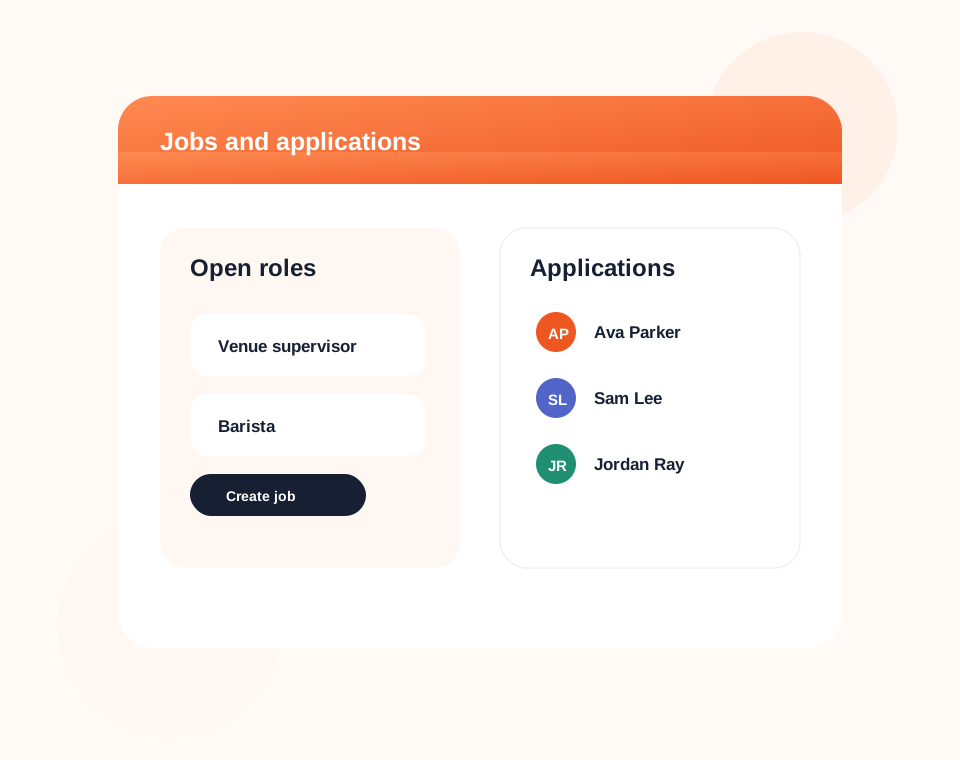
Job listings
Create job listings for the roles your business needs, then manage applications against the correct position.
Dashify gives managers a cleaner place to keep hiring activity instead of tracking candidates across inboxes, spreadsheets, and disconnected forms.
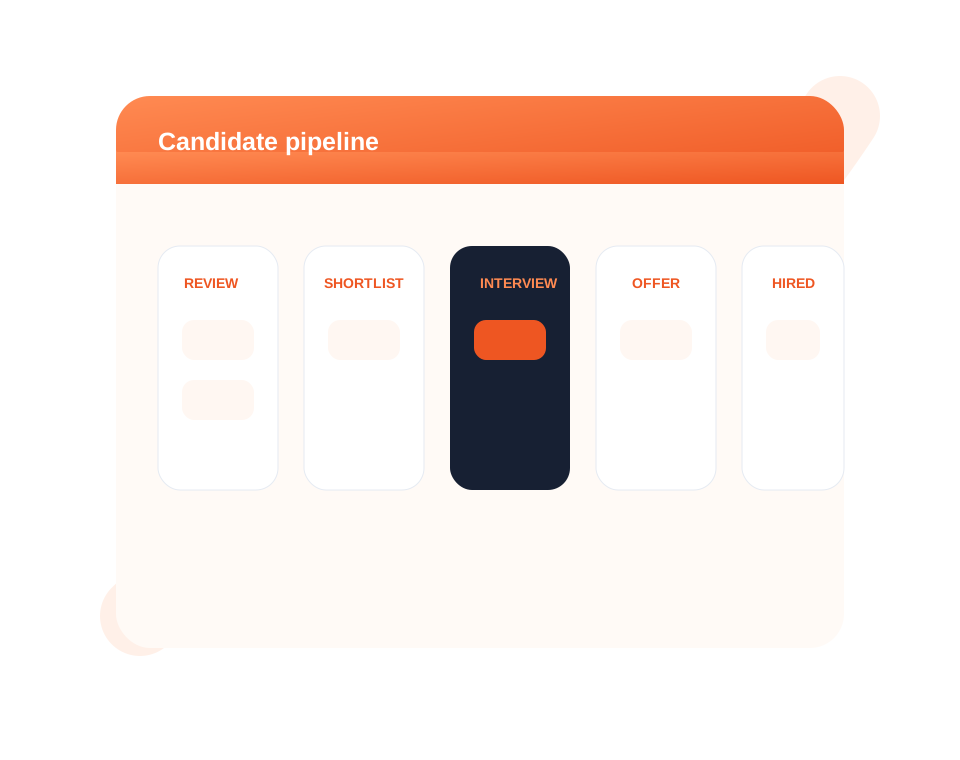
Application management
Track each candidate from application through shortlist, interview, offer, hired, or unsuccessful outcomes.
Managers can review applicant information, keep notes, update statuses, and maintain a clear view of where every candidate sits.
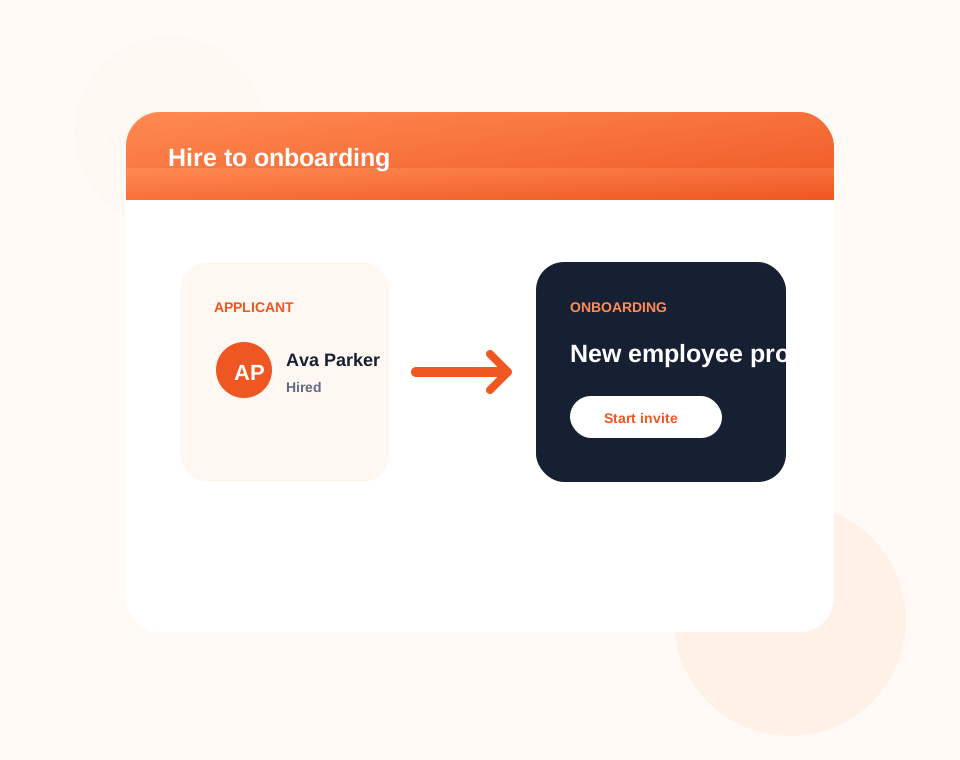
Hiring to onboarding
Once a candidate is hired, Dashify can connect the hiring outcome to employee onboarding and profile setup.
This keeps recruitment and HR connected so managers do not need to manually recreate employee details after hiring.
Connected HR workflow
Dashify job management works alongside onboarding, HRIS, training, rosters, mobile app access, and employee operations.