

Projects
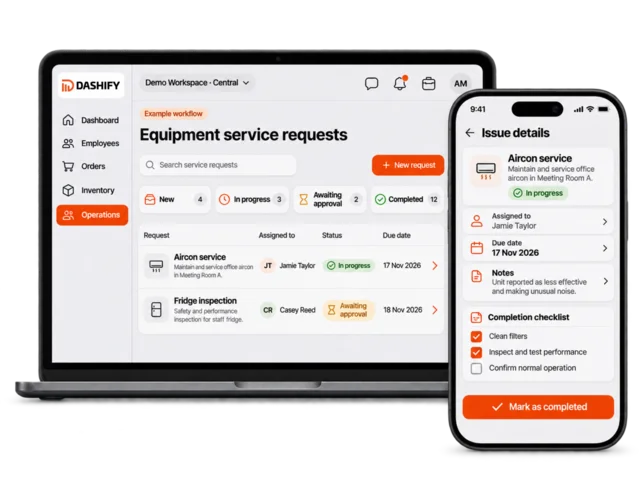
Group related work into a project with responsibilities and progress in one place.

Dashify Projects & Tasks
Stop chasing task updates across messages and separate checklists. Give daily routines, one-off jobs and larger projects a clear owner and reviewable progress.
Try a simple task first, then check how your team needs to handle checklist work, due dates, approvals and project planning.
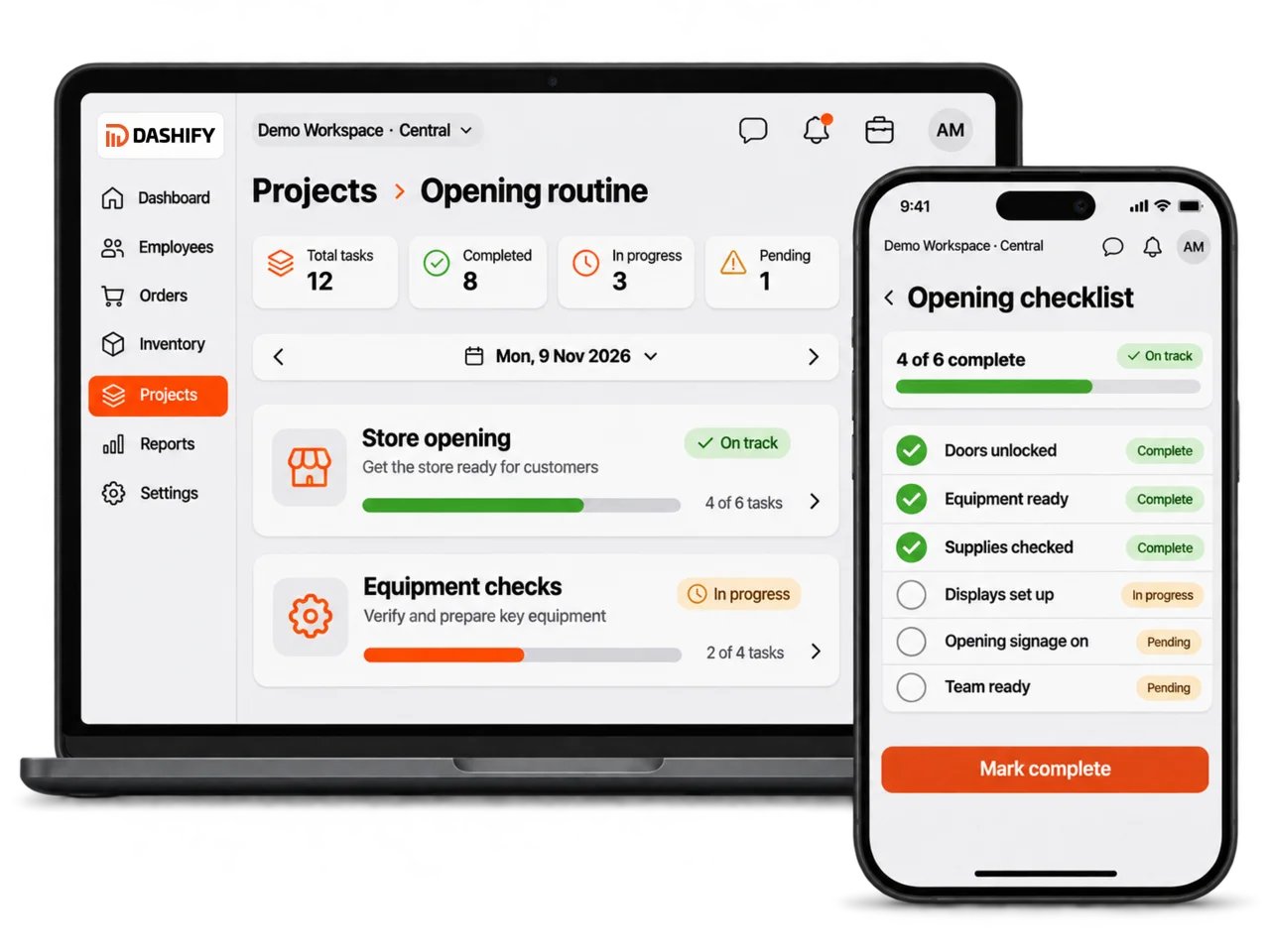
Keep the task, its owner and the next action together.
See completed checklist items and work that still needs attention.
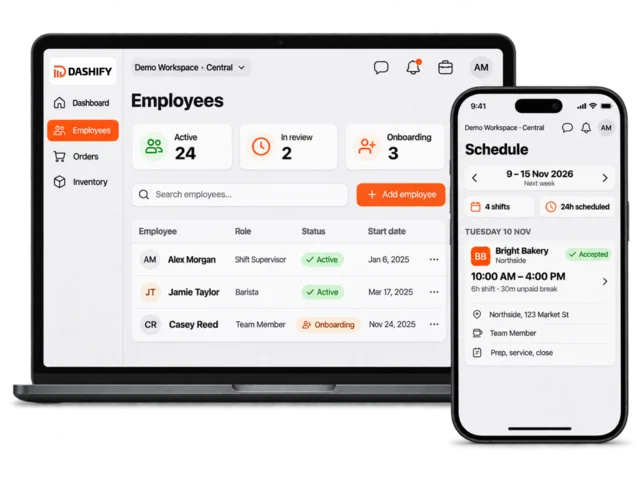
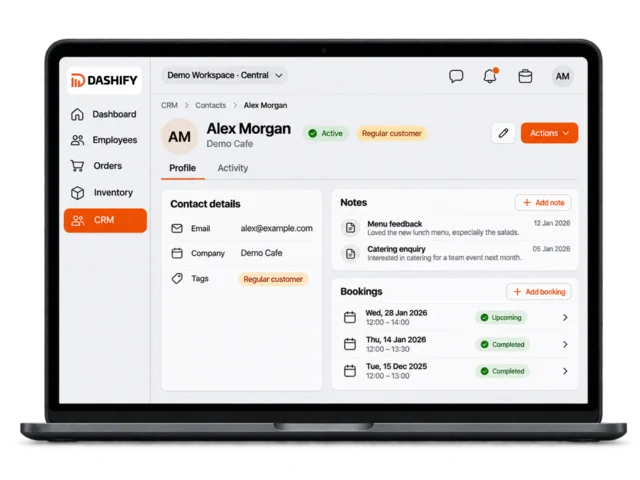
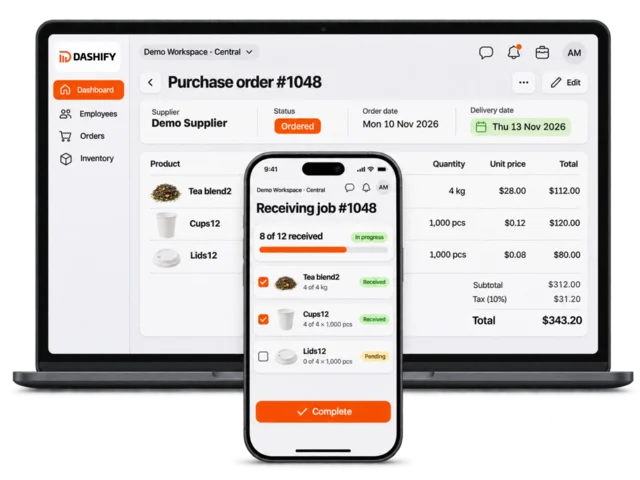
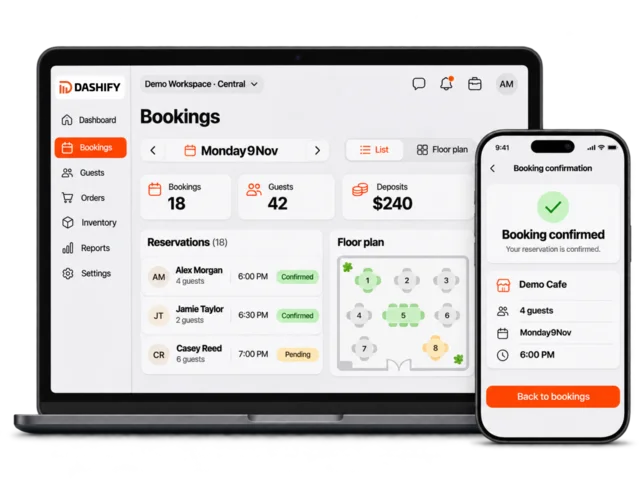
Manage everyday work alongside staff, stock and reporting.
Work that moves forward
Keep small jobs simple and give more involved work the structure it needs.
Group related work into a project with responsibilities and progress in one place.
Break repeatable work into clear steps employees can complete.
Give staff a clear view of the jobs they are responsible for.
Keep deadlines visible while planning upcoming work.
Review work requiring manager attention before the next step.
Keep cost and revenue planning alongside project activity where needed.
Daily tasks
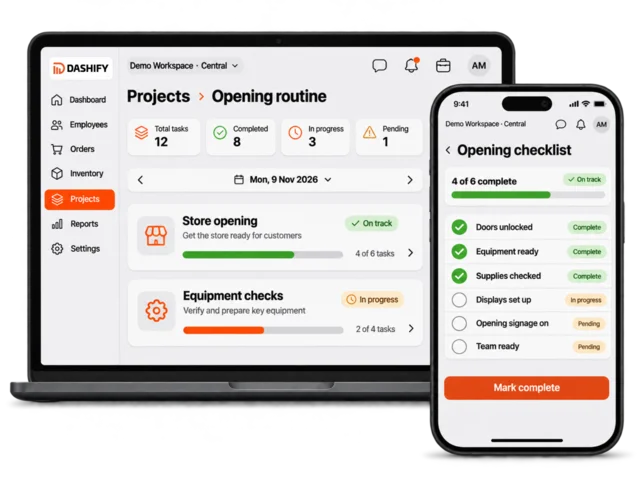
Give opening, closing and day-to-day checks a clear place in the working day.
Staff can follow assigned checklists while managers keep visibility of completed work and outstanding items.
Project visibility
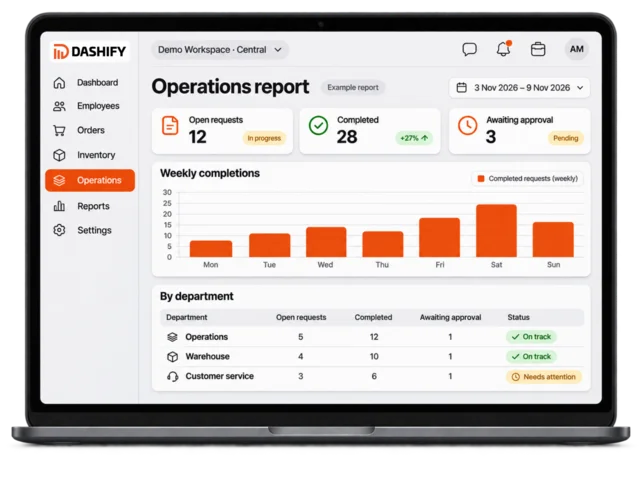
Connect project progress with the people, planning and decisions behind the work.
Use project and operational reporting to review activity and identify work that needs attention.
Less chasing. More doing.
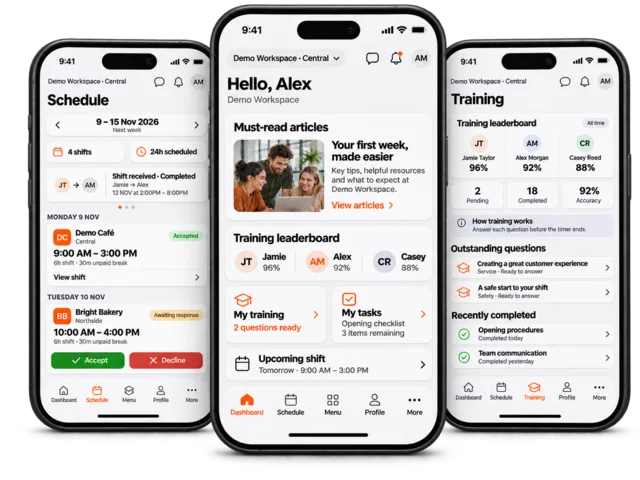
Explore projects and tasks alongside employee management, inventory, training and the Dashify mobile app.
Before you choose
For teams chasing task updates or managing recurring work in group messages.
A workflow to try: Assign an opening checklist, complete its steps and review the progress alongside a larger project.
Different types of work need different levels of detail. Review simple tasks, checklist work and project planning against the way your team operates.
Visibility and editing are different permissions. Confirm the employee and manager access you need before assigning live work.
Available tools depend on your plan, enabled modules, settings and permissions. Compare plan inclusions or talk through your requirements.
Try the workflow